
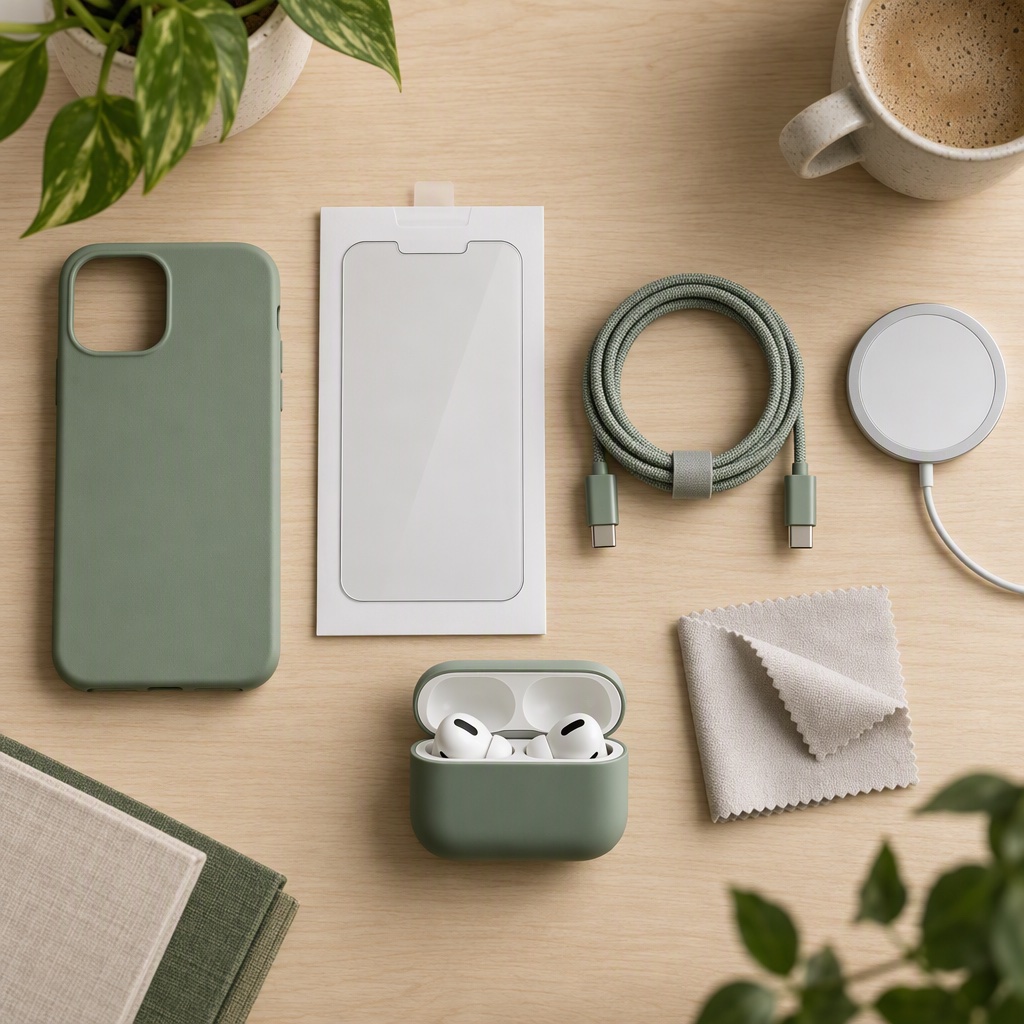
A spare phone or a second device often ends up in a drawer, and that drawer can quietly damage it. Loose metal objects scratch the screen, dust settles into the ports, and a battery left fully charged for months can lose capacity. Storing a phone in a drawer is fine, and sometimes the best option, but a few small habits turn a careless drawer into a safe one. Whether you are tucking away a retired phone or just keeping a spare handy, it is worth storing it properly. This guide covers the drawer setup that keeps a phone in good shape for months.
- Store the phone on its own, away from loose metal and keys.
- Charge it to around half before leaving it for a long time.
- Use a pouch or case so dust and scratches stay off the screen.
- Check it every few months and top up the battery a little.
Why does storing a phone in a drawer need any thought?
A drawer is a closed, dark space, which is good for the screen, but it is also where odds and ends collect. Keys, coins, a stray screwdriver, and paper clips can press against the glass and scratch it, and grit that settles on the surface can do the same. Drawers also gather dust, which finds its way into charging ports and speaker grilles. And if the phone sits for months with a full or empty battery, the cells can degrade faster than they would in normal use. That is why a little charge matters more than most people expect. None of this is dramatic, but over a long storage period it adds up. A few simple steps protect the phone with almost no effort, and they take only a minute to set up.
What can damage a phone left loose in a drawer?
The most common damage comes from contact. Hard objects pressed against the screen or camera lens can leave scratches, and a heavy object on top can crack the glass. Moisture is the second risk: a drawer in a damp room, or a spill nearby, can put humidity around the phone, and moisture inside a powered-off phone can corrode the contacts over time. Heat is the third, so avoid drawers above a radiator, an oven, or in direct sun, where the phone can quietly cook even while switched off. Dust and grit cause smaller but persistent problems, working into the ports and buttons. Keeping the phone in its own pouch, away from other objects and away from heat and damp, removes nearly all of these risks at once. It is the single most effective habit you can adopt.
How should you clean a drawer before storing a phone in it?
Empty the drawer completely and wipe it out with a damp cloth, then let it dry thoroughly before putting anything back. Vacuum or brush out dust from the corners, since grit left behind will work its way into the phone. If the drawer is wooden and smells strongly, let it air for a day, because some finishes and glues give off fumes that are best avoided around electronics. Line the bottom with a soft cloth or a sheet of foam if the surface is rough, so the phone rests on something gentle rather than bare wood or metal. Once it is clean and dry, keep the drawer for the phone and a few soft items only. A dedicated, tidy drawer is far kinder to a stored phone than one shared with tools and junk. If you cannot empty the whole drawer, at least clear a corner and keep the phone there.
What should the phone be in when it goes in the drawer?
A pouch or a case is the simplest protection. A soft pouch keeps dust off and cushions the phone against anything nearby, and a slim case guards the screen edges and camera lens from knocks. If you have several devices, give each its own pouch rather than stacking them, because phones pressed together can scratch one another. Keep the phone face down or screen up on something soft, but never with weight on top. If the drawer is likely to be opened and shuffled often, a small rigid box inside it adds another layer. For a device you want to keep private, a pouch with a shielding layer also blocks the screen from view when it is out of the drawer, which is handy if the drawer is shared.
How do you store the charging cable and accessories too?
Store the cable loosely coiled rather than tightly wrapped around a finger, because sharp bends damage the internal wires over time. A small pouch or a cable tie keeps it tidy and stops it tangling with other items. Keep the cable in the same drawer as the phone so it is easy to find, but in its own compartment so it does not press against the screen. If you store a charger too, keep the plug away from the phone body so its prongs cannot press against the glass. A wall charger left plugged in is not a storage solution, so unplug it when the phone is not in use. Our guide to storing phone accessories covers the wider kit.
How often should you take the phone out and check it?
Check it every few months rather than leaving it untouched for a year. Take it out, look for dust in the ports, and charge it to around half if it has dropped low. A battery stored for a long time is happiest at roughly half charge, so topping it up a little and then switching it off again keeps it healthy. While it is out, power it on briefly to confirm it still works and to let it install any critical updates, then shut it down and put it back. If you keep the phone somewhere a visitor could reach it, our advice on keeping a phone secure is worth a read, since the same habits apply at home. A regular check also means you notice a problem early, while it is still easy to fix.
Frequently asked questions
- Should I store a phone fully charged? No. Around half charge is best for long storage, because both a full and an empty battery age faster when left for months.
- Should I remove the case before storing? It is fine to leave a slim case on. A very tight or grubby case is better removed and cleaned so it does not trap grit against the phone.
- Can I store a phone in a cold room? Cool and dry is good, but avoid extremes. A freezing room or a hot one stresses the battery, so a normal indoor drawer is ideal.
- Will the battery drain while stored? Slowly, yes. Even powered off, a battery loses charge over months, which is why a check and a top-up every few months helps.
- How do I keep dust out of the ports? A pouch or a case with covered ports helps most. If dust gets in, use a soft brush or a puff of air rather than a pin or a sharp tool.


