
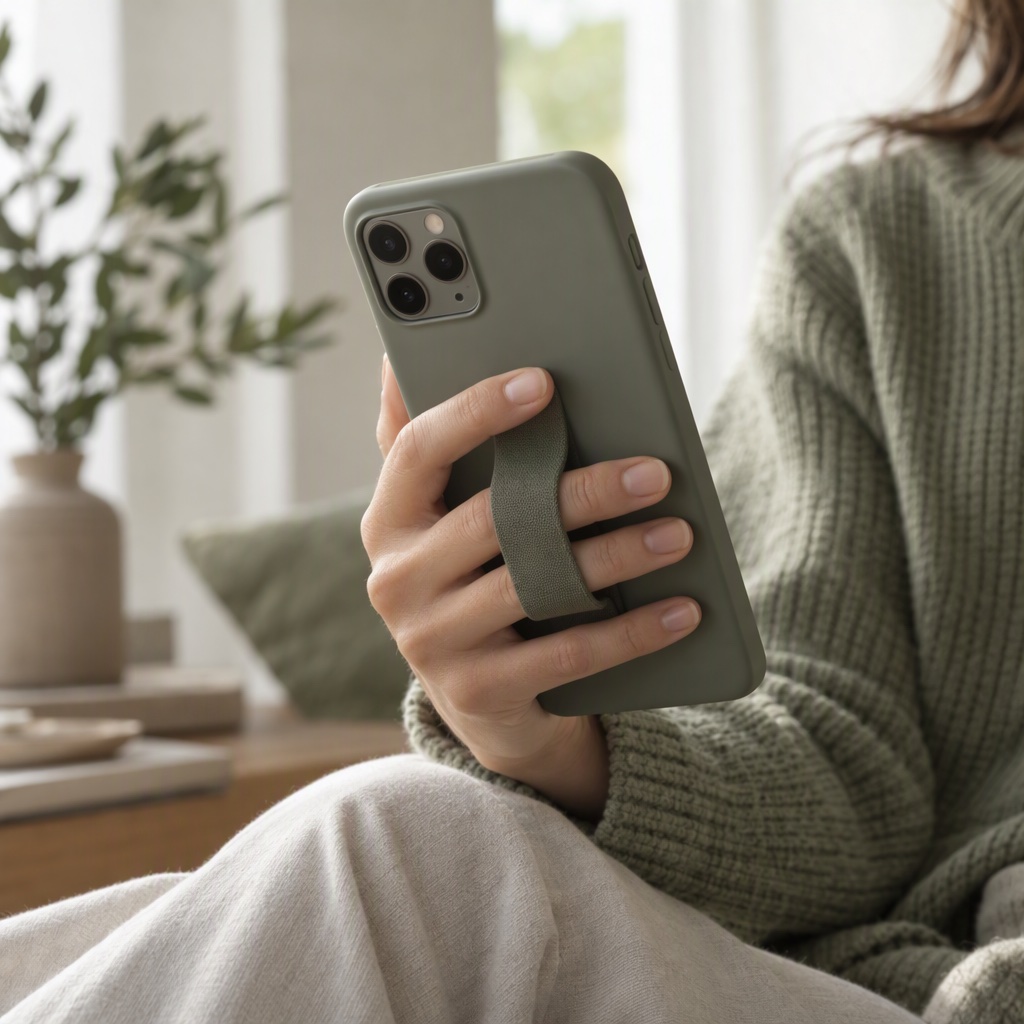
A desk phone holder does one job: it keeps the phone at a height and angle you can see without picking it up. Everything else — folding, weighted, magnetic, with or without a charging slot — is a variation on that. Choose for the surface you have and the angle you need, and the holder will earn its space on the desk rather than adding to the clutter.
- Decide the angle first: upright for video calls, tilted for reading, low for filming.
- Match the holder to your desk surface, whether that is solid, glass or a shelf edge.
- Check that the holder does not block the charging port or the speaker.
- A stand plus a short cable beats a long cable running across the desk.
What does a desk phone holder actually need to do?
It holds the phone where you can see the screen, stays put, and does not get in the way. That sounds obvious, but most bad holders fail one of those three points. They sit too low, so you have to lean over the desk to read them. They are too light, so they slide when you tap the screen. Or they place the phone exactly where your keyboard sits, so you move it back ten minutes later. A good holder solves all three in a shape you do not notice. Think about the moment you will glance at the phone: a notification, a recipe, a call, a meeting. That moment decides the height, and the height decides the holder. If you only ever glance while typing, a low angled stand beside the keyboard works better than a tall one in the centre.
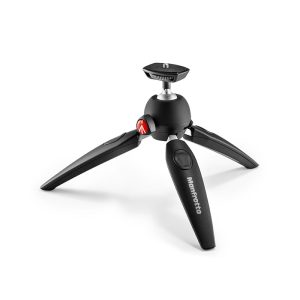
Mounts & Stands — holder. Designed for everyday carry and backed by our 30-day happiness guarantee.
Where on the desk should the holder sit?
Put it where you already look, not where it looks tidy. For most people that is the left or right of the keyboard, angled slightly inward, or on a monitor riser at eye level for video calls. A holder in the centre of the desk feels organised but it fights with your hands and gets moved. If the desk is shallow, a holder that clamps to the edge or a shelf above frees up surface entirely and lifts the phone above the mess. Keep it away from the edge of a glass or polished desk, since a heavy stand on a slippery surface will walk. Whatever you choose, leave enough room behind the phone to route a cable without pulling the stand over, because the cable is the thing that eventually topples everything. Our notes on cutting desk clutter go into this in more detail.
What height and angle work for which task?
Reading and typing want a shallow tilt, roughly the angle of a book, so the screen faces you without glare from overhead lights. Video calls want the lens near eye level, which usually means a taller stand or a position on top of a monitor, otherwise the camera looks up your nose. Watching something while working wants a lower, more upright angle so the video sits closer to the desk surface. Recording a video or a time-lapse wants stability more than height, which is where a tripod-style stand beats a folding desk holder. In the kitchen, a stand needs a non-slip base and a tilted angle so a recipe stays readable from standing height. One holder rarely does all of these jobs well, so it is normal to own two and to move the cheap one around as needed.
What makes a holder stable on different surfaces?
Weight and contact area. A metal or thick plastic stand with a wide base stays put on a wooden desk; a light stand with small feet does not, especially on a polished or glass top. Rubber or silicone feet matter more than people expect, and a stand with a slightly textured pad grips even a smooth surface. Anti-slip mats are a cheap fix for a glass desk and stop the whole stand walking when you tap. If you type hard, check that the phone sits behind the keyboard rather than above it, so your wrists do not knock it. Foldable stands are convenient but usually lighter, which makes them less stable at their tallest setting. For a phone in a thick case, check the cradle depth, since some shallow holders only grip a bare phone securely.

Mounts & Stands — holder. Designed for everyday carry and backed by our 30-day happiness guarantee.
How should charging work with a desk holder?
The cleanest setup charges without a cable you have to reconnect, either with a charging pass-through slot in the stand or with a wireless charging pad built into the base. A pass-through slot keeps the port accessible and the phone charging while it sits, which is ideal for a desk you work at all day. A wireless pad is tidier but adds thickness and needs the phone aligned properly. Whichever you choose, use a cable that is only as long as it needs to be and route it behind the stand rather than in front, where it drags the phone when you pick it up. If you have a case, check that the pad still charges through it, since thick or magnetic-interfering cases slow charging down. Picking the right desk stand for your setup comes down to these small details.
When is a holder not the right answer?
When the phone needs to move with you, or when the real problem is cable length rather than the stand. If you find yourself picking the phone up constantly, a holder may be adding a step rather than saving one, and the honest fix is a better notification setup on the phone itself. On a very small desk, a wall-mounted or under-shelf holder saves space that a stand would eat. If you mostly want a bigger screen for calls, a laptop or a tablet may serve better than a propped phone. Consider also whether you need the phone visible at all: putting it face down in a drawer during focused work is a legitimate accessory-free solution. Match the holder to the task rather than buying one for every possible future use.
Frequently asked questions
- Will a phone holder scratch my desk? It can, especially metal feet on a soft wood surface, unless there are rubber or silicone pads on the base. A small felt or rubber mat under the stand protects the desk and stops the stand sliding.
- Can I use a phone stand with a case on? Most can, but check the cradle depth and the width at the narrowest point. Very thick bumper cases and wallet cases need a wider opening than a slim cradle provides.
- Are foldable stands as good as fixed ones? They are more portable and easier to store, but lighter, so they are less stable at their tallest setting. For a fixed desk position, a heavier fixed stand is usually the better long-term choice.
- Does a stand interfere with wireless charging? A pad built into the stand works fine, but a thick metal stand placed behind the phone can block the coil. Keep metal away from the centre of the back of the phone.
- How high should a phone sit for video calls? Close to eye level, so the camera looks straight at you rather than up or down. A laptop riser, a stack of books or a monitor-top stand usually achieves this better than a short desk holder.


