
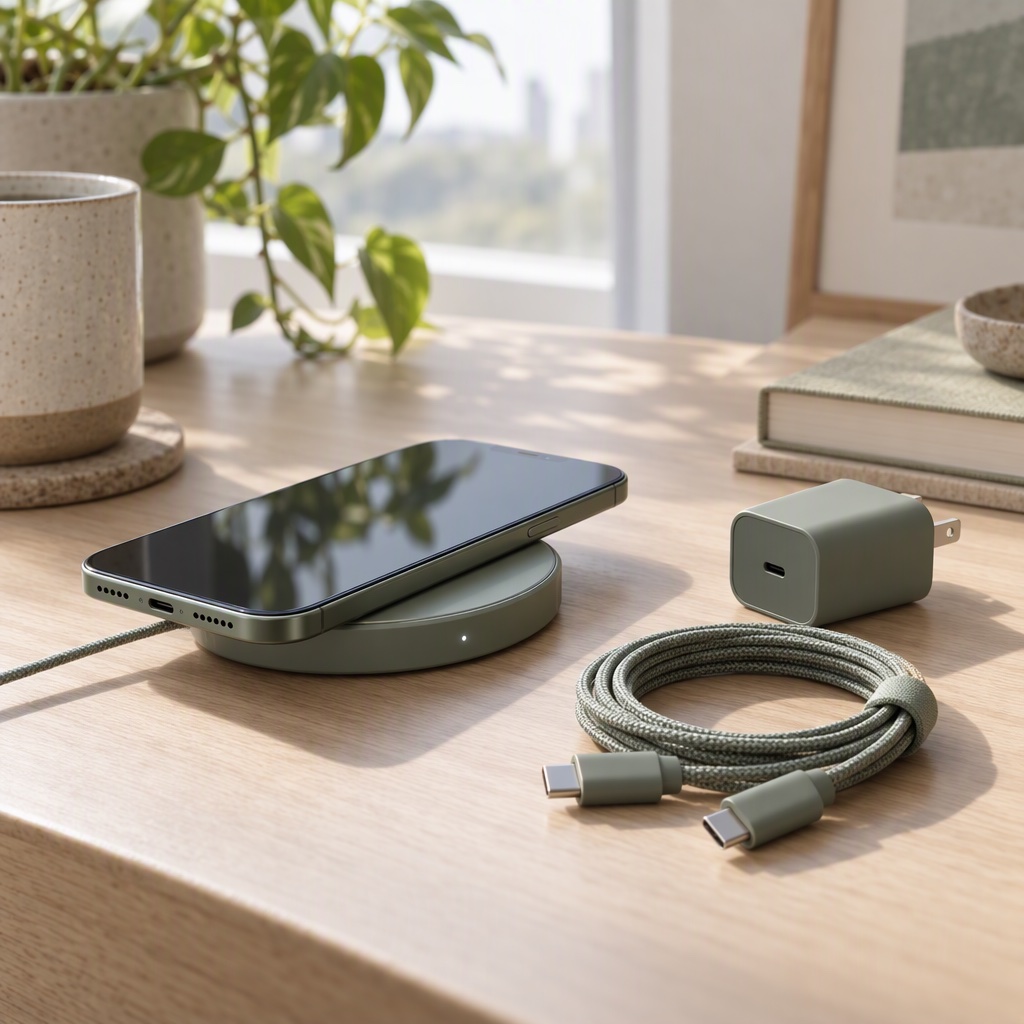
Cable clutter on a home desk is almost never caused by having too many cables. It comes from cables being longer than they need to be, having nowhere specific to live, and slowly accumulating one spare at a time. Fixing it does not require buying an elaborate organizer — it requires giving each cable a route, a length, and a home, so that the phone you plug in every evening stops dragging its neighbours with it.
- Route each cable along a fixed path instead of letting it loop.
- Use the shortest useful cable; extra length is what makes tangles.
- Keep one cable per job, labelled, so you stop digging through a knot.
- Give adapters and spare cables a single tray or box, not the desk surface.
Why does desk cable clutter build up in the first place?
It starts with excess length. A two-metre cable used to charge a phone on a desk has about a metre and a half of nowhere to go, and it will find that nowhere in the least convenient shape possible. Add a second cable for a tablet, a spare for a power bank, and an adapter for a laptop, and within a month you have a nest that has to be untangled before anything can be used. The second cause is drift: cables get dumped on the desk when you are in a hurry and never return to a home. Once they have cross-bred, the pile is unpleasant enough that nobody wants to deal with it, so it grows. A cable problem is nearly always a habit problem before it is an equipment problem.

Cables & Adapters — cable. Designed for everyday carry and backed by our 30-day happiness guarantee.
What are the simplest fixes that actually work?
Start by removing cable you do not use. Most drawers hold at least two or three cables that belong to a device you no longer own, and getting rid of them instantly reduces the problem. Then shorten what is left: a short cable for the desk, a medium one for the bedside, and one long cable for the awkward socket across the room. Route each cable along a single fixed path — along the back edge of the desk, down a leg, behind a monitor stand — so it always lies the same way. Fix it in place with a clip or a strip of adhesive holder at the point where it leaves the desk. Once each cable has a route, the tangles stop forming, because tangles need movement to happen.
How do you get a charging cable to the desk cleanly?
Decide where the phone sits first, then build the cable route around that. If the phone lives on a stand at the back of the desk, the cable should come up from behind the stand and stop, with no slack looped over the front. If it sits to one side, bring the cable up the nearest leg rather than across the whole desk. The trick is to mount the charger or the adapter itself under or behind the desk, so the only thing visible on the surface is the last few centimetres of cable. Where a socket is close by, a right-angle plug or a short adapter keeps the cable flush to the desk instead of sticking out and catching. If you want a tidier whole-desk approach, our guide to desk accessories that cut clutter covers the same ground in more detail.

Cables & Adapters — cable. Designed for everyday carry and backed by our 30-day happiness guarantee.
How do you handle adapters and multi-port chargers?
Adapters are the small parts that make the biggest mess, because they roll, they get lost, and they end up jammed behind a monitor. The fix is to stop treating them as loose items. A multi-port charger mounted under the desk replaces three individual plugs and gives every cable a home at the same time, which is the single highest-value change most desks can make. Any adapter that genuinely needs to be portable belongs in a small pouch or tray with the cable that goes with it, rather than in a pocket where it will be rediscovered as loose change. Stick-on cable ties along the back edge keep loops tidy, and a small tray or box catches the spare cables you want to keep but not see every day.
Is it worth labelling cables?
If more than one person uses the desk, or if you keep cables for several devices, labels save a surprising amount of time. A folded strip of tape with a word on it — phone, tablet, bank, slow — is enough. The point is not decoration but identification: you should be able to grab the right cable in the dark without unplugging anything. It also stops the fast cable that came with your power bank quietly migrating to the bedside table. Colour-coding works too, and is faster to read at a glance, but only if you can remember which colour means what. Whichever you choose, do it once and it stays useful for years, because cable habits rarely change.
How do you stop the clutter coming back?
Give every cable a home and put it back when you are done. That sounds obvious, but it is the whole system: a cable with a defined position will return to it, and a cable without one will end up in a pile. Keep one dedicated cable for the phone on the desk so you are never tempted to unplug something else. Do a five-minute reset every couple of weeks, coiling the loops and repositioning anything that has drifted. If a cable has no job, let it go — a drawer with four useful cables beats one with fourteen that all look the same. Our guide to phone stands and desk holders is worth reading too, since where the phone sits decides everything else.
Frequently asked questions
- Do cable sleeves and tubing help?They help a lot when several cables run the same way, such as down the back of a desk or behind a TV unit. They turn a bundle of separate cables into one neat trunk, though they work best when the number of cables is fixed rather than changing weekly.
- Is wireless charging tidier than a cable? It removes one cable, but you still need to run power to the pad, so it is a partial win. It is most useful on a bedside table or a desk where the phone sits in one predictable place all day.
- How do I stop cables falling behind the desk? Route them down a single leg and fix them with a clip or a tie at the point where they leave the surface. If a cable still slides, a small adhesive hook or a strip of velcro along the underside catches the weight.
- Should I keep old cables “just in case”? Keep the ones that match devices you still use, plus one spare of the type you buy most often. Everything else is clutter with a small residual value, and old cables are a common source of slow charging when they get mixed in.
- Can I charge several devices from one charger? Yes. A multi-port charger with enough total output can serve a phone, a tablet, and a power bank at once, though the speed of each port depends on how the power is shared between them.


