
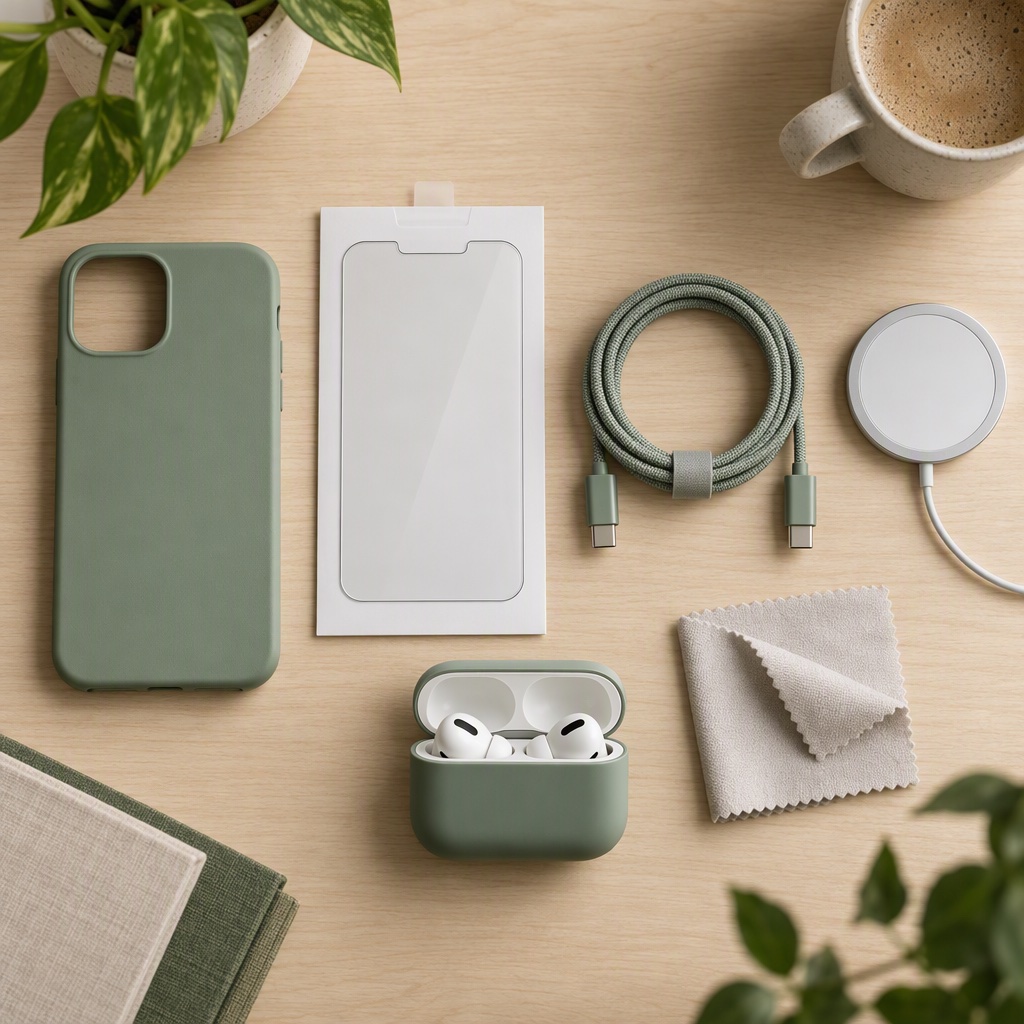
When a phone gets hot, everything slows down: the screen dims, apps lag, and charging may pause on its own. Cooling it down quickly is mostly about moving heat away from the device and stopping whatever is adding more. You do not need a special gadget. Take off the case, get the phone out of the sun, stop charging it, and let air move around it, and in most cases the phone recovers within minutes. Knowing what actually helps, and what can cause harm, lets you fix the problem calmly instead of making it worse. Most of what helps is free, and none of it needs special equipment.
- Stop charging and stop heavy tasks first.
- Remove the case and move the phone out of direct sun.
- Let air move around the phone rather than sealing it up.
- Never put a hot phone in a fridge or freezer.
Why does a phone get hot in the first place?
Phones produce heat whenever they work. The processor, the screen, the radios for Wi-Fi and mobile data, and the battery all generate warmth as they run, and the harder they work, the more heat they make. Charging adds its own heat, and so does a bright screen in direct sun. Because a phone has no fan, it relies on its surface to shed that warmth into the air. Anything that slows that transfer, such as a thick case, a hot environment, or a blanket, lets heat build up. So a hot phone is usually a sign of hard work plus poor cooling, not a fault. Once you remove the extra load and improve airflow, the phone will start to cool on its own, which is why reducing what the phone is doing always comes first. Heat is a byproduct of work, so the less the phone has to do, the less warmth it creates.
Mounts & Stands — holder. Designed for everyday carry and backed by our 30-day happiness guarantee.
What is the fastest safe way to cool a phone?
The fastest safe fix is to reduce the load and increase airflow at the same time. Stop charging, close heavy apps, and turn the screen off or down. Take the case off so the back of the phone is exposed. Move the phone out of sunlight and into shade, and if you are indoors, put it near a gentle breeze or a fan rather than in a closed pocket or bag. Prop it up on a stand so air can reach both sides rather than laying it flat on a surface, which traps heat underneath. Within a few minutes you should feel the phone getting cooler. Do not rush it by pressing it against anything cold; steady airflow is both faster and safer than a shock of cold. If the phone is still warm after ten minutes, repeat the same steps and give it more time.
What should you never do to cool a phone?
Do not put a hot phone in a refrigerator or freezer, and do not press it against ice packs. Sudden temperature changes can cause condensation inside the phone, and moisture is far more damaging than a few minutes of warmth. Avoid wrapping it in a wet cloth, which can push water into the ports and speakers. Do not keep using it at full brightness while it cools, and do not keep charging it, since both add heat faster than the phone can shed it. Avoid stacking it under pillows, cushions, or in a bag where air cannot move. Finally, do not ignore repeated heat warnings; they are the phone telling you it needs a break, and pushing on shortens battery life over time. If you have seen a warning more than once in a day, treat it as a sign that something about your setup needs to change. Cold that is too sudden is the real danger, not warmth itself.
Does removing the case help?
Yes, and it is often the single most effective step. A case covers the back of the phone, which is one of the main surfaces it uses to release heat. Removing the case exposes that surface to the air and can noticeably speed up cooling, especially with thick or rubberized cases that insulate well. If you use a thin hard shell, the gain will be smaller but still real. You do not have to remove the case permanently; taking it off while the phone cools and putting it back afterward is enough. If you are somewhere risky, like a poolside or a beach, weigh the cooling benefit against the drop risk before you pull the case off. For more on this, see our article on whether a phone overheating is helped by anything.
iPhone Cases — case. Designed for everyday carry and backed by our 30-day happiness guarantee.
How do you stop it heating up again?
Once the phone has cooled, change the conditions that made it hot. Keep it out of direct sun, and avoid leaving it on hot surfaces such as a car dashboard or a metal table in the sun. Lower the screen brightness and turn off features you are not using, like hotspot or GPS, when they are not needed. Charge when the phone is cool rather than while it is working hard, and prefer a slower charge when the phone is already warm. A stand that lifts the phone and lets air circulate helps during long sessions. If you use a thick case, consider a thinner one for summer, since cooling is easier when the phone is not wrapped in insulation. For the charging side of the same problem, see our guide to charging a hot phone.
When should you stop using the phone entirely?
If the phone shows a temperature warning, or if it feels hot enough that you would not want to hold it for long, stop using it and let it cool. Turn it off if you can, or at least lock the screen and set it down in shade. Do not try to force it back on to check something; the warning exists to prevent damage. If the phone is hot and will not cool down even after twenty minutes in the shade, stop charging it, remove the case, and leave it alone. In most cases it will return to normal. If it stays hot while idle and unplugged, that is unusual and worth having checked, because a healthy phone should settle down once the load is gone. Patience is almost always the right response to a hot phone, and it costs nothing. If you have time, waiting is always better than pushing on.
Frequently asked questions
- Is it bad to use a phone while it cools? Light use is usually fine, but heavy tasks and charging add heat. Give the phone a real break and it will cool faster.
- Can I cool a phone with a fan? Yes. A gentle breeze or fan is one of the safest and most effective ways to speed up cooling.
- Why did my phone dim its screen? That is a heat response. The phone lowers brightness to reduce heat until it cools down.
- Does a cold surface damage a phone? Rapid cooling from a freezer or ice pack can cause condensation inside. Steady airflow is safer.
- How long does a phone take to cool? Usually a few minutes once you stop charging and move it to shade, though it depends on how hot it was.


