
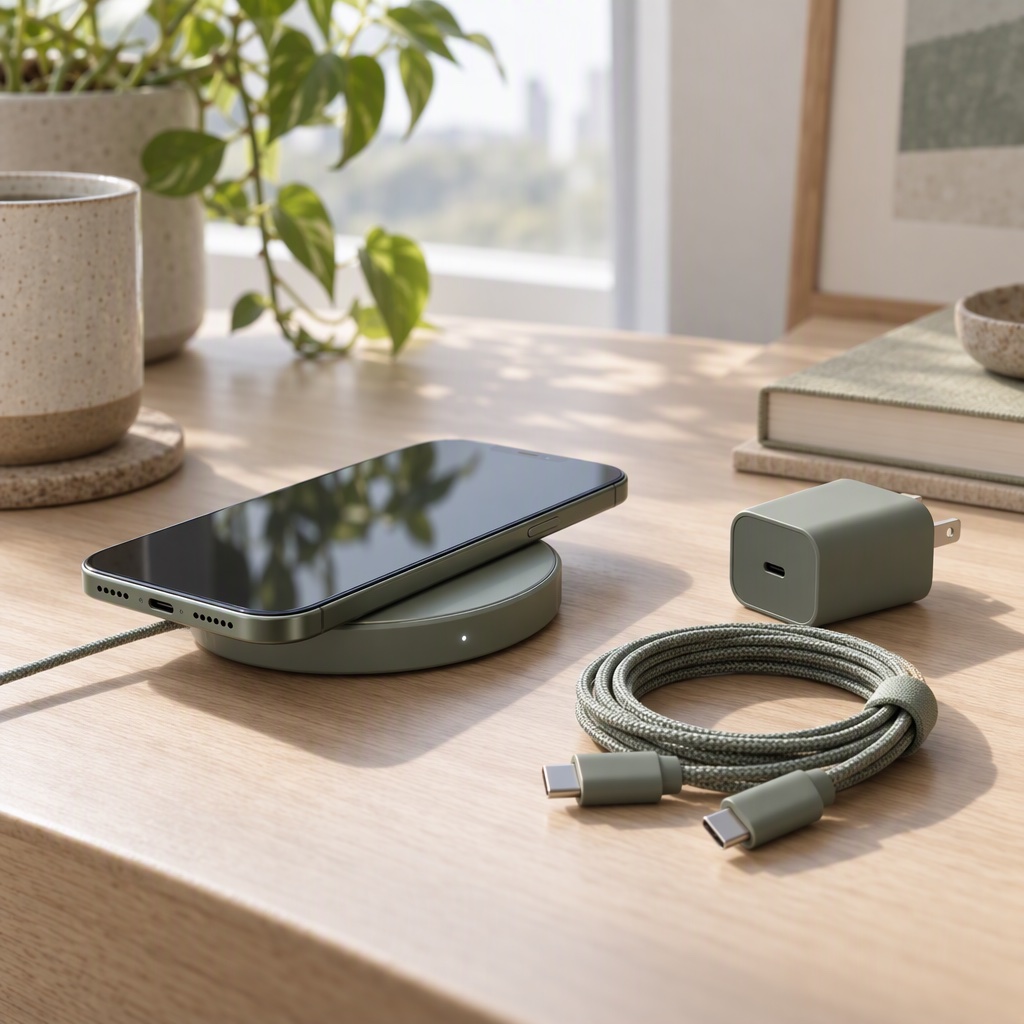
Phones get warm in normal use, and that is not automatically a problem. What matters is how hot, how often and why. A phone that feels slightly warm after a long video call or a gaming session is behaving normally. A phone that becomes uncomfortably hot to hold, dims its own screen, slows down or shows a temperature warning is telling you something needs to change. Most overheating comes from a handful of ordinary causes: heavy use, direct sun, a case that traps heat and charging while you use it. The fixes are usually simple, free and quick.
- Warm is normal; uncomfortably hot is a warning sign.
- The usual causes are heavy use, direct sun, thick cases and charging while in use.
- Take the case off, move out of the sun and stop charging for a while.
- Never cool a hot phone in a fridge or with cold water.
Why does my phone get hot in the first place?
Every task a phone does produces heat, and the harder it works, the more heat it makes. Games, video calls, long recordings, navigation with the screen on and photo editing all push the processor and the screen at the same time. Charging adds heat of its own, because moving energy into a battery is never perfectly efficient. On top of that, a thick case holds warmth in, direct sunlight adds more, and a phone resting on a soft surface like a bed or a couch cannot shed heat through its back. Put two or three of those together — gaming in the sun while charging, for example — and the phone will get genuinely hot. Charging a phone in a hot car is a classic case, because the sun and the battery both add heat with nowhere for it to go.
Is heat actually bad for my phone?
Long-term, yes, and heat is one of the few things that genuinely ages a battery. Battery chemistry does not like being kept warm, so a phone that regularly runs hot will tend to lose capacity faster than one that stays cool. In the short term, heat also makes the phone slower, because the system deliberately reduces performance to protect itself. That is why a game starts to stutter or a video call goes blurry on a hot day. The good news is that phones are designed to protect themselves, so a single hot afternoon is unlikely to do lasting harm. It is the pattern, repeated over months, that matters. If your phone runs hot most days, expect the battery to age faster than you would like, and treat cooling habits as basic maintenance.
What should I stop doing the moment it overheats?
Stop the heavy task first. Close the game or end the video call, then turn the screen off and set the phone down on a hard, cool surface such as a desk or a table. If it is charging, unplug it. If it is in a case, take the case off so air can reach the back. Move it out of direct sunlight, and do not keep using it while it cools, because the screen itself is a heat source. Give it ten or fifteen minutes. If a temperature warning appears, respect it and leave the phone alone until it clears. Nothing you were doing is worth damaging the battery over. Do not slip it into your pocket while it cools, because your body heat will slow the process and keep the problem going.
Does charging make overheating worse?
It does, and charging while using the phone is the most common combination behind a hot device. Fast charging in particular pushes a lot of energy in quickly, which generates heat, and a phone that is already working hard has nowhere to put it. Wireless charging adds a little more, because some energy is lost between the pad and the phone. The practical rules are simple: charge on a hard surface rather than a bed or cushion, take the case off during fast charging, and avoid gaming or long calls while plugged in. Even a slim case traps more heat than no case at all, so remove it whenever you can and let the back breathe. If you want to understand how speed and heat relate, our guide to what actually changes charging speed explains it.
MagSafe & Charging — charger. Designed for everyday carry and backed by our 30-day happiness guarantee.
How do I cool a hot phone safely?
Let it cool on its own, in the shade, with the screen off and the case removed. That is the whole method, and it works. If you want to speed things up slightly, point a fan at the back of the phone, or move it somewhere with moving air. Do not put it in a fridge or freezer, and never run it under cold water unless the case is genuinely sealed for immersion. Sudden temperature changes can cause condensation inside the phone, which is far worse than being warm. Do not put it on a bag of ice or a cold pack either, for the same reason. Patience is the safest tool you have. Warm air moving over the back of the phone does more good than any gadget you can buy, and it costs nothing.
How do I stop it from happening again?
Change the habits rather than the hardware. Avoid gaming or long calls while charging, and unplug when the battery is full. Use a slim case for everyday use and a rugged one only when you need it, so heat can escape more easily. Keep the phone out of direct sun, especially in a car, and never leave it on a dashboard. Lower the screen brightness a little and turn off features you are not using. Close background apps you do not need. If your phone still runs hot while idle and cool, that is worth investigating, and our guide to making your phone battery last longer covers the settings that help most. Small changes, repeated often, keep a phone cooler than any single dramatic fix ever will.
Frequently asked questions
- Is a warm phone normal? Yes. Phones warm up whenever they work hard or charge, and mild warmth after a long call or game is expected. It is only a concern when the phone becomes uncomfortable to hold or warns you about temperature.
- Can overheating permanently damage my phone? A single hot episode is unlikely to cause lasting harm, because phones throttle themselves to stay safe. Repeated heat over months, though, does age the battery and shorten its useful life.
- Should I put my phone in the fridge to cool it? No. Rapid cooling can cause condensation inside the phone, which is much riskier than warmth. Let it cool in the shade with the screen off and the case removed.
- Does removing the case really help? Yes, noticeably. A case holds warmth against the back of the phone, and the back is where most of the heat escapes. Removing it during heavy use or fast charging makes a real difference.
- Why does my phone get hot while charging overnight? It may be sitting on a soft surface that traps heat, or still working in the background. Charge on a hard surface, take the case off, and avoid heavy use while plugged in.


