
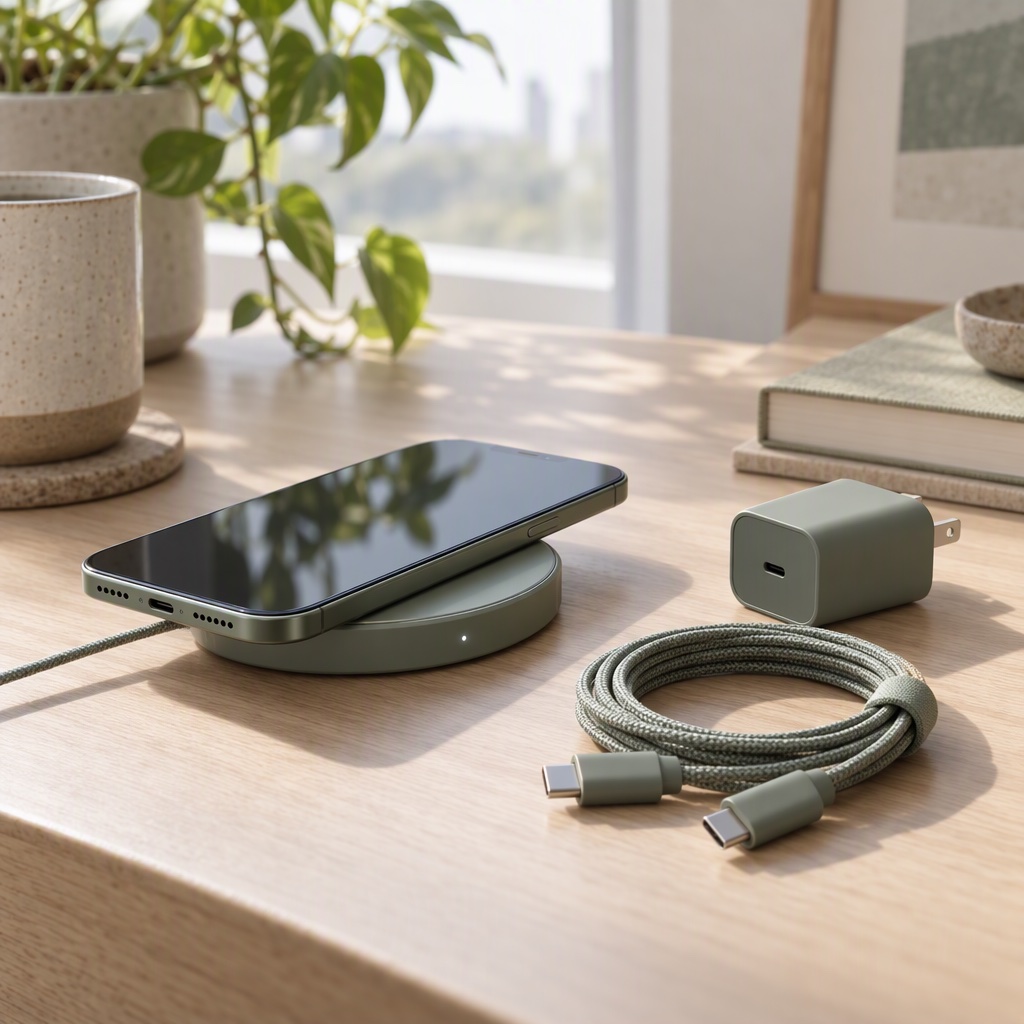
A phone battery does not fail suddenly; it fades, and the habits you repeat every day decide how quickly. Most of the decline comes from heat, deep discharges and long stretches spent sitting at full charge. None of that requires special equipment to fix. A few small changes to how and when you charge will do more for battery life than any accessory you can buy.
- Keep the battery away from heat, which ages it faster than anything else.
- Avoid draining it to zero and avoid leaving it at full for hours.
- Brightness and background activity drain the charge you have today.
- Favor short, frequent top-ups over long, deep cycles.
What actually drains a phone battery fastest?
The biggest everyday drain is usually the screen, especially at high brightness, followed by anything that keeps the phone awake and working. Navigation, video, games and long calls all draw heavily because they keep the processor and radios busy at the same time. Weak signal is a hidden culprit: when the phone struggles to hold a connection, it raises power to the antenna and drains faster. Background syncing for photos, email and cloud storage adds a steady trickle on top. So the honest answer is that your habits and your environment drain the battery, not one single villain. Look at what is running on the days the battery falls fastest. If you can, keep the phone somewhere with a reliable signal.
Does screen brightness really matter?
The screen is often the largest single consumer of power on a phone, so brightness matters a great deal. Automatic brightness is genuinely useful because it lowers the display in dim rooms, where a bright screen is both unnecessary and tiring. Turning brightness down a few steps when you are indoors makes a measurable difference over a day. Dark modes help on screens that can dim individual pixels, though the saving is smaller than many people expect. The other screen habit to watch is screen-on time, because a phone that lights up for every notification spends more of the day awake. Turning off unnecessary lock screen alerts is a simple win. Shorten the screen timeout, too, so it does not stay lit after you set it down.
Should you charge to 100 percent every time?
Not necessarily. Batteries are happiest in the middle of their range, roughly between a third and four-fifths full, which is why many phones offer a charge limit or an optimized charging mode. Leaving a phone plugged in at 100 percent for hours, particularly somewhere warm, puts gentle but real stress on the cells. That does not mean you should panic about a full charge before a long trip, because convenience matters too. The practical compromise is to use the phone’s built-in charge management if it has one, and to avoid leaving it at full on a hot windowsill. Short top-ups during the day are perfectly fine. Understanding what actually changes charging speed helps you use those settings well.
Does closing background apps help?
Usually less than people hope. Modern phones manage background apps efficiently, and an app that is suspended uses almost nothing at all. Force-closing everything can even backfire, because reopening an app from scratch costs more power than resuming it where it left off. What does help is limiting what is allowed to work in the background: location tracking, constant syncing, and apps that refresh for no good reason. Check which apps have permission to run in the background and switch off the ones that do not need it. Notifications are part of this too, since every alert wakes the screen. Reviewing those settings once takes a few minutes and lasts for months. That is a far better use of your time than swiping apps away all day.
Does heat matter more than anything else?
Yes, and by a wide margin. Heat is the single biggest accelerant of battery aging, and it does its damage quietly. A phone left on a hot dashboard, charged under a pillow, or used for heavy gaming while plugged in will lose capacity faster than one treated gently. Cold is less damaging in the long run, though it can make a battery behave oddly in the moment. The lesson is simple: keep the phone out of direct sun, take it out of a thick case while fast charging if it runs warm, and never charge it somewhere it cannot breathe. A warm battery is aging even when the phone still feels fine. If the phone is hot to the touch, stop charging and let it cool.
What habits make a battery last for years?
Charge little and often rather than running to empty, keep the phone cool, and use the phone’s own charge management if it has one. Avoid leaving it plugged in at full for hours, and avoid deep discharges when a quick top-up would do just as well. If you store a spare phone for a long time, leave it around half charged rather than empty or full, and check it occasionally. Use a charger you trust, since unstable power is hard on a battery. None of this is dramatic on its own, and together it adds up. Our guide to whether you really need a fast charger explains why speed is not the enemy here.
Frequently asked questions
- Should I let my phone run to zero before charging? No. Deep discharges put extra strain on the cells, and modern batteries have no memory effect to worry about. Short, frequent top-ups are gentler than running flat and recharging from empty every day, and they also mean you are never stuck without charge when you need it most.
- Is it bad to leave my phone charging overnight? Not really, since phones stop drawing power once they are full. The bigger concern is heat, so charge on a hard surface rather than under a pillow, and switch on charge management if your phone offers it. Keep the phone out of a warm room where you can.
- Does airplane mode really save battery? Yes, especially when signal is poor. The radio works hardest trying to hold a weak connection, so switching it off in a low-signal area or overnight can noticeably slow the drain. It is a useful trick on a train through the countryside or inside thick-walled buildings.
- Will a new battery make my phone faster? It can restore normal performance if the old battery was degraded, because some phones deliberately slow down to avoid unexpected shutdowns. The change is most noticeable on older handsets that have been charged heavily. It is worth considering before you replace an otherwise healthy phone.
- How long should a phone battery last? Several years with careful use, though capacity fades gradually from the day it is made. Heat and deep discharges speed that decline, so gentle charging habits buy you extra time rather than a permanent fix. Eventually every battery needs replacing, and that is normal.


