
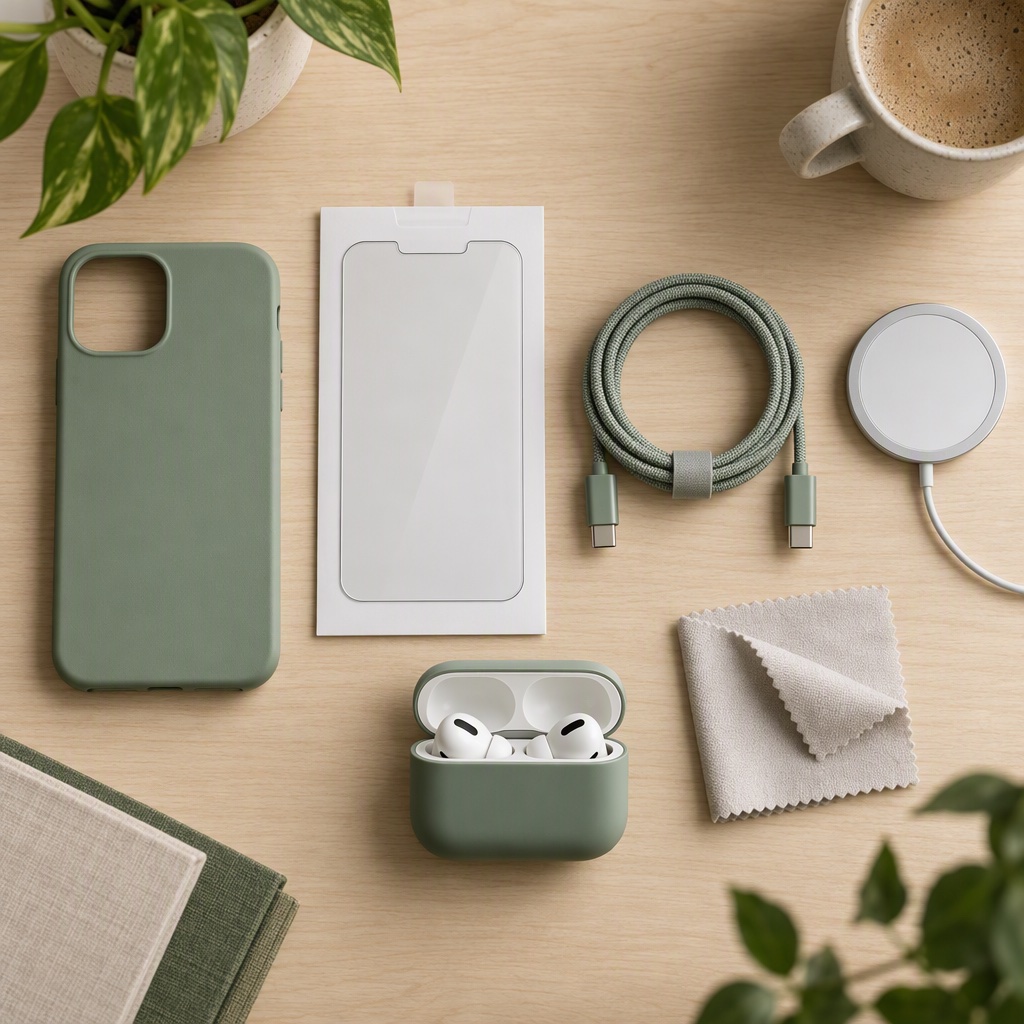
A kitchen is wet, greasy, hot, and full of hard edges — a genuinely hostile place for a phone that is sitting on the counter waiting to be consulted. The good news is that you do not need anything exotic to make a phone safe in a kitchen. Give it a home away from the sink and the stove, keep it on a stand instead of flat on the counter, and wipe it down after handling anything messy. A full-cover case and a cleaning cloth do about ninety percent of the work, and the rest is simply remembering to dry your hands before you scroll.
- Give the phone a home: a stand or a fixed spot away from the sink, the stove, and the edge of the counter.
- Never leave the phone flat on a wet counter — a puddle, a splash, or a slick of oil is always a possibility.
- Wipe the screen with a microfiber cloth after handling raw ingredients or anything greasy, because film kills touch accuracy.
- A full-cover case with port covers keeps splashes and steam away from the charging port.
Where should the phone live while you cook?
The phone needs a designated spot, decided before you start cooking rather than during. The best spot is dry, out of the splash radius of the sink, and away from the steam rising from pots and kettles. A corner of counter well back from the faucet works, as does a shelf or a wall-mounted hook if you have one. What you want to avoid is the classic death spiral: the phone placed near the edge of the counter to catch the light, next to the sink, with a cloth wiping past it every few minutes. If you cook from recipes on your phone, the phone needs to be close enough to read without leaning over a hot pan, but not so close that it lives in the danger zone between the two.

iPhone Cases — case. Designed for everyday carry and backed by our 30-day happiness guarantee.
Why does a stand matter in a kitchen?
A stand lifts the phone off the surface, which solves two problems at once. First, it keeps the phone out of whatever is on the counter — water, flour, oil, or the sauce that always spreads further than you expect. Second, it puts the screen at a readable angle, which matters when your hands are covered in dough and you do not want to touch the screen at all. A small folding stand at the end of the counter is ideal for recipe reading, and a taller adjustable stand is better when the phone doubles as a timer or a video guide. Anything stable will do, as long as it will not tip when the counter is bumped — kitchens are busy places and counters get knocked.
What should you do about steam, heat, and splatters?
Steam condenses on cold surfaces and carries grease with it, and over months that film works its way into seams and ports, so keep the phone away from the direct plume above a boiling pot. Never park the phone on top of a warm oven, a toaster, or next to a hob, even for a moment; sustained heat is bad for the battery and can warp adhesives inside the phone. Splatters are the more immediate problem — a hit of tomato sauce is a sticky mess and a hit of hot fat is worse — so if the phone sits near the pan, turn the screen away from the cooking zone and wipe things down as you go. A quick habit of checking the phone’s position whenever the cooking gets lively will catch most of these situations before they happen.
How do grease and flour affect the screen?
Grease is the quiet destroyer of touch accuracy. A thin, invisible film of oil across the glass makes taps land in the wrong place, swipes stutter, and the fingerprint sensor — if you use one — stops working entirely. Flour is different: it is gritty, it finds its way into every seam and port, and the worst response is to wipe it across the screen, which sands fine scratches into the glass. The routine is simple: brush flour off the phone with a dry cloth, never smear it, and wipe grease off the screen with a dry microfiber cloth, focusing on the areas you actually touch. Do this after cooking rather than before, and the phone stays responsive all day.
How do you keep the phone hygienic without damaging it?
Kitchens handle raw meat, and phones sit on counters where raw meat sits, so a little hygiene goes a long way. Wash and dry your hands before you touch the phone after handling raw ingredients — it is the single most effective step and it costs nothing. When you do clean the phone, a barely damp microfiber cloth is enough; wring it out until it is almost dry and wipe the case and back as well as the screen. Never spray household glass cleaner or disinfectant directly onto a phone, and do not let moisture pool around buttons or the charging port. Dry the phone with a soft cloth after any damp cleaning, and it will be fine for years.
Which accessories earn a kitchen drawer spot?
Three accessories are worth keeping near the stove. A full-cover case with port covers is the first, because it turns a splash into a wipe instead of an emergency. A small folding stand is the second, because it keeps the phone off the counter and at a readable angle while your hands are busy or messy. A microfiber cleaning cloth is the third, because grease on the screen is inevitable and wiping it with a tea towel just spreads it around. Cleaning technique matters more than most people expect, so read how to clean a phone without damaging it, and for choosing a stand that stays put, see phone stands for your desk: what to look for.
Frequently asked questions
- Can you use a phone with wet hands? The touchscreen mistracks badly when your fingers are wet, so taps land in the wrong place. Dry your hands on a cloth first, or use voice control and timers so you do not need the screen at all.
- Is a screen protector enough protection in a kitchen? A protector guards against scratches, which matters with gritty flour, but it does nothing for splashes or grease working into the edges. A full-cover case does more for the actual risks of a kitchen.
- Can heat from the stove damage the phone? Sustained heat stresses the battery and can loosen internal adhesives, so never leave the phone on or beside a warm oven, toaster, or hob — even for a few minutes between tasks.
- How often should you clean a phone used in the kitchen? A quick wipe after every cooking session is enough, with a deeper clean of the case once a week. Grease films build slowly and you only notice them when the touch screen starts misbehaving.
- Will flour damage the charging port? Flour itself is mostly harmless, but it compacts in the port and can block the cable’s connection or hold moisture against the contacts. Brush it out gently with a dry brush, never with anything metal.


