You clean a phone without damaging it by using a dry microfibre cloth for the screen and body, a barely damp cloth with no solvent for stubborn marks, and a dry soft brush for the port and speaker openings. Never spray liquid directly onto the phone, never push anything into the charging port, and never put a wet phone on charge. Done that way, cleaning is safe for every phone. Most damage comes from liquid getting inside, from alcohol reaching a coating, or from something sharp going into an opening.
- Use a dry microfibre cloth first, and only a barely damp one if a mark will not lift.
- Never spray cleaner onto the phone, and never let liquid run into an opening.
- Clean the charging port and speaker grilles with a dry, soft brush, never a pin or needle.
- If liquid gets inside, power the phone off, do not charge it, and take it to a qualified repairer.
What should you use to clean a phone without damaging it?
A dry microfibre cloth handles fingerprints, dust and smudges on the display and the back. For a mark that will not lift, dampen a corner of the cloth with plain water, wring it out until it is barely damp, and wipe gently, then dry with the dry part of the cloth. A soft, dry brush such as a clean makeup brush or an unused soft toothbrush lifts dust out of speaker grilles and the camera ring. A wooden toothpick used gently along a seam is fine, but nothing metal and nothing sharp. Skip glass cleaner, vinegar, bleach and abrasive pads, all of which can strip coatings or scratch the finish. Gentle and often beats harsh and rare. If you are unsure whether a cloth is safe, use it dry first.
Can you use alcohol wipes on a phone?
Alcohol is the one to be careful with. It evaporates quickly and it does kill germs, which is why it is popular, but repeated use can dull the oleophobic coating on a display, the thin layer that makes fingerprints wipe away easily, and it can dry out leather and some soft-touch finishes. If you want to use it, use a lightly dampened wipe rather than a soaked one, keep it away from openings, and do not scrub. Never pour or spray alcohol onto the phone, because liquid will run into the speaker and port. For everyday cleaning, a dry microfibre cloth is gentler and does the job. A paper towel is abrasive enough to leave fine marks over time, so avoid it too. If you disinfect regularly, use the wipe sparingly and dry the surface afterwards.
How do you clean the charging port and speaker grilles?
Power the phone off first. Hold it with the port facing down and brush the opening gently with a dry, soft brush so loosened dust falls out instead of deeper in. A wooden toothpick can lift a compacted fluff ball from the port if you work along the wall of the opening and never against the contacts. Do not use a pin, needle, paperclip or compressed air, since metal scratches the contacts and compressed air can drive dust further inside or damage the speaker. If the port still will not hold a cable firmly, stop and have a qualified repairer look at it rather than digging further. A port that charges only at certain angles is usually full of compacted lint, not broken.
What should you do if liquid gets into the phone?
Power it off and do not charge it. Charging a wet phone is the most common way a splash turns into real damage, because current and moisture together corrode the contacts and the board. Do not press buttons repeatedly, do not shake it, and do not put it in rice, which does nothing useful and can leave dust and starch inside. Wipe the outside dry, leave the phone in a dry, airy place with the port facing down, and take it to a qualified repairer. If the phone was dropped in salt water, air drying is not enough, and a repairer should look at it promptly. A phone that fell in fresh water has a better chance than one that fell in salt water, but both need the same first steps.
How do you clean the camera lens without scratching it?
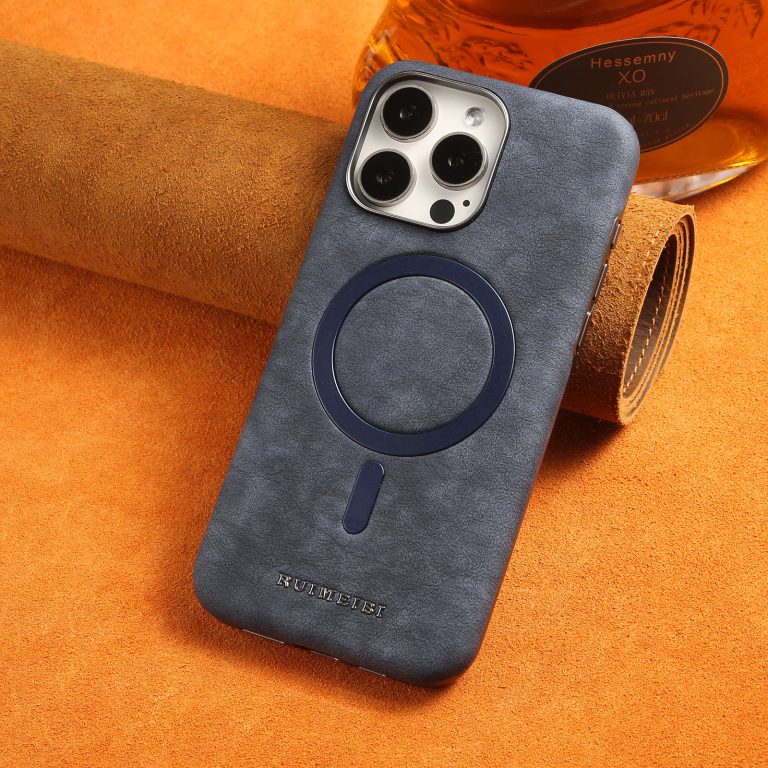
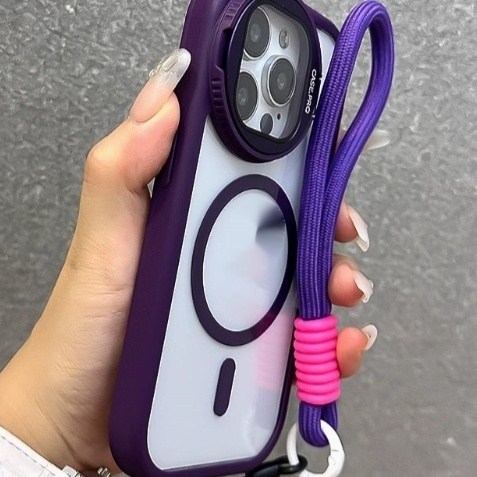
Breathe on the lens and wipe it with a clean microfibre cloth, using light circular strokes. That removes most smudges without touching the coating. If a mark remains, dampen a corner of the cloth with water, not solvent, and wipe again, then dry. Do not use a paper towel or tissue, which are abrasive enough to leave fine scratches over time, and never scrub at a grain of sand, because that will drag across the glass. Keep the phone in a case with a raised ring around the camera so the lens does not rest on surfaces, and check our advice on how to choose a phone case that actually protects. Wipe the lens only when you can see a smudge, since every wipe carries a small risk of dragging grit.
How often should you clean your phone?
Wipe the display and the back daily with a dry microfibre cloth, which takes a few seconds and keeps fingerprints from building up. Clean the openings and the camera ring once a month with a dry brush, and wash the case separately every couple of weeks. If you have been somewhere dusty, at the beach or in a workshop, clean it sooner. Give the phone a home in a bag or pocket so it is not rolling around against keys and coins, since a phone pouch keeps grit away from the screen and the port. A screen protector also keeps the display away from whatever cloth you use on the case. Regular light cleaning beats an occasional deep clean every time. Keep a microfibre cloth in your bag so a quick wipe is never a chore.
Frequently asked questions
- Can I clean my phone with a disinfecting spray? No. Never spray liquid onto a phone. If you want to disinfect, use a lightly dampened wipe, keep it away from openings and do not soak the surface.
- Is it safe to clean a phone with water? A barely damp cloth is safe on most phones. Running water, soaking and spraying are not, and a wet phone must never be put on charge.
- How do I clean a phone that has been in a case for months? Take the case off, brush the openings, wipe the back and edges with a dry cloth, then wash the case separately and dry both fully before refitting.
- Will cleaning remove the coating on my screen? Water and a microfibre cloth will not. Frequent alcohol use can, which is why a dry cloth is the better everyday choice.
- Should I use compressed air on my phone? No. It can push dust deeper into the port and speaker and may damage the mesh. A dry, soft brush works better and is gentler.