
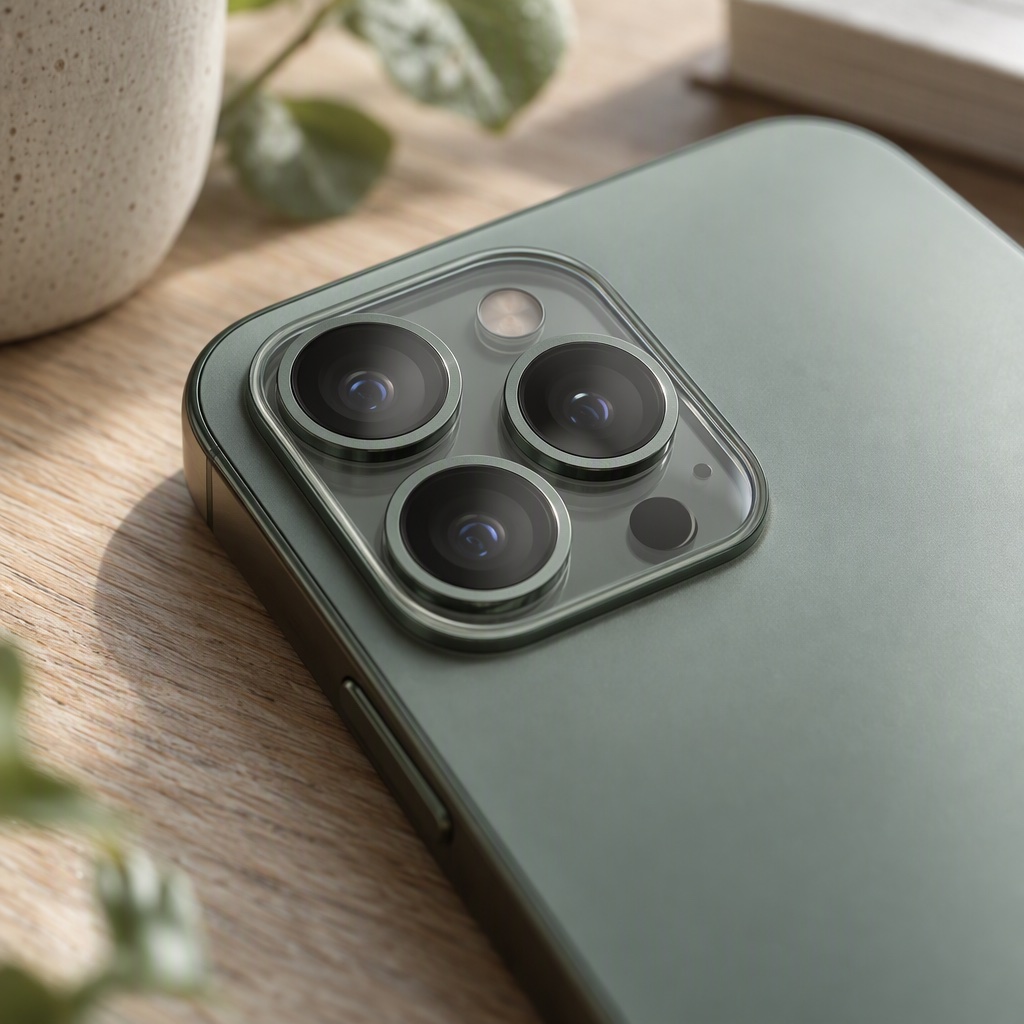
A phone holder for video calls solves two problems at once: it gets the camera up to eye level, so you are not looming over the other person or staring down at your own chin, and it frees your hands for notes, coffee, and whatever else the meeting needs. You do not need expensive equipment — a small stand that holds the phone steady at the right height will outperform the fanciest setup that keeps sliding out of frame.
- Aim for the camera at eye level, roughly an arm’s length away.
- A small weighted stand on the desk beats propping the phone on books.
- Put the light in front of you, not behind, and the holder out of its way.
- Check the frame before every call — a slightly low angle is the default mistake.
Why does a holder matter for video calls?
Holding a phone through a meeting is tiring, and it produces a wobbly, badly framed picture. Propping it against a mug works until the mug moves. A holder fixes the camera in place, which means you can lean back, gesture, look at your notes, and stop worrying about where the phone is. It also makes the picture far more flattering, because a phone dropped on the desk points up at you from below and a phone held at arm’s length is roughly at eye level. That difference is the single biggest improvement most people can make to how they look on a call, and it costs almost nothing. If you use the phone as a webcam too, our guide to using a phone as a webcam covers the next step up.
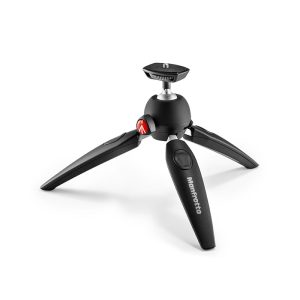
Mounts & Stands — holder. Designed for everyday carry and backed by our 30-day happiness guarantee.
What height should the phone sit at?
Put the lens at eye level, or a little above, and sit about an arm’s length away. That usually means lifting the phone well clear of the desk surface, which is exactly what holds most people back — a phone lying flat shoots up your nostrils and crops the top of your head. A stand that raises the phone by fifteen to twenty-five centimetres is enough for most seated setups, and a slightly flexible neck lets you aim it precisely once and leave it. If you prefer to stand for some calls, you want something taller, closer to a small tripod height, so you are not bending over to check the screen. The right height depends entirely on how you sit, so set it once with your own posture in mind.
What kind of holder works best on a desk?
A small weighted stand with a cradle that grips the phone at the corners is ideal. Weight matters, because a light stand gets dragged about every time a cable is nudged. Look for a cradle that holds the phone without covering the camera, the microphone, or the charging port, and that opens wide enough for your case. Some stands fold flat, which is useful if you work in a shared space and pack everything away at the end of the day. If your desk is already crowded, a clamp-on holder that grips the edge of a shelf or monitor arm keeps the surface clear. For more on choosing between the main styles, our guide to what to look for in a desk phone stand goes into the details.

Mounts & Stands — holder. Designed for everyday carry and backed by our 30-day happiness guarantee.
Where should the light come from?
From in front of you, ideally from a window or a lamp you can see while you are talking. Light behind you turns you into a silhouette, and light directly overhead creates harsh shadows under your eyes. If your only option is a window, sit at an angle to it rather than facing it square-on, so you get light on your face without squinting. Once the light is settled, place the holder so the phone is not looking straight into it, because a bright window behind the camera washes out the picture. A plain wall behind you is the easiest background to get right, and it keeps the camera’s attention on your face rather than on whatever is behind you.
Can you use a tripod or a floor stand instead?
Yes, and for some setups it is better. If you take calls standing, or if you want the camera higher than desk height for a more natural angle, a small tripod or a floor-standing holder reaches where a desk stand cannot. A tripod also travels well, which matters if you work from more than one place through the week. The trade-off is footprint and stability: a tripod placed where people walk will get kicked, and a lightweight one will vibrate when you type. For most people, a desk stand for seated calls plus a tripod for the occasional standing or travelling day covers everything without buying two of the same thing.
How do you keep the shot stable and well framed?
Two habits do most of the work. First, frame yourself with your eyes in the top third of the picture, which leaves comfortable headroom and puts the camera roughly at eye level; check it once before the call and the framing will hold, because the phone is not moving. Second, keep the camera end of the phone clear of vibration — put the stand on the solid part of the desk, away from where your keyboard thumps. A cable that pulls on the holder will slowly drag it out of frame, so route the cable so it does not tug. If you are using a magnetic mount habit from the car, the same trick works indoors: a steady magnetic base doubles as a video holder in a pinch.
Frequently asked questions
- Is a phone enough for professional video calls, or do I need a camera? A modern phone camera is perfectly good for most calls. The weak points are usually the angle and the microphone rather than the sensor, and a holder fixes the first of those for very little money.
- Should I use the front or rear camera? The front camera, almost always. The rear camera takes a better picture but you cannot see what it is seeing, which makes framing guesswork and usually ends with an unflattering angle.
- Why does my phone overheat during long calls? Long video calls keep the camera, processor, and radio busy at once, which generates heat, especially while charging. Take it out of a thick case if it gets hot, and stop charging during a call if the phone becomes uncomfortable to hold.
- Can I prop the phone against a stack of books? It works, but the angle is usually too low and the stack shifts as soon as you touch the desk. A small weighted stand costs very little and gives you a repeatable, flattering position that you can set up in a few seconds.
- Does a ring light help? It helps a lot in a dim room, because it puts soft light on your face from the front. It is not essential near a window, and any lamp can serve the same purpose in a pinch. Aim it slightly above eye level for the most natural look.


