
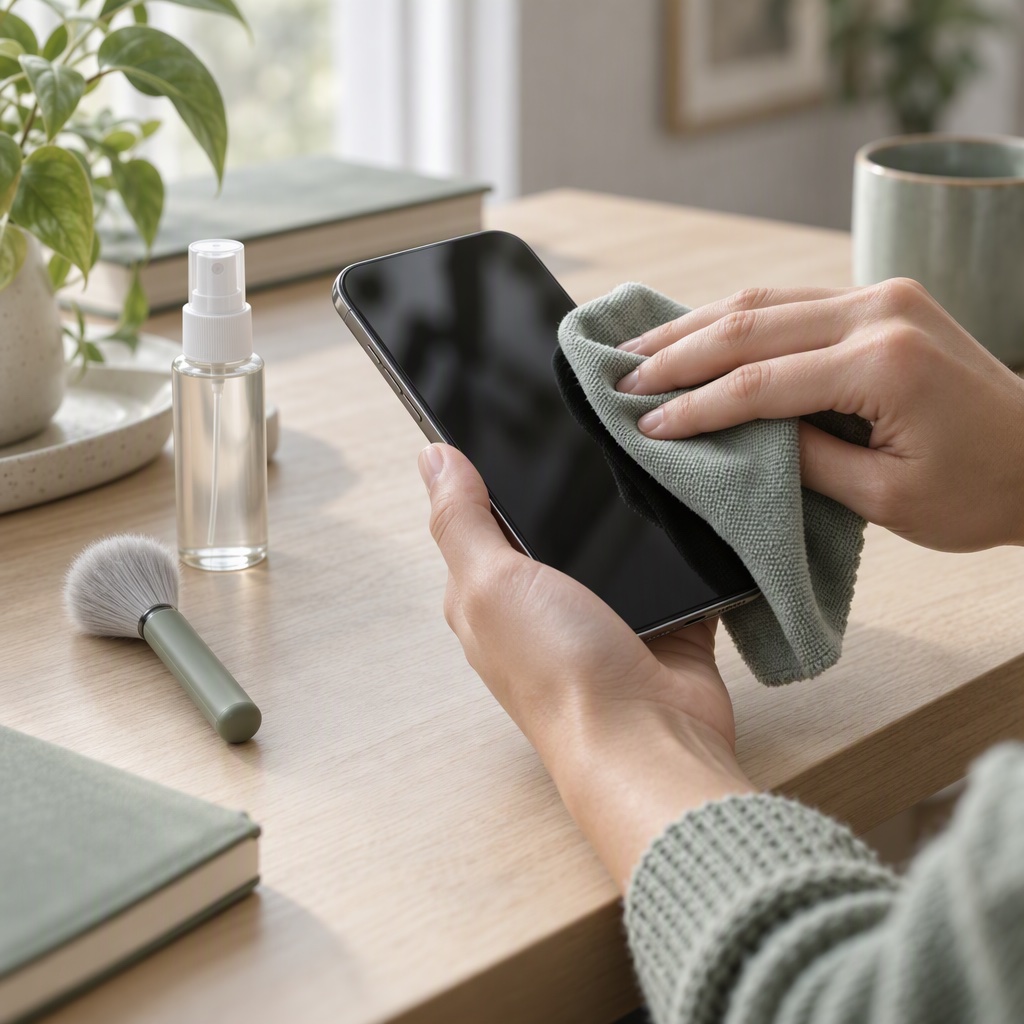
A charging port that needs cleaning rarely announces itself clearly. The cable starts to feel loose, or it only charges if you hold it at a particular angle, or the phone stops charging altogether and you assume the worst. In most cases the port is simply full of pocket lint, dust and fabric fibers that have been packed down every time you plug in a cable. Cleaning it is a five-minute job with tools you already have, and it costs nothing. It is also the first thing to try before you consider a repair, a new cable or a replacement phone. Often that is the entire problem.
- Loose cables and angled charging usually mean lint in the port.
- Turn the phone off and use a wooden or plastic toothpick, never metal.
- Work gently and never spray liquid into the port.
- Try a different cable before assuming the phone is broken.
How do I know the charging port needs cleaning?
The symptoms are fairly consistent once you know what to look for. The cable does not click in properly and feels loose in the socket. Charging only works when you hold the cable at an angle or press it in. The phone charges slowly, or it stops charging when you move it. Sometimes the connection works intermittently, cutting in and out for no obvious reason. Another sign is that the same cable works fine in another device, which points to the port rather than the cable. You can also look inside with a light and a magnifying app; lint usually shows up as a gray or beige mat at the back of the socket. If any of these sound familiar, clean the port before you do anything else.
What should I use to clean it?
You need very little, and none of it is expensive. A wooden toothpick is the best tool, because it is firm enough to lift lint but soft enough not to scratch the contacts. A plastic toothpick or a plastic dental pick works just as well. A soft, dry brush with fine bristles helps to sweep out loose dust, and a can of compressed air can dislodge debris if you use it in short bursts at an angle. A bright light or a phone flashlight lets you see what you are doing. A clean, dry cloth is useful for wiping the outside of the phone afterward. Avoid anything metal, anything wet and anything sharp. That is the whole toolkit, and it costs almost nothing.
What should I never do?
Never push a metal object into the port. A paper clip, a pin, a needle or a metal SIM tool can scratch the contacts or short them out, and the damage may be permanent. Never spray water, cleaning fluid or contact cleaner directly into the socket, because liquid inside a phone is far worse than lint. Never blow into the port with your mouth, since breath carries moisture and you will simply add more debris. Do not use a vacuum cleaner at full power, which can generate static. Do not force the cable in if it does not fit, because you may bend the connector inside. Do not use cotton swabs, which leave fibers behind and make the problem worse. If you are unsure at any point, stop rather than improvise.
How do I clean it step by step?
Start by turning the phone off and unplugging everything. Hold the phone with the port facing downward so gravity carries debris out rather than in. Shine a light into the socket and look at what is actually there. Take the wooden toothpick and gently run it along the inside edge of the port, working from the sides toward the back, and lift the lint out in small pieces rather than trying to drag it all at once. Turn the phone over and tap it lightly against your palm to shake anything loose. If you have compressed air, give one or two short bursts at an angle, never a long continuous blast. Look again, repeat if needed, then let the port sit for a moment before you plug anything in.
What if cleaning does not fix the problem?
Before you assume the worst, test another cable. Cables fail far more often than ports do, and a worn connector or a damaged internal wire produces exactly the same symptoms as a dirty port. Try a cable you know works with another device, and try charging from a different power source. If a known-good cable still will not charge reliably, look into the port again to check you have not missed a deeper layer of lint. Check for any sign of damage, corrosion or a bent pin, though you will need good light and a steady hand. If the port is visibly damaged or the phone still will not charge, a professional repair is the sensible next step. Do not keep forcing a cable into a damaged port, as that only makes it worse.
How do I stop it getting dirty again?
A little prevention goes a long way. Carry the phone in a pocket or bag that is not full of loose lint and grit, and avoid putting it in the same pocket as keys or coins. A small port cover or a case with a charging flap keeps dust out when you are not charging, though it will not suit everyone. Keep the phone out of dusty environments where you can, and avoid setting it down on the ground. When you plug in, push the cable in straight rather than at an angle, since a sideways push compresses debris into the back of the port. Choose a cable that fits firmly, because a loose connector lets dust work its way in. Our guide to picking the right USB-C cable helps there, and our piece on cleaning a phone without damaging it covers the rest of the device.
Frequently asked questions
- Can I use a paper clip to clean the port? No. Metal can scratch the contacts or short them out, and the damage may be permanent. Use a wooden or plastic toothpick instead, and work gently.
- Should I use compressed air in the charging port? Only in very short bursts and at an angle. A long continuous blast can push debris further in or create condensation. A toothpick and a soft brush are usually enough.
- Why does my phone only charge at certain angles? That is the classic sign of lint packed into the back of the port. The cable cannot seat fully, so the contacts barely touch. Cleaning usually solves it straight away.
- Can a dirty port damage my phone? A dirty port itself rarely causes lasting damage, but it can lead to overheating and poor connections. Forcing a cable into a blocked port is what causes real harm, so clean it first.
- How often should I clean the charging port? There is no fixed schedule. Clean it when the cable feels loose or charging becomes unreliable. If you carry your phone in a linty pocket, you may need to do it more often.


