
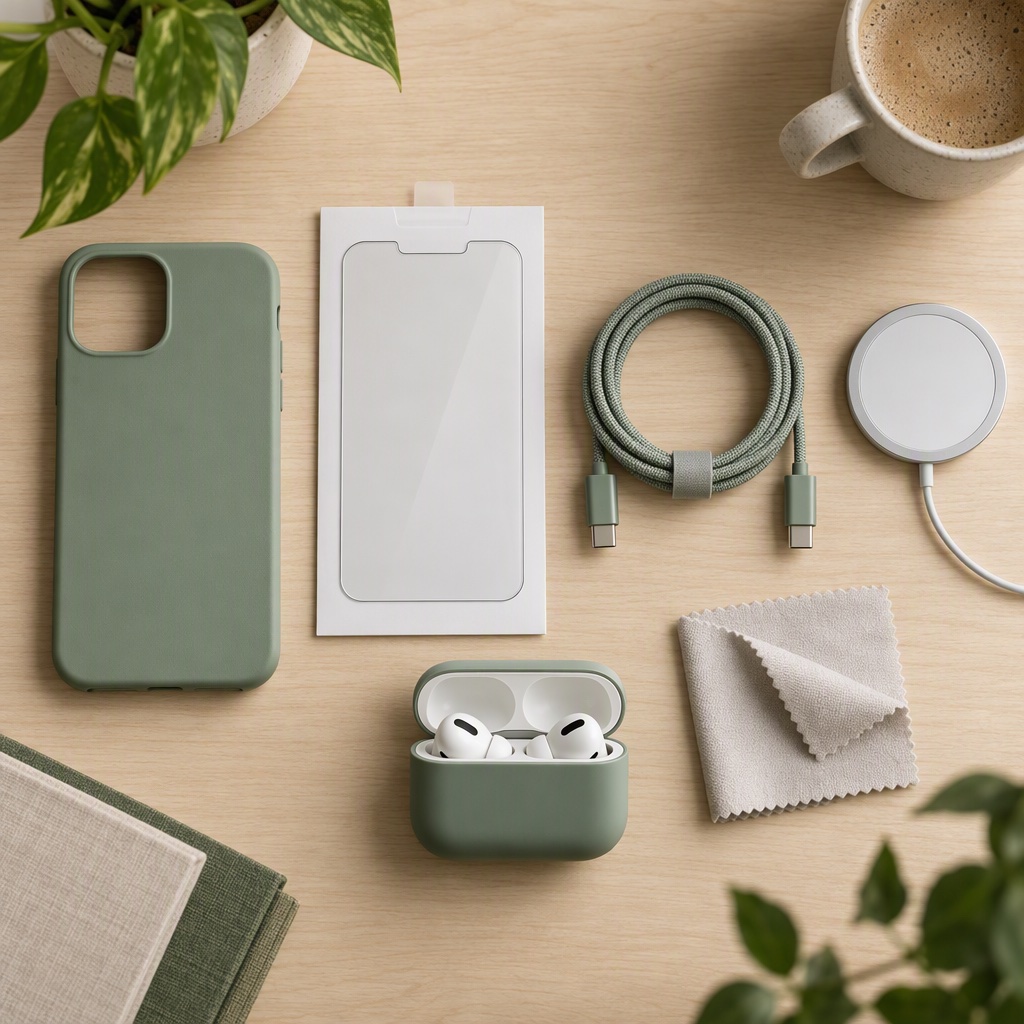
A USB-C cable looks like a simple accessory, but the ones rattling around in a drawer are not interchangeable. Two cables with identical plugs can carry very different amounts of power and move data at wildly different speeds. The right cable is the one matched to what you are actually doing — charging a phone quickly, transferring files, or just connecting a device — and choosing it takes only a minute once you know what the labels mean.
- Match the cable to the job: charging, data, or both.
- A short, well-built cable usually charges faster than a long, thin one.
- Check the power rating before trusting a cable with a fast charger.
- Buy a spare, since cables are the accessory that fails first.
Why do USB-C cables differ so much?
The USB-C plug is a standard shape, but the cable behind it is not standardized at all. Inside the sheath, manufacturers can use different amounts of copper, different shielding, and different internal chips. A cable built for charging only may carry power but move data slowly, while a cable designed for data may handle only modest charging. Some cables also include a chip that lets devices negotiate higher power safely. This is why a cable that came free in a box can feel fine for charging but disappoint badly when you try to copy photos. Two cables can look completely identical and behave in entirely different ways. The plug tells you nothing about any of this; the specification is what matters, so it pays to learn how to read it.
Cables & Adapters — cable. Designed for everyday carry and backed by our 30-day happiness guarantee.
What do the different cable ratings mean?
Ratings describe what a cable can safely carry. For charging, look for a wattage figure that meets or exceeds what your charger and phone can use, because a cable rated below that will simply cap the speed no matter how powerful the charger is. For data, cables are described by how fast they transfer, from basic speeds up to much quicker rates for large files. Many cables are rated for one job and not the other, so if you need both, look for one described as handling both power and data. If a listing is vague about its ratings, treat that as a warning sign and choose one that states them clearly. A cable that cannot carry enough current is the most common reason a fast charger feels slow. Our guide to what actually changes charging speed explains how the cable fits into that chain.
How long should your cable be?
Length is a trade-off. A short cable is tidier, tangles less, and loses less power over its run, which can matter for fast charging. A long cable reaches from a wall socket to a sofa or a bedside table, which is where many people actually want it. The problem is that a long, thin cable can drop enough power to slow charging noticeably, so if you want length, look for a cable built with thicker conductors. For everyday use, a medium length covers most situations. Keep one short cable for power banks and travel, and one longer cable for home, so you are never stretching a cable across a room. If you often charge from a socket on the far wall, buy the length you need rather than daisy-chaining extenders.
What should you look for in the connectors?
Look closely at the plugs. A well-made connector has a metal shell that fits snugly without force, and the strain relief — the flexible section where the cable meets the plug — should bend without exposing the inner wires. Cheap cables often fail right there, because the joint is stiff and cracks with repeated bending. Check that the plug is not loose in the port; a wobbly connection charges intermittently and can wear the port itself over time. Avoid cables with obviously oversized or oddly shaped shells, since they may not fit through the opening of a thicker case. A snug, firm fit is the clearest sign of a cable worth keeping. If a plug needs force to go in, stop and try a different cable.
Cables & Adapters — cable. Designed for everyday carry and backed by our 30-day happiness guarantee.
Which cable is best for data, and which for charging?
For charging, prioritize a cable rated for the wattage you need and keep it reasonably short. For data, prioritize a cable explicitly rated for fast transfer, because a charging cable will often crawl when moving large files. If you regularly copy photos or back up a phone to a computer, keep one cable set aside for that job alone, so it stays in good condition and you always know where it is. If you mostly charge, a simple, well-built power cable is all you need. Buying two inexpensive cables for two purposes usually beats buying one expensive cable that tries to do everything. Label them if you can, so the fast data cable does not quietly end up in the car. If you are weighing up whether speed matters at all, see whether you really need a fast charger.
How do you make a cable last?
Treat the connector as the fragile part. Pull on the plug, never the cable, and avoid bending the cable sharply right where it meets the plug. Coil it loosely rather than wrapping it tightly around a charger, since tight coils train the cable into a permanent kink. Keep it away from heat, which dries out the insulation, and away from the bottom of a bag where it gets crushed by everything else. A cable is the accessory most likely to fail first, so carrying a spare is cheap insurance. If charging becomes intermittent, replace the cable before blaming the phone or the charger, because the cable is usually the guilty party. Rotating between two cables also spreads the wear and makes each one last longer.
Frequently asked questions
- How do I know if my cable supports fast charging? Check whether the cable states a wattage rating that matches or exceeds your charger and phone. If no rating is given anywhere, assume it is a basic cable and expect slower charging.
- Can a cheap cable damage my phone? A poorly made cable can overheat or deliver unstable power, and a loose connector can wear the charging port. Buying a cable with clear ratings is the simplest way to avoid that risk.
- Why does my phone charge slowly with some cables? Usually because the cable cannot carry enough current, or because it was designed for data rather than power. Swapping to a higher-rated cable often fixes it instantly.
- Do all USB-C cables transfer data? No. Many are built for charging only and move data slowly or not at all. If you need to transfer files, buy a cable that clearly states a data rating.
- Should I buy a braided cable? A braided outer sleeve resists tangling and fraying better than plain plastic, so it often lasts longer. It does not change charging speed, which still depends on the inner conductors.


