
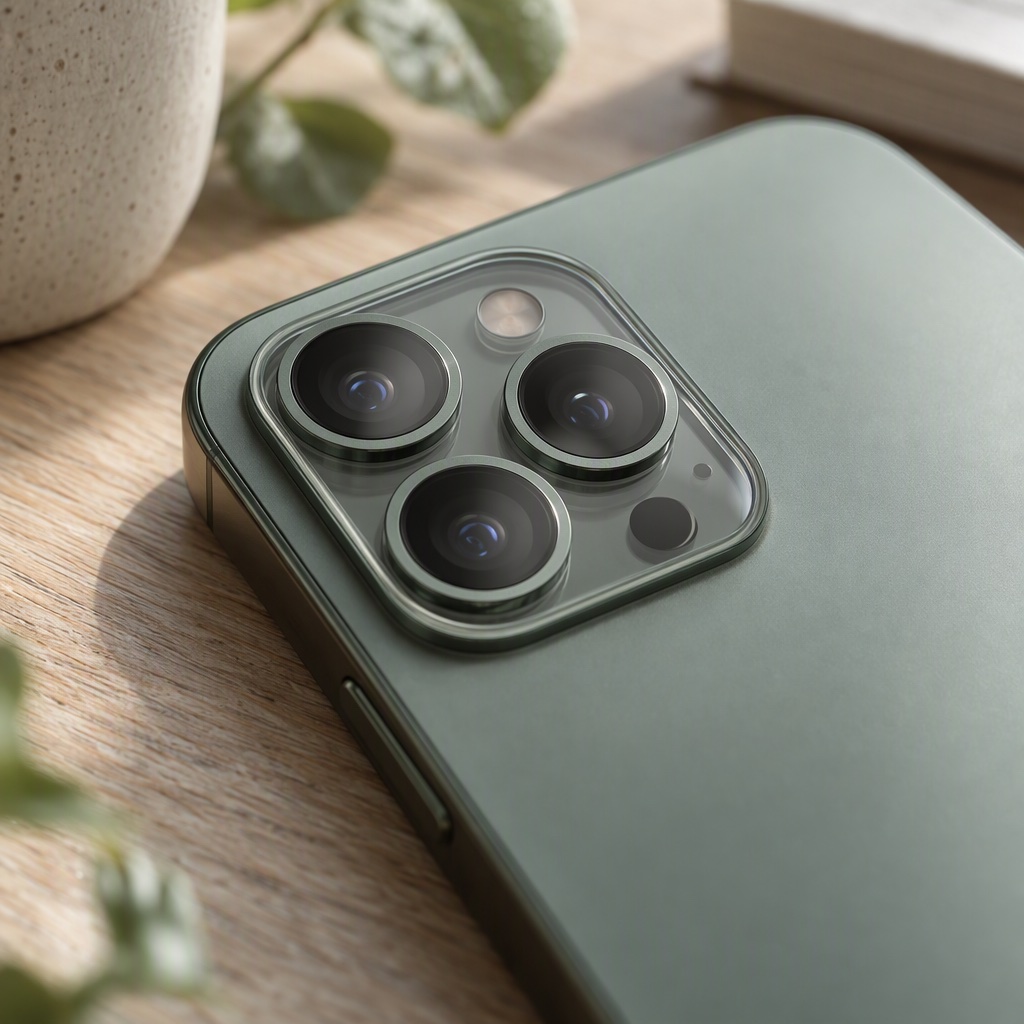
Autumn is the easiest season to photograph well, because the light is soft and the colors do most of the work. What usually goes wrong is not the camera but the conditions: low sun, long shadows, damp air, and a screen that is hard to read outdoors. A few adjustments and one or two accessories will get you much further than any editing app.
- Shoot in the first hour after sunrise or the last hour before sunset for warm, even light.
- Turn on grid lines and keep the horizon level, since fall scenes are full of strong horizontal lines.
- Underexpose slightly rather than blowing out bright leaves against a gray sky.
- Bring a small tripod and a microfiber cloth, because damp lenses and shaky hands end more shoots than batteries do.
What light works best for autumn photos?
The best autumn light is soft and angled, which in practice means the hours around sunrise and sunset. Midday sun is harsh and throws short, dark shadows that flatten a landscape, while the low sun of morning and evening rakes across leaves and makes their color glow. Overcast days are also good, and often better than people expect, because the cloud acts like a giant diffuser and removes the contrast problem entirely. What you want to avoid is bright sun directly behind your subject, which turns leaves into dark silhouettes. If you are shooting under a tree canopy, look for shafts of light that pick out one branch, and expose for the lit leaves rather than the shaded ones. Light quality matters more than any setting on the phone.
How do you keep autumn colors from looking flat?
Flat photos usually come from two habits: shooting into the sun, and letting the phone expose for the brightest thing in the frame. When the phone protects the bright sky, it darkens the leaves until the color disappears. Tap on the brightest leaves to set exposure there, then use the exposure slider to bring the shot down slightly so the highlights hold. A little underexposure is safer than overexposure, because blown-out leaves cannot be recovered later, while shadows can often be lifted. Fill the frame with color rather than a wide view that includes a lot of gray sky. Getting closer to one branch usually produces a stronger image than stepping back to capture everything at once.
Should you use portrait mode on leaves and trees?
Portrait mode works well for a single subject, like one leaf, a branch, or a person standing in front of a colorful hedge. It separates the subject from the background, which is exactly what a busy autumn scene needs. Where it struggles is on fine detail: leaves and thin twigs are hard for the blur to cut around, and you often get a halo or odd soft edges. If the result looks wrong, switch to the standard camera and use the optical zoom instead, which blurs the background naturally. On trees and wide landscapes, skip portrait mode entirely. Also check whether the phone saves a normal photo alongside the blurred one, so you can fall back if the effect does not work.
How do you photograph in drizzle or fog?
Wet weather is an opportunity, not a problem. Fog simplifies a scene and turns trees into soft layers, which makes for some of the strongest autumn images. Drizzle adds reflections on wet paths and leaves, so look down as well as up. The practical issue is water on the lens, which smears every photo with a soft glow. Keep a microfiber cloth in a pocket and wipe the lens before each shot. Protect the phone itself with a case that has a raised lip around the camera, since a scratch on the lens affects every photo you take afterward, and it is worth reading about protecting a phone camera lens before a wet walk. If the phone is only lightly rated, keep it under cover and shoot in short bursts.
How do you keep a phone steady without a tripod?
Shutter speed drops in low light, so camera shake becomes visible exactly when the light is best. The simplest fix is to brace the phone against something solid, such as a fence post, a wall, or a bag, and to hold it with both hands and your elbows tucked in. Breathe out slowly and tap the shutter rather than stabbing at it. If you use a timer, even a two-second delay, you remove the shake from your own tap. For repeated shots of the same view, a small tripod or a phone holder makes the biggest difference, and it also lets you shoot from a lower angle for a more interesting composition. Turn on grid lines at the same time, so a level horizon does not need to be fixed later.
What should you do with the photos afterward?
Autumn photos need less editing than any other season, because the color is already there. Start by straightening the horizon, which is the single change that improves most landscape shots. Then adjust exposure and contrast in small steps, and resist the urge to push saturation, which quickly makes orange leaves look artificial. Cropping to remove a distracting edge or a bright patch of sky often helps more than any color slider. If you shoot in the standard format, keep the originals so you can return to them. For better results straight out of the phone, our guide on taking better photos with your phone covers the fundamentals, and most of them apply here.
Frequently asked questions
- Is autumn a good time to photograph with a phone? It is one of the best. Soft, angled light and strong natural color mean the phone’s small sensor is rarely the limiting factor. Composition and keeping the lens clean matter far more than the hardware.
- Should I shoot autumn photos in the morning or evening? Both work. Mornings often bring mist and calm air, which suit wide scenes, while evenings give warmer, more golden light. Avoid the middle of the day, when the sun is high and contrast is harsh.
- How do I stop leaves from looking washed out? Tap on the brightest leaves to set exposure, then bring the brightness down a notch so the highlights keep their detail. Slight underexposure protects color better than overexposure, which cannot be fixed later.
- Does rain damage a phone camera? A few drops will not usually hurt, but water on the lens ruins the photo, and repeated exposure can wear at the seals. Wipe the lens often and keep the phone covered between shots on a wet day.
- Do I need a tripod for autumn photos? Not always, but it helps in low light and for repeat shots of the same view. If you do not have one, brace the phone against something solid and use a short timer to avoid shake from your tap.


