
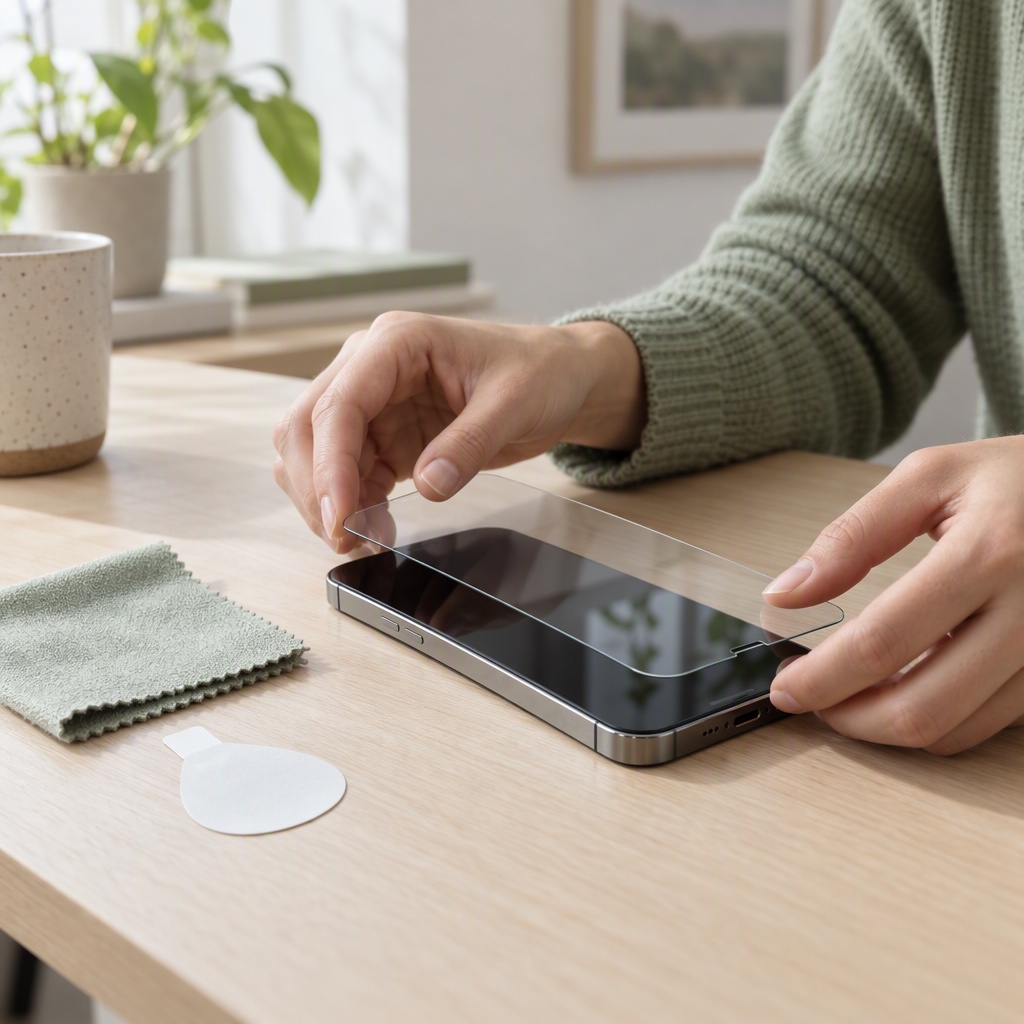
Glare outdoors comes from two places: light bouncing off your screen, and your screen fighting that light with more brightness. You cannot control the sun, but you can control the angle, the surface of your screen, and how hard the phone has to work. Small changes make a phone readable in daylight without draining the battery.
- Tilt the phone so the sun is behind you rather than beside the screen.
- A matte screen protector scatters reflections and helps more than extra brightness does.
- Check auto-brightness, which often leaves the screen dimmer than you want outdoors.
- A dark theme reduces glare on some screens, but bright content in shade still wins.
Why is it so hard to see a screen in sunlight?
A phone screen is a smooth, glossy sheet of glass, and glossy surfaces reflect. In direct sun the screen is competing with light that is many times brighter than its own output, so the reflection sits on top of the image you are trying to read. Your eyes then have to separate the two, which is why text looks washed out even when the brightness is turned up. The problem gets worse at certain angles, when the sun lines up with your line of sight and the reflection falls exactly where you are looking. This is why moving the phone a few inches or turning your body can make more difference than any setting. Understanding that the reflection is the enemy, not just the brightness, is the key to fixing it.
Do matte screen protectors really help?
They do, and it is the most direct fix available. A matte protector has a slightly textured surface that scatters light in many directions instead of reflecting it in one. The result is a soft, diffuse glow rather than a hard bright reflection, which makes text far easier to read outdoors. The trade-off is that matte surfaces soften the image slightly and can reduce the crispness of a high-resolution display, which some people notice and others do not. They also tend to show fingerprints less, which is a bonus. If you spend a lot of time outdoors, the readability gain is usually worth the small loss in sharpness. If you mostly use the phone indoors, a standard clear protector is the better choice.
How does brightness affect readability and battery?
Brightness helps, but it hits a wall. Once the screen is at maximum, there is nothing left to add, and maximum brightness drains the battery quickly while generating heat. Automatic brightness is convenient, but it often settles lower than you would like in shade or under a cloudy sky, which is exactly when you are trying to read. Turning it off and setting a manual level gives you more control, as long as you remember to bring it down indoors. The smart approach is to fix the reflection first with a matte protector and a better angle, then use only as much brightness as you need. That way the screen stays readable and the battery lasts longer.
What about sunglasses and polarizing lenses?
Polarized sunglasses cut glare from horizontal surfaces, which is why they are so effective on water and roads. They also interact with phone screens, because the screen emits polarized light. Depending on the angle, a polarized lens can make the display look dark, or even nearly black, when you tilt the phone. This surprises people who assume the phone has failed. If you wear polarized sunglasses, test the phone at a few angles before you rely on it outdoors, and be ready to rotate the phone slightly. Non-polarized sunglasses do not have this problem, though they also do not cut glare as well. Neither type fixes the underlying reflection on the screen itself.
How do you read a screen when you have no shade?
Create your own shade, even a little. Cupping a hand over the screen, standing so your body blocks the sun, or stepping behind a wall or a signpost can turn an unreadable screen into a clear one. Angling the phone so the sun is behind you rather than beside you removes the hardest reflection. If you have a case with a raised lip, it casts a thin shadow over the edge of the screen, which helps more than it sounds. Sitting in a car, use the visor. If you need to read for a while, take a break in the shade rather than fighting the sun, since your eyes tire quickly in high contrast. For photography in bright conditions, the same tricks apply, and they pair well with our guide to autumn photography with a phone.
Does screen position and angle matter that much?
It matters more than most settings. The angle between the sun, the screen, and your eye decides how much light reflects into your view, and small adjustments change it a lot. Holding the phone flat is the worst position, because it catches every overhead light and the sky. Tilting the top of the phone away from you, so the screen faces downward, usually reduces glare. If you use the phone on a table outdoors, a stand that tilts the screen toward you keeps it out of the worst reflections, and it is more comfortable than holding it at arm’s length. On a beach or by water, remember that bright sand and water bounce a lot of light upward, so a stand and a matte protector help together. Our guide to protecting a phone at the beach covers the rest.
Frequently asked questions
- Does a matte screen protector reduce screen quality? Slightly. Matte protectors scatter light, which softens fine detail a little and can add a faint texture to the image. In exchange you get much better readability outdoors and fewer visible fingerprints.
- Should I keep auto-brightness on? It is convenient indoors, but outdoors it often settles dimmer than you would like. Many people get better results by turning it off and setting a manual level they can raise quickly in bright light.
- Why does my screen look black with sunglasses? Polarized lenses and the polarized light from the screen can cancel each other out at certain angles. Rotating the phone usually restores the image. It is a normal effect, not a fault with the display.
- Does dark mode help in sunlight? It can help a little by reducing the amount of bright white on the screen, but it does not remove reflections. A matte protector and a better angle do far more for outdoor readability. Treat dark mode as a small extra rather than your main fix.
- Can I reduce glare without buying anything? Yes. Tilt the phone away from the sun, turn your body so the light is behind you, cup a hand over the screen, or step into shade. These cost nothing and often work better than a brightness boost, and the angle you hold the phone at matters more than most settings do.


