
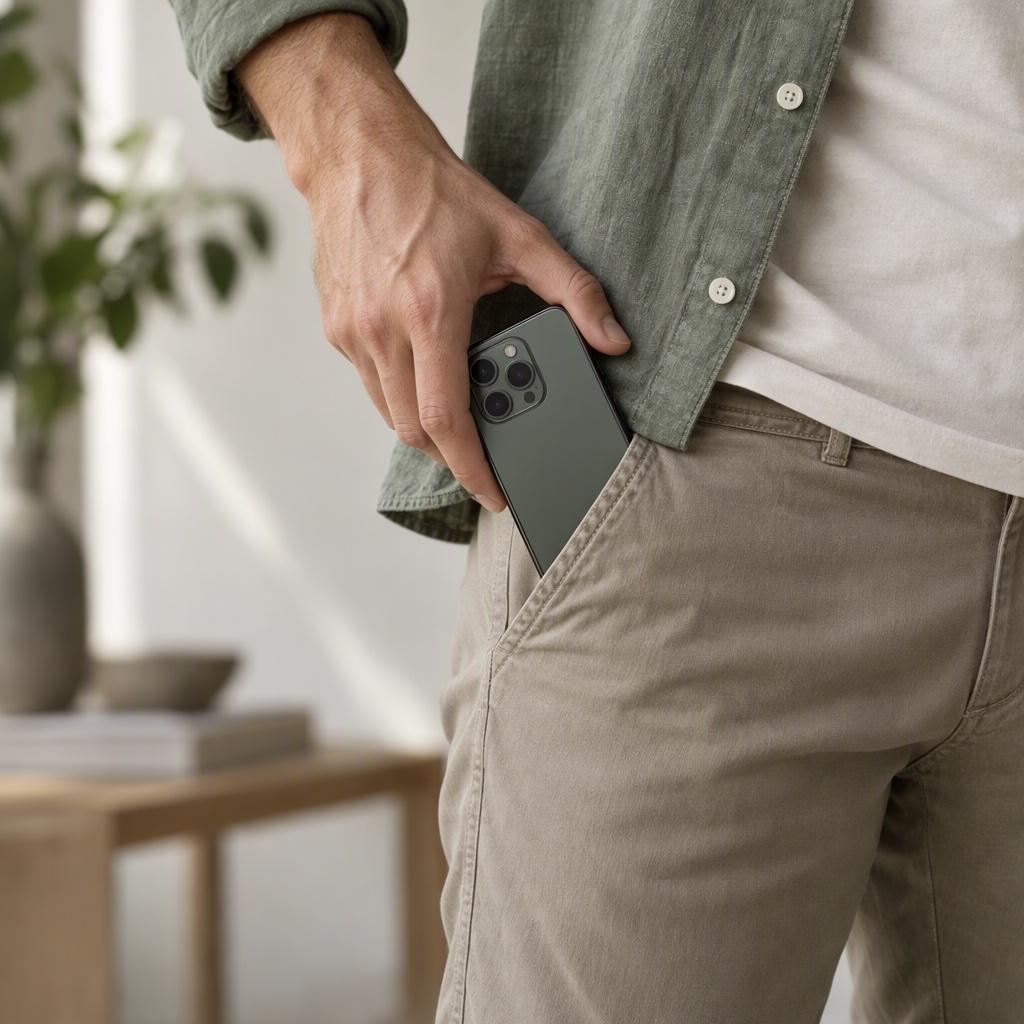
Your phone is the single most useful thing you pack, and the most annoying to replace when something goes wrong abroad. It holds your boarding passes, your maps, your translation, your payment method and your camera. That makes it worth preparing properly rather than hoping for the best. The essentials are modest: a way to charge it, a way to keep it dry and safe, and a few settings sorted before you leave home. Get those right and the phone becomes a reliable travel tool instead of a source of stress. Most of the work takes one evening, done at your own kitchen table.
- Carry a cable, a charger and a power bank you have tested at home.
- Download offline maps and any tickets before you lose signal.
- Sort out roaming or a local plan before you land.
- Keep the phone secure, backed up and out of sight in busy places.
What should I pack for my phone?
Keep it simple and tested. You need a charging cable that you know works, a wall charger for the country you are visiting, and a power bank for long days away from an outlet. A short spare cable is worth carrying, because cables fail at the worst moments and a spare weighs almost nothing. Add a water-resistant case or a dry pouch if you will be near water, rain or sand. A small pouch or wallet keeps the phone, a card and a spare cable together so you are not searching through a bag at the gate. Do not pack anything you have not tried at home first. A charger that turns out not to work is worse than no charger at all.

Cables & Adapters — cable. Designed for everyday carry and backed by our 30-day happiness guarantee.
How do I keep my phone charged on the road?
Plan around the fact that travel days are long and outlets are scarce. Charge fully before you leave, and top up whenever you are somewhere with power, rather than waiting for the battery to run low. A power bank is the single most useful accessory, and one that holds enough for two full charges will carry you through a long transit day. Take the phone out of its case while it fast charges, because a hot phone charges more slowly and travel days are warm. Avoid charging from a laptop if you can, since it is slow and competes with your own battery. If you are flying, remember that some airlines restrict larger batteries in checked baggage, so keep power banks in your carry-on.
What about data and roaming?
Decide this before you fly, not after. Check what your plan includes abroad, because the difference between a sensible option and a painful bill is usually one setting. If roaming is expensive, a local data plan bought on arrival is often the cheapest route, though it means changing a physical card or adding an electronic plan. Turn off automatic app updates and background sync while roaming, since those quietly consume data. Download what you need in advance over hotel or home Wi-Fi. Keep an eye on your data usage for the first day or two so there are no surprises. A few minutes of checking saves a very unpleasant letter later.
How do I keep my phone safe while travelling?
Treat it like cash. Keep it out of your back pocket in crowded places, and avoid holding it loosely on a train platform or at a busy market. Use a case with a strap or a grip so it is harder to snatch, and keep the screen locked with a PIN or biometric. Do not leave it on a restaurant table or in an unlocked bag. At night, charge it somewhere you can see rather than across the room. Back up your photos as you go, so a loss costs you the device but not the memories. Note the serial number and keep it somewhere separate. If the worst happens, that record makes reporting and any insurance claim far easier.
What should I do before I leave?
Spend one evening on preparation. Back up the phone completely and confirm the backup works. Download offline maps for the areas you will visit, which our guide to preparing offline maps explains in detail. Save your tickets, bookings and any travel documents so they open without a signal. Check that your charger works with the local power sockets, and if not, our guide to universal travel adapters covers what to buy. Test your power bank and cables. Tell your bank you are travelling so your card keeps working. Set the phone’s clock to update automatically. Write down the important phone numbers you might need on paper, just in case. Charge everything the night before, so you are not hunting for a working cable in the morning.
What is worth leaving at home?
Leave behind anything you would be devastated to lose and would not need. Expensive spare devices, a large camera you will barely use and a heavy laptop all add risk for little benefit. Take one charger rather than three, and one cable rather than a tangle of spares. Skip the bulky speaker and the extra case you will not swap. If you have a second phone, leave it at home unless there is a real reason to carry it. The same goes for cards: take the one or two you will actually use and leave the rest in a safe place. Traveling light with a phone is not a compromise, it is a genuine improvement. Less to carry means less to lose.
Frequently asked questions
- Should I buy a local SIM or use roaming? It depends on cost and convenience. A local or electronic plan is often cheaper for longer trips, while roaming is simpler for a short visit. Check your plan’s terms before you decide, and compare the data allowance rather than just the headline price.
- Do I really need a power bank? For long travel days, yes. Navigation, photos and translation drain a battery quickly, and outlets are not always available. One that holds two charges is plenty for most trips, and it earns its place on the first long transit day.
- Is it safe to use public Wi-Fi abroad? Use it for browsing, but avoid banking and shopping on open networks unless you have a secure connection. Mobile data is generally safer for anything sensitive, so save those tasks for a trusted network.
- What if my phone is stolen abroad? Lock and erase it remotely if the service allows, report it to local police for any insurance claim, and change the passwords of the accounts it could access. Having a recent backup makes the rest much easier to deal with.
- How do I keep my phone dry at the beach or pool? Use a sealed case or a dry pouch, and keep the phone out of direct sun. Sand and saltwater are both harder on a phone than most people expect, so rinse and dry the case afterward.


