
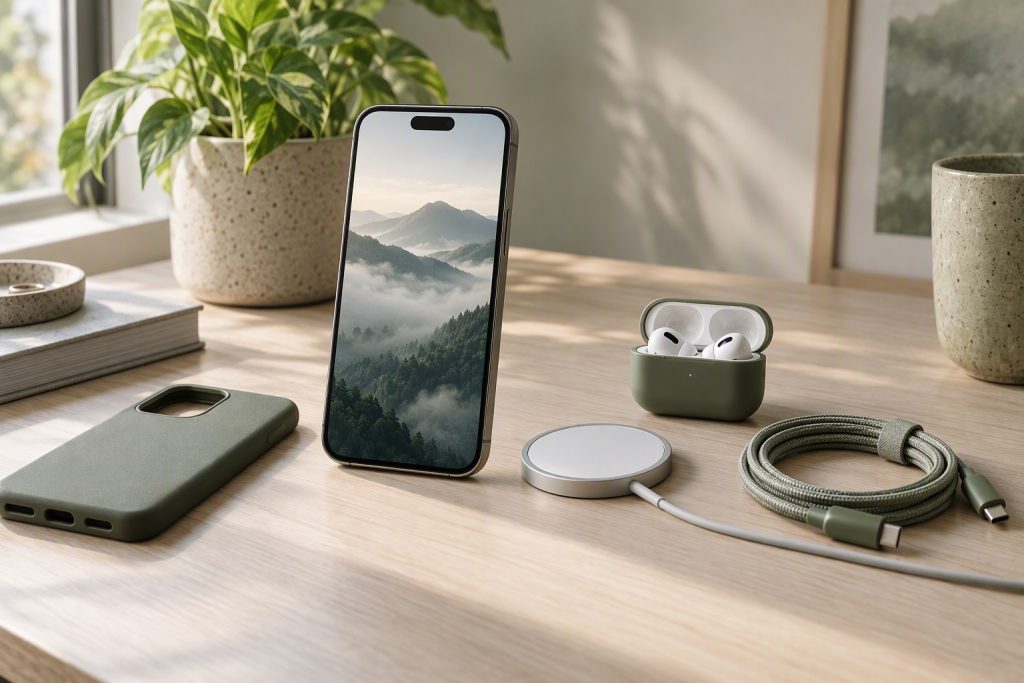
Recording a lecture on a phone is easy to do badly and straightforward to do well. The difference is mostly placement and preparation: put the phone where it can hear the speaker clearly, keep it steady, make sure it has enough storage and battery, and start the recording before the lecture begins. You do not need special equipment, but a small stand helps a great deal, and a few settings changes prevent the most common failures. Get those right and the recording becomes a reliable backup for the parts you missed while writing.
- Place the phone where it can hear the speaker clearly, not where you can see it best.
- A small stand keeps the recording steady and lets you write while it runs.
- Check storage and battery before you start, since a full phone stops recording.
- Ask permission first, and follow your school’s rules on recording.
What do you need to record a lecture well?
Recording a lecture well needs four things: a clear position for the phone, a steady hold, enough storage, and enough battery. The built-in microphone is good enough for a spoken lecture if the phone is close to the speaker and nothing is blocking it. A small stand holds the phone steady and lets you take notes at the same time, rather than holding it for an hour. Before you start, clear enough storage for a long recording and charge the phone, because a recording that stops halfway is worse than none. And check the rules: many schools have policies on recording, and it is both polite and sensible to ask permission before you press record. Put the phone on a desk holder rather than holding it, because a steady frame is easier to review later.

Screen & Lens Protection — camera lens. Designed for everyday carry and backed by our 30-day happiness guarantee.
Where should the phone sit to catch the sound?
The phone should sit where it can hear the speaker, which is not always where you can see best. Sound travels forward from the speaker, so a seat closer to the front or off to one side where the voice is not blocked gives a clearer recording than the back row. Avoid placing the phone behind a laptop screen, inside a bag, or under a desk, since all of those muffle the sound. If you can, put the phone on the desk in front of you, screen down or with the microphone unobstructed. A stand raises it slightly and keeps the microphone clear of the surface, which reduces the thump of the desk. Test the position briefly before the lecture starts by recording a few seconds and listening back. Record audio even if you also film, since the audio is what you will actually study from.
How do you stop the recording failing halfway?
Most failed recordings come down to storage, battery, or an interruption. A long lecture can fill a phone that is already crowded, so free up space before you start and check the estimated recording time your app shows. Keep the phone plugged into a power bank if the lecture is long, since recording drains the battery faster than usual. Turn on a focus or do-not-disturb mode so a call or a notification does not interrupt the audio. Set the screen to stay awake if the app requires it. And start the recording a minute early so you capture the introduction, which often contains the outline of the whole session. A short checklist before each lecture prevents nearly all of these problems. Check storage space first, because a long recording fills a phone faster than people expect.
How does power fit into a long recording?
A long recording is one of the heaviest things you can ask of a phone battery, because it keeps the microphone, storage, and often the screen busy at once. For a single lecture, a charged phone is usually enough. For a full day of back-to-back sessions, a power bank makes the difference between recording everything and missing the afternoon. Choose a bank you can leave connected on the desk without it getting in the way, and use a cable long enough to reach. Keep the phone out of direct sun while it records, since heat builds up during long sessions and slows the phone down. Topping up between lectures keeps the battery comfortable. Angle the lens away from windows, because backlight washes out the board you are trying to capture.
What should you avoid when recording a lecture?
Avoid recording without permission or in breach of your school’s policy, since that is both a rule and a courtesy issue. Avoid holding the phone in your hand for the whole session, because the movement and the rustle of your hand come through on the audio. Avoid leaving the phone in a bag, where the sound is muffled and muffled further by clothing. Avoid letting notifications interrupt the recording, and avoid starting late or stopping early. Avoid relying on one long file if you can record in shorter sections, since a single huge file is harder to search and riskier if it fails. And avoid the temptation to record instead of listening; the recording is a backup, not a replacement for attention. Name the file by subject and date the moment you stop, so it does not get lost among screenshots.
How do you find the recording again later?
A recording is only useful if you can find and use it, so name it the moment you save it. Include the subject, the topic, and the date, because a folder of files called “Recording 1” is impossible to sort. Store recordings in one place, either in a notes app or a folder, so they do not scatter across the phone. If you can, add a short note about the part that mattered, so you do not have to listen to the whole file again. Back the recordings up so a lost or broken phone does not mean lost lectures. And delete the ones you will not review, since a full phone is what causes the next recording to fail. For storage help, read managing phone storage: what to delete first. For the same subject on paper, our guide to taking notes with a phone covers the companion habit.
Frequently asked questions
- Do I need permission to record a lecture? Check your school’s policy and ask the speaker. It is both a rule and a courtesy, and some institutions forbid it.
- Where should I put my phone? Where it hears the speaker clearly — usually closer to the front and not blocked by a laptop or a bag.
- Will a phone battery last a full lecture? A single lecture is usually fine on a charged phone. For a full day, use a power bank between sessions.
- How do I stop the recording cutting out? Free up storage, keep it charged, and turn on do-not-disturb so a call or notification cannot interrupt it.
- Is it better to take notes or record? Both, if you can. The recording is a backup for the parts you missed; it does not replace paying attention.


