
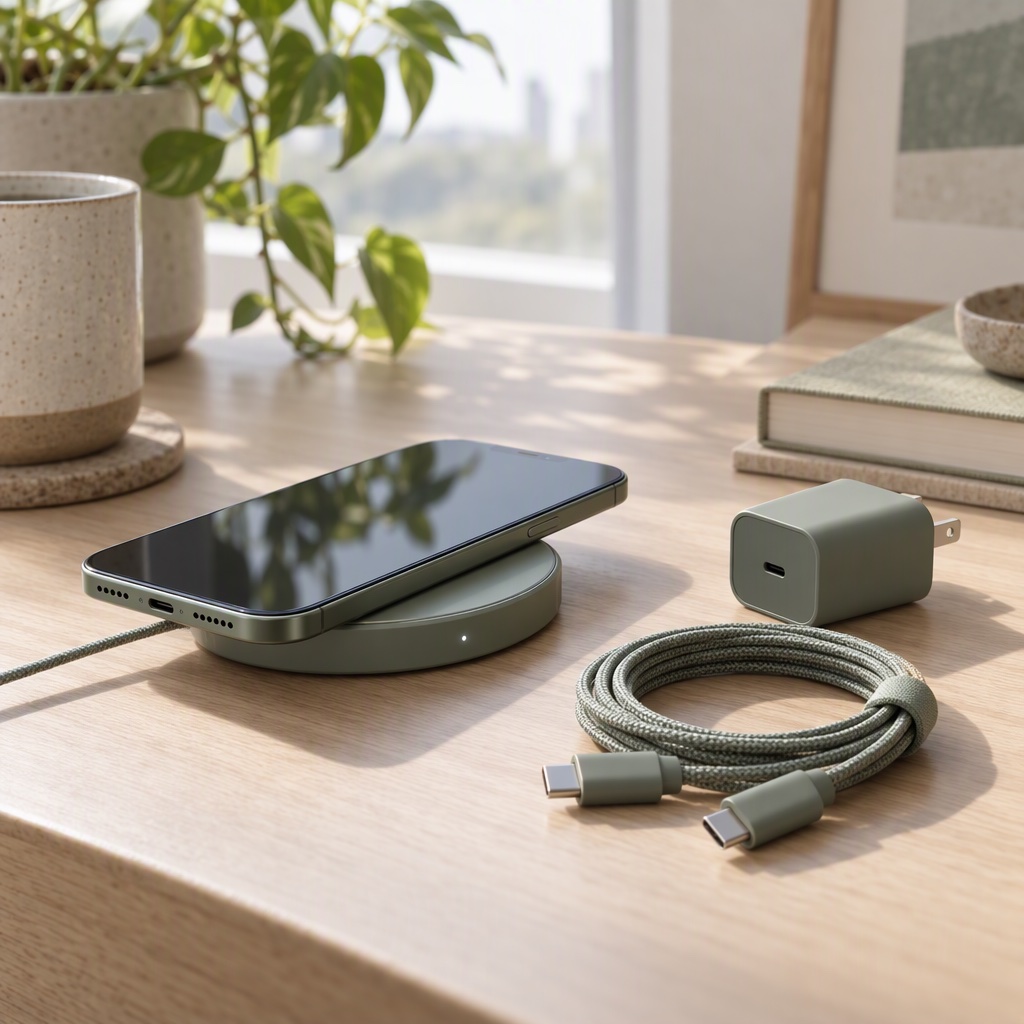
A public USB port is risky because it can carry data as well as power, and you have no way to know what sits behind a socket you did not install. A charging cable plugged into an unknown port is a two-way street: power flows in, but data can potentially flow in both directions too. That is the whole concern in one sentence. It does not mean every public port is hostile, and it does not mean you should panic. It means that when you plug into a port you cannot inspect, you are accepting an unknown risk, and there are simple ways to avoid taking it at all.
- A public USB port can carry data as well as power, unlike a plain wall socket.
- You cannot inspect a port you did not install, so the risk is unknown.
- Your own power bank or a wall socket you control avoids the problem.
- Never plug into an unknown port just because it is convenient.
What makes a public USB port different from a wall socket?
A wall socket delivers ordinary mains power, and everything between that socket and your phone is gear you brought yourself. A public USB port is the opposite. The port, the wiring behind it, and whatever device it belongs to are all outside your control, and a USB connection is designed to carry data by default. That is the key difference: a socket gives you power, while a USB port gives you a connection. You have no way to confirm whether that connection only charges or whether it also tries to talk to your phone. Because you cannot verify it, the sensible approach is to treat an unknown port as untrusted and avoid relying on it. A power bank sidesteps the issue entirely, since the power comes from something you own and trust.
How could a public port put my data at risk?
The theoretical concern is that a compromised port could attempt to exchange data with your phone when you plug in, rather than only supplying power. This is sometimes called juice jacking, and while it is rare, it is the reason security advice consistently warns against unknown USB ports. The practical risk is low for most people, but the point is that you cannot tell a safe port from an unsafe one by looking, so the only reliable protection is not to use unknown ports for charging at all. A port that looks tidy and well maintained can still be wired to something you would not choose. If you are already plugged in somewhere unfamiliar, unplugging and using your own power source removes the concern. Our article on charging a phone in a cafe safely walks through how to apply this in everyday settings without giving up the convenience of a top-up.
Is a charging-only cable a solution?
A cable built for power only, without the data wires connected, can reduce the risk because it cannot carry data even if the port tries to. That is a genuinely useful tool, but it comes with a catch: many cables sold as charging cables are not truly data-blocked, and it can be hard to confirm which is which. For most people, a simpler answer is to avoid the unknown port rather than trust a cable’s label. If you do want a data-blocked cable, treat it as one layer of protection and still prefer your own power source where possible. The cleanest approach remains using a power bank or a wall socket, because then there is nothing unknown to block in the first place. Prevention beats filtering whenever you have the choice.
What is the safest way to charge in public?
The safest method is to bring your own power. A charged power bank means you never have to plug into a port you did not install, and the phone charges from a source you control. If a wall socket is available, plugging your own charger into it is the next best option, since only mains power passes through the venue’s wiring. Carrying the right small adapters also helps you avoid borrowing unfamiliar gear, and an adapter such as a USB to Type-C OTG adapter lets your own setup connect to more devices when you need it. The rule is simple: keep the chain from power source to phone entirely within your own kit. Do that, and public charging stops being a risk question and becomes an ordinary convenience you can use without a second thought.
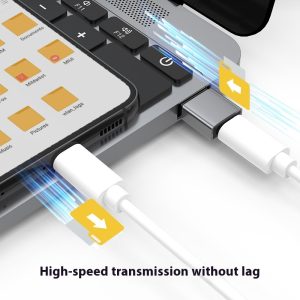
Cables & Adapters — cable. Designed for everyday carry and backed by our 30-day happiness guarantee.
Are all public ports dangerous?
No. Many public USB ports are perfectly ordinary and are used safely by thousands of people every day. The problem is not that every port is malicious, but that you cannot tell which are which. A port in a well-run venue is probably fine, yet it looks exactly like a port that has been tampered with, and appearance tells you nothing. Because the cost of avoiding unknown ports is so low, the sensible habit is to skip them even though most are harmless. This is a risk-management decision, not a claim that the world is out to get you. You are simply choosing the option with no unknown, which is your own power bank or a socket. That choice costs almost nothing and removes the question entirely, so there is no real downside to being cautious here.
How do you charge in public without worry?
Keep it simple and consistent. Carry a charged power bank, a short cable, and your own wall charger, and use them in that order of preference. Prefer a socket over a shared port, and prefer your own power bank over both when you want zero uncertainty. Keep your phone with you rather than leaving it to charge unattended, since theft is a more common risk than anything involving data. Do not plug into random ports just because they are there. These few habits cover the realistic scenarios and take no real effort. For the broader set of habits, our guide on how to keep your phone secure in public is worth a read. Standard tracked delivery takes ten to twenty business days, orders over thirty-five dollars ship free, and there is a thirty-day returns window.
Frequently asked questions
- Can a USB port really steal data? A data-capable port you cannot inspect is one you cannot fully trust, so it is safer to charge from your own power source instead.
- Are public charging stations safe? Many are, but you cannot tell a safe one from an unsafe one by looking, so the reliable habit is to avoid unknown ports.
- Does a charging-only cable help? It can, if it truly blocks data, but labels are hard to verify. Using your own power bank is the simpler protection.
- What is the safest way to charge away from home? Carry a charged power bank and use your own cable. Nothing unknown is involved, so there is nothing to worry about.
- How long does delivery take? Standard tracked delivery takes ten to twenty business days, and orders over thirty-five dollars ship free with a thirty-day returns window.


