
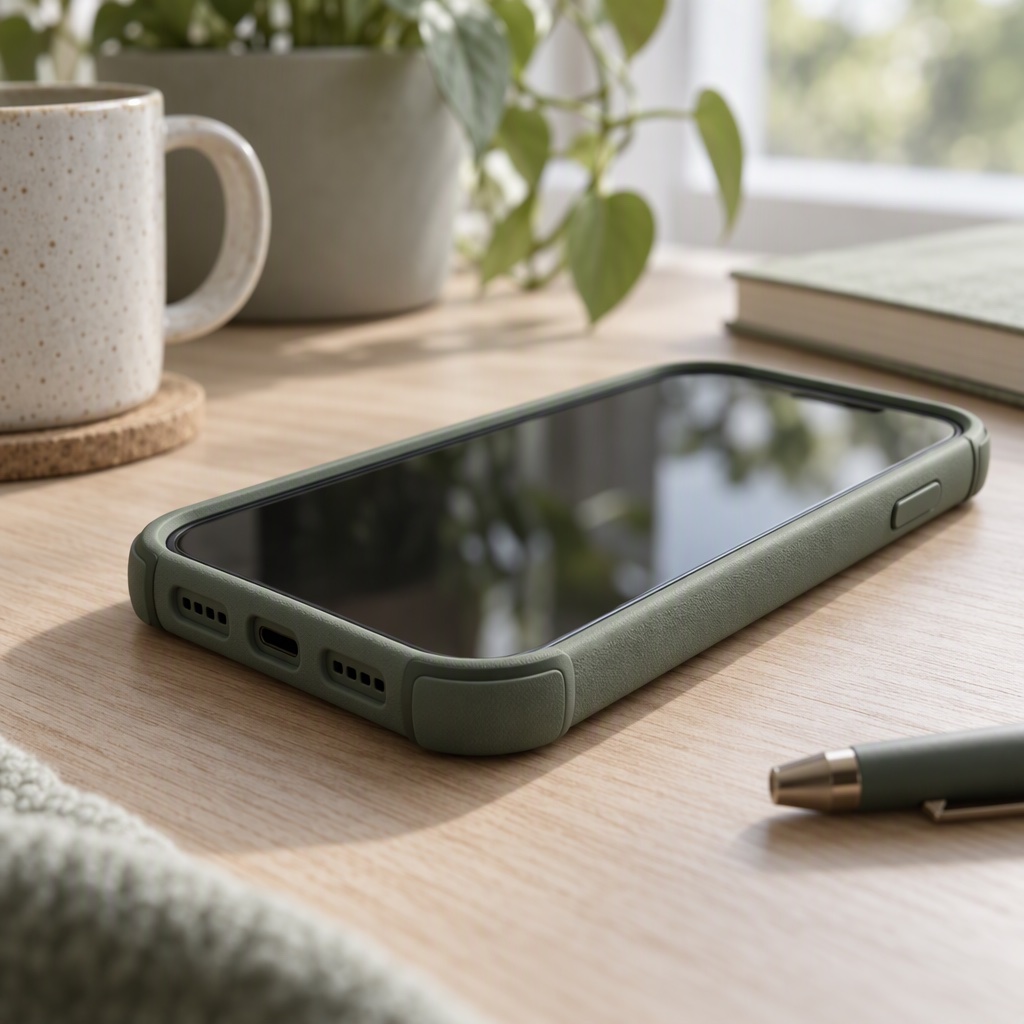
Removing an old screen protector is straightforward if you work slowly and keep the screen clean. The protector is stuck to the glass with a thin adhesive layer, so it lifts away rather than bonding permanently. The main things to avoid are prying at the glass with something sharp, letting dust settle on the exposed screen, and rushing the corners where the protector grips hardest. With a little patience and a couple of simple tools, you can take off a worn, cracked, or cloudy protector and have the screen ready for a fresh one in a few minutes. The process is gentle, and it is well within what you can do at home without any special skill or equipment beyond a cloth and a little patience.
- Work slowly and lift from a corner rather than prying at the glass.
- Use a soft tool like a fingernail, tape, or a plastic card.
- Clean the screen thoroughly before fitting a new protector.
- Never use sharp metal tools near the glass or the edges.
When should you remove an old screen protector?
It is time to remove a protector when it is cracked, chipped, badly scratched, or lifting at the edges. A protector that has started to peel will keep catching on pockets and fingers, and dust will collect under the lifted section. Cloudiness, a rough surface, or a protector that no longer sits flat are also signs it has done its job. If touch has become unreliable, a worn protector may be the cause, and removing it can confirm that. A protector that is still clean, flat, and clear can stay in place, so there is no need to replace one that is working well. When it is genuinely worn, though, removing it protects your experience and prepares the screen for a replacement.
What do you need before you start?
You need very little, but the right few items help. Have a clean, dust-free surface to work on, ideally somewhere away from fans, open windows, and pets that shed. A piece of tape is useful for lifting a corner and for picking up dust. A soft, lint-free cloth and some screen-safe cleaning supplies keep the glass clean once the protector is off. A plastic card or a soft plastic tool can help ease the protector up without scratching anything. Avoid anything metal or sharp, and avoid knives entirely. It also helps to wash your hands and remove rings, since oils and grit on your fingers can transfer to the screen. Setting these out first means you can move smoothly once the protector starts to lift.
How do you lift the protector without damaging the screen?
Start at a corner, which is usually the easiest place to get a grip. Slide a fingernail or the edge of a plastic card just under the protector, then lift gently rather than forcing it. If the corner will not budge, press a piece of tape onto it and pull upward, which often works better than a fingernail. Once a corner is free, work slowly along the edges, lifting a little at a time rather than pulling the whole sheet at once. Keep the angle low, close to the screen, so you are peeling rather than pulling straight up. If the protector is cracked, take extra care, since sharp shards can lift with it. For a protector that has lifted at the edge already, our article on how to stop a screen protector lifting at the edge explains why that happens and how to avoid it next time.
How do you clean the screen afterward?
Once the old protector is off, you will likely see adhesive residue or dust left behind. Wipe the screen with a soft, lint-free cloth, and use screen-safe cleaning supplies rather than household sprays that may leave a film. If there is sticky residue, a small amount of appropriate cleaner on the cloth, not on the screen, helps lift it. Work gently and avoid pressing hard. Finish by going over the glass again with a dry cloth to remove any streaks or fibers, and check the corners and edges, where dust tends to hide. A completely clean, dry screen is the best starting point for a new protector, so it is worth taking an extra minute here. If you have a spare protector ready, keep it sealed until the screen is spotless and completely dry.
What if the protector is cracked or badly stuck?
A cracked protector still lifts the same way, but it demands more care because the broken edges are sharp. Work slowly, keep your fingers clear of the shards, and consider taping over the cracked area first so small pieces do not scatter. If a protector is unusually stuck, warmth from your hands or a brief moment in a warm room can make the adhesive a little more willing to release, but never use heat directly on the phone. Do not force it, and do not insert anything sharp under the glass. If the protector is genuinely welded on and will not lift, it is safer to have a repair shop remove it than to risk the screen. Most protectors come off with patience, and the goal is always to protect the screen underneath, which is the whole reason the protector is there in the first place.
How do you get ready for the new protector?
Preparation is the difference between a clean fit and a bubbly one. Work in a still, dust-free space, and lay out a clean cloth, a dust-removal sticker or tape, and the new protector. Have the screen spotless and dry before you open the new protector’s packaging, since once it is exposed, dust is the enemy. Line the new protector up carefully and fit it before you put a case back on, since the case can press on the edges. Press from the center outward to push out air. For the full technique, our article on how to install a screen protector without bubbles is a good next step. Standard tracked delivery takes ten to twenty business days, orders over thirty-five dollars ship free, and there is a thirty-day returns window.
Frequently asked questions
- How do I remove an old screen protector? Lift a corner with a fingernail, tape, or a plastic card, then peel slowly at a low angle. Never use sharp metal tools near the glass.
- Will removing a protector damage my screen? Not if you work gently and avoid sharp tools. The protector is held by a thin adhesive layer and lifts away.
- What if the protector is cracked? Take extra care, since the edges are sharp. Tape over cracked areas first so small shards do not scatter as you lift it.
- How do I clean the screen after removing it? Wipe with a soft, lint-free cloth and screen-safe cleaner, remove any residue gently, then dry the glass fully before fitting a new protector.
- How long does delivery take? Standard tracked delivery takes ten to twenty business days, and orders over thirty-five dollars ship free with a thirty-day returns window.


