
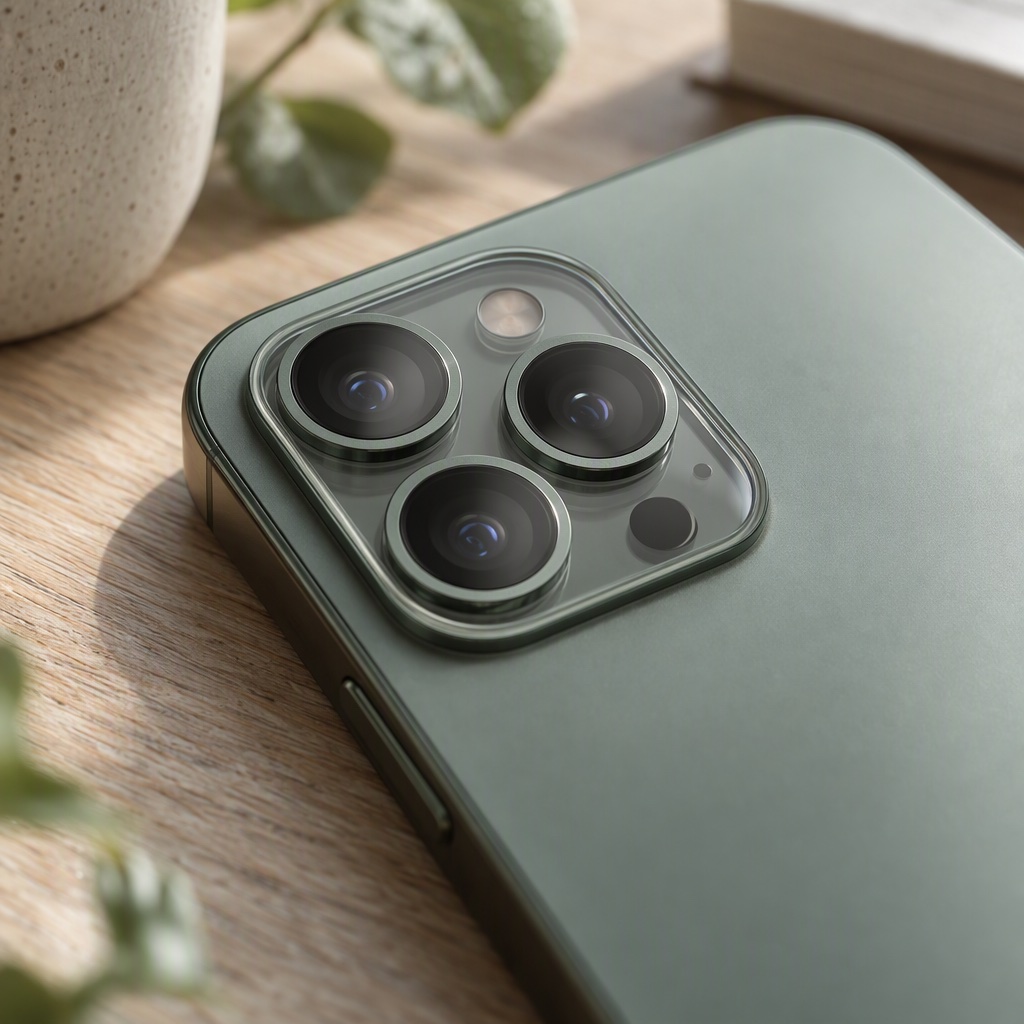
Indoors is where phone photography is hardest, because the light you take for granted is actually quite dim to a camera. The results — soft, grainy, or disappointing photos — are the phone’s doing its best with what it has, not yours. Fix the three things that actually matter indoors: steady the phone, find more light, and keep the lens clean. The techniques and accessories that help are simple, cheap, and work in any room.
- Steady the phone against a stand, table, or wall — hand shake is the biggest cause of soft indoor photos.
- Add light before anything else: turn on room lights, and move your subject near a lamp or window.
- Clean the lens first — in low light, every smudge scatters light and shows up as blur and haze.
- Avoid digital zoom in the dark; stepping closer keeps a photo sharper than cropping does.
Why do indoor photos come out blurry or grainy?
Indoor light is dim, and a phone camera copes by holding its shutter open longer to gather more light — which turns any movement into blur, whether that movement is yours or the subject’s. It also boosts brightness digitally, which amplifies the sensor’s background noise into a speckled, grainy texture, especially in the smooth areas like walls and skin. Both problems have the same root: not enough light. That is why indoor photos are less about the phone and more about the room. Once you understand that the camera is working at the edge of its ability in a normally-lit living room, the fixes — more light, more stability — start to look obvious rather than technical.
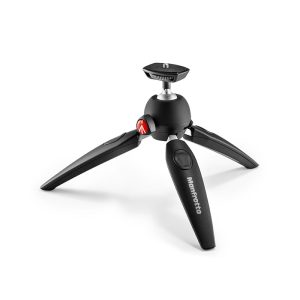
Mounts & Stands — holder. Designed for everyday carry and backed by our 30-day happiness guarantee.
What is the first thing to try?
Turn on every light in the room. It sounds too simple to work, but it is the single biggest improvement available, because more light means a faster shutter and less digital brightening, which fixes blur and grain together. Then reposition the subject closer to a light source — a window, a lamp, a well-lit doorway — rather than asking the camera to reach across a dim room. Watch out for mixed lighting too: a room lit by both a warm lamp and a daylight window will give skin odd color casts. Pick one light to dominate, and if a lamp has a shade, take it off for the photo. If the room has a dimmer switch, lift the lighting two levels rather than one, because shutter speed improves with every increment of light and blur falls away quickly. The best indoor photographers are usually just the people who turn the lights on.
How do you hold or support the phone?
Steadiness is the second half of sharpness, and indoors you need more of it than you expect. Brace your elbows against your sides, lean against a wall or doorframe, or rest the phone on a table — anything that stops hand shake becomes visible at slow shutter speeds. Take several shots in a row instead of one, because one of them will always be sharper than the rest. Use a two-second timer if the phone is resting on a surface, so the act of pressing the shutter does not shake the phone at the exact moment of the photo. For posed subjects and anything still, a small stand removes your movement from the equation entirely and lets the phone pick a slower, cleaner exposure.
What camera habits help in dim rooms?
Tap the screen on your subject before shooting, because a phone focusing in the dark often latches onto the wrong thing and hunts back and forth. Focus hunting is the other giveaway of a dim scene: give the camera something with contrast to lock onto, like the edge of a lamp or a picture frame. Keep digital zoom off, since it crops the image and uses less of the sensor’s light-gathering ability — stepping closer is always sharper. Use the main rear camera rather than a specialty low-light mode for anything that moves, and treat automatic HDR with caution indoors, because combining exposures of a moving subject blends the movement into a smear. A short video recording is a reliable fallback: film a few seconds and pull a still frame afterwards, which often rescues a shot that the still camera could not lock onto.
When should you skip the photo or add accessories?
Sometimes the honest answer is that the room is too dim for a good photo, and no technique will save it. If the only light is a television or a candle, either accept a moodier, softer image with character or wait for better conditions. The accessory answer is a small portable stand, which costs little and removes hand shake from every indoor shot you take, and a lens protector that keeps the glass clear — a smudge that is invisible outdoors becomes a glowing, blurred halo indoors. A ring light or clip-on panel is the heavy-duty option, but it changes the look of the photo completely, so treat it as a last resort rather than a default. And remember that more real light beats every accessory on this list.
What settings do photographers actually check indoors?
Start with what matters and ignore the rest. Check that focus has locked on the subject, not the background. If your phone has a night or low-light mode, use it only for still scenes, and hold the phone still for the whole capture, which can take a second or two. Nudge the exposure slider up slightly if the photo looks too dark, rather than compensating with digital zoom later, and turn off the flash — indoor flash flattens faces, blows out highlights, and casts hard shadows, and it almost always makes a photo worse than no flash. For more technique that carries over after dark, read night photography with a phone: what actually helps and how to take better photos with your phone.
Frequently asked questions
- Is night mode better than the normal camera indoors? For still subjects it often is, because it combines several frames and uses a longer exposure. For anything moving it can blur, so normal mode plus extra light is usually safer indoors. Try it both ways on the same subject and compare the results on a big screen.
- Can a lens film make low light worse? A scratched, smudged, or poorly fitted film can. A clean, well-made film is essentially invisible, and replacing it when it wears out keeps photos clear in dim rooms.
- Does the flash help indoors? Rarely for anything close. It flattens features, creates harsh shadows, and reflects off glossy surfaces — room light and a steady hand produce a much more natural photo.
- Why are my indoor photos noisy? The phone brightens the image digitally when light is scarce, and that process amplifies sensor noise into visible grain. Real light is the cure; no filter removes noise convincingly.
- Should you use a tripod indoors? A small stand or even a stack of books works well for still subjects, because any stable support lets the phone use a slower, cleaner exposure. A full tripod is optional indoors; what matters is that the phone is not moving when the shutter fires.


