
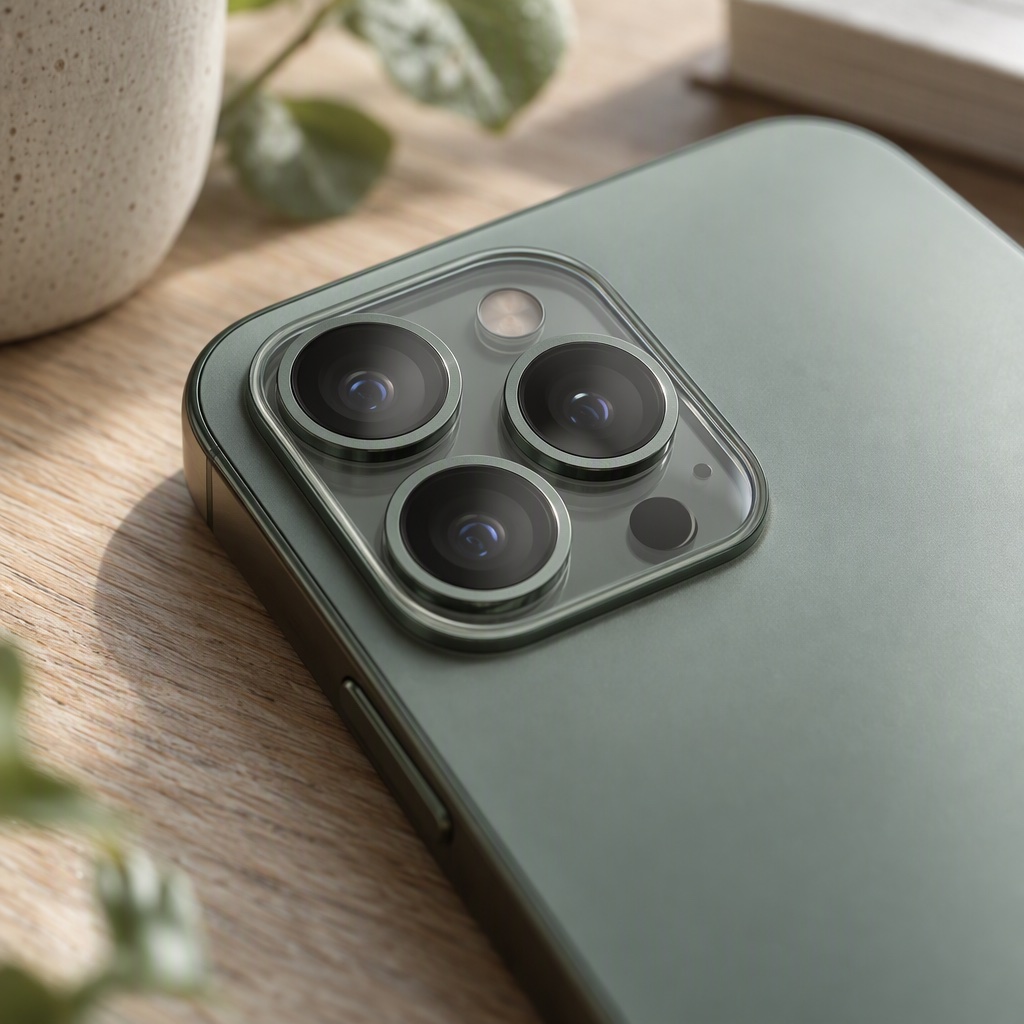
Wide interior shots are one of the hardest jobs you can give a phone camera, simply because most rooms are too small to step back in. An add-on wide lens is the direct answer: it fits over the phone’s camera and captures more of the scene, which makes tight kitchens, hotel rooms, and hallways far easier to photograph. The catch is fit — a lens that sits badly against a bulky case will show dark corners or a tilted view. Choose the right case pairing and a few steady habits, and an ordinary phone can shoot a believable wide interior.
- A wide lens only helps if it fits — a flat camera surround or a magnetic mount keeps the lens parallel to the camera glass.
- Clip-on lenses suit bare or slim-cased phones; a thick case usually pushes them too far away to work well.
- Shoot level and switch on the phone’s grid, because wide lenses exaggerate any tilt into leaning walls.
- Keep the add-on lens clean — a fingerprint on a small lens costs more sharpness than the lens ever will.
Why do phone cameras struggle in small rooms?
A phone’s main camera sees a fairly narrow slice of the world — wide enough for everyday photos, but not for a whole kitchen photographed from the doorway. When a room is smaller than the camera’s field of view allows, the usual answer is to walk backwards, and in a tight space you hit a wall within a step or two. Tilting the phone up or down to fit more in is worse than it looks, because the perspective correction that keeps vertical lines straight stops working, so doorframes lean and cabinets slope. Add-on wide lenses side-step the problem by capturing more of the scene without moving your feet, which is why they are such a common tool for photographing interiors.
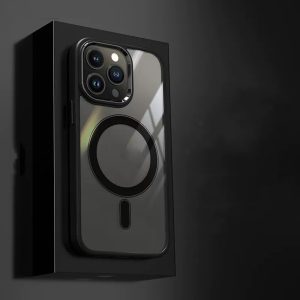
iPhone Cases in Transparent. Designed for everyday carry and backed by our 30-day happiness guarantee.
What kinds of add-on wide lenses are there?
Two main styles dominate the market. Clip-on lenses grip the phone’s body over the camera and work on a bare phone or a very slim case; they are fiddly to align but inexpensive to replace if dropped. Magnetic lenses snap onto a metal ring — either built into a lens-friendly case or stuck to the back of the phone — and are much quicker to attach and remove in the field, which matters when you are juggling keys and groceries. Quality varies hugely in both styles, so judge a lens by its edges rather than its center: a cheap lens can look sharp in the middle and turn mushy at the corners, exactly where interiors show walls and ceilings meeting. Sets that bundle several lenses are common, but a single good wide lens will serve you better than a case of mediocre attachments.
How do you fit a lens to your phone and case?
The lens must sit centered over the camera glass, and close to it. A thick raised lip around the camera pushes the lens away from the phone and cuts dark corners into the frame, a problem called vignetting. That is why lens-friendly cases exist: they use a flat camera surround or a small magnetic ring so the attachable lens sits flush. On phones with several rear cameras, position the lens over the main camera and check that it does not block the others, because you will often switch back and forth. Take one test shot of a plain wall at full zoom-out after every new fit, and fix alignment problems before you start photographing a room that matters. A lens that is even slightly off-center will make the whole frame look tilted, and you will spend the shoot fighting the phone instead of the room.
What technique keeps wide shots clean?
Wide lenses exaggerate everything, including mistakes. Hold the phone level — use the built-in grid overlay to line the phone up with the room’s vertical lines — because a tilt of a few degrees bends doorframes into parabolas. Stand at chest height rather than eye height for interiors, which keeps walls parallel and furniture in proportion. Leave a margin around the edges of the frame, since the corners are where distortion and softness live, and crop inwards afterwards if the shot needs tightening. Get close to what matters instead of relying on the lens to do the work from across the room, and keep your fingers, straps, and rings out of the widened field of view, which now easily includes them.
When is a wide lens not worth carrying?
Outdoors in good daylight, a wide lens is often unnecessary, because you can simply step back and let the main camera do its job at its best quality. Wide lenses gather less light than the phone’s own optics, so in dim interiors or at dusk they can produce softer, noisier images than the plain camera would. If you are photographing one subject rather than a whole room, a normal lens with a small step forward is sharper and more natural. Carry the lens for rooms, tight corners, and “fit everything in” moments, and leave it in the drawer for landscapes and portraits. Think of it as a specialist tool that solves one specific problem — a room bigger than your camera’s field of view — rather than an everyday replacement for the lens your phone already has. Knowing when not to reach for it is part of using it well.
Which accessories pair well with a wide lens?
A lens-friendly case is the foundation: a flat camera surround or magnetic ring that lets the attachment sit close and square. A camera protective film on the phone’s own lens protects the glass you rely on when the add-on is in your pocket, and a small cleaning cloth keeps both lenses usable. A ring or finger grip helps too, because a level, braced hold is what keeps wide compositions honest. Learn how to fit an attachment to your setup with how to choose a lens that fits a case, and for dim rooms where wide lenses struggle, see phone photography for indoor low light.
Frequently asked questions
- Do wide lenses lower photo quality? Usually a little, especially at the edges. A well-made lens is perfectly good for interiors and social posts; it will not match the phone’s own camera for absolute sharpness.
- Can a clip lens be used with any case? Only if the case is slim enough that the clip clears the camera surround and sits the lens flush against the glass. Thick cases usually need a magnetic mount instead.
- Why do straight lines curve in wide shots? That is lens distortion, and it grows towards the edges. Keep the phone level, leave margins, and crop inwards afterwards to straighten the composition.
- How do you clean a clip-on lens? With a dry lens cloth or a microfiber cloth made for glass. Store it capped in a pocket, because small lenses collect lint and fingerprints fast.
- Does the lens work with the phone’s ultra-wide camera? Clip and magnetic lenses are matched to the main camera. Switching to the ultra-wide mode with an attachment fitted will not give you the effect the lens was designed for.


