
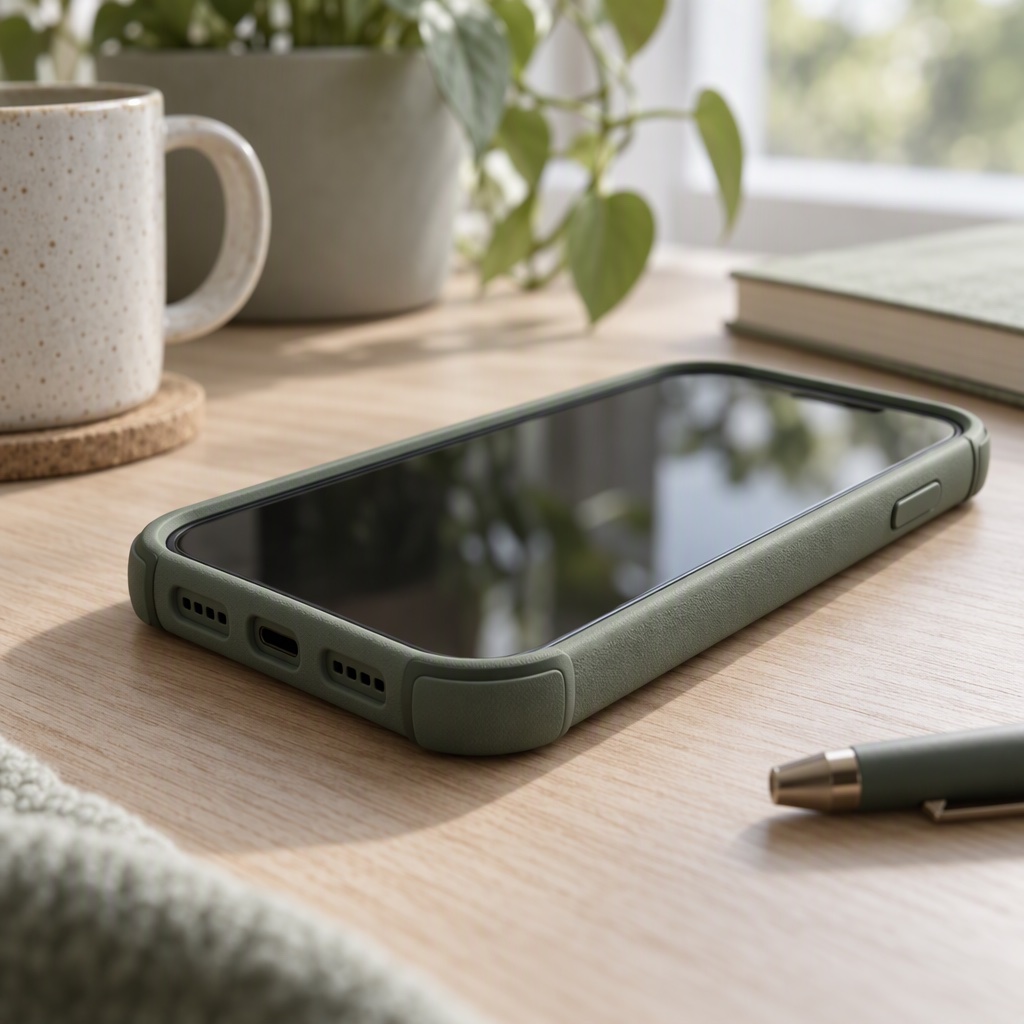
Toddler screen time is mostly about making the phone survive the session. A young child holds a phone differently from an adult, drops it more often, and treats it as something to chew, so the useful accessories are the ones that protect the device and take the strain off small hands. A stand, a full-cover case, a grip and a volume limit set on the phone itself will do more than anything else on this list.
- Use a full-cover case and a stand, so drops and face-down landings do less damage.
- Set a volume limit and turn on guided access or screen pinning before you hand the phone over.
- A grip or ring gives a small hand something firm to hold onto while watching.
- Keep cables out of reach during use, and clean the phone and case afterwards.
What actually goes wrong during a toddler’s screen time?
Three things, repeatedly: drops, chewing and poking. A phone handed to a toddler is held near the edge with wet fingers, so it slips, and it falls onto hard floors rather than soft ones. The glass takes a direct impact far more often than it would in adult use, and the camera lens ring is the first casualty. Chewing is less about teeth marks than about saliva, which wicks into the speaker grilles, the charging port and the seam around a case, where it does quiet damage over months. Poking matters because a small finger pressing hard on a screen protector can eventually lift an edge, especially on a plastic film. Once you know the three failure modes, the accessory list writes itself: hard protection, a mount that keeps the phone still, and something easy to hold.
iPhone Cases — case. Designed for everyday carry and backed by our 30-day happiness guarantee.
Which case and screen protection are worth using?
A full-cover case with a raised lip around the screen is the single most useful purchase, because it takes the impact that would otherwise hit the glass in a face-down drop. Look for a case with decent corner reinforcement, since that is where most toddler drops land, and check that the camera rim sits above the lens rather than level with it. A tempered glass screen protector keeps the display safe from scratches, and it is easier to wipe clean than a soft film, which matters with sticky hands. Avoid anything with small detachable parts, loose beads or an easily opened card pocket. If the phone is going to be sat on the floor rather than held, add a stand and let gravity do the work. Reading up on choosing a case that actually protects is a good next step.
How do you stop the phone being dropped or thrown?
A stand is the best answer, because a phone that is leaning against something on a table cannot be dropped, thrown or sat on. A weighted stand with a slightly tilted angle is ideal on a table or a high-chair tray, and it keeps the screen at a comfortable viewing height without being held. A grip or ring holder does the same job for a phone in the hand: it gives a small palm something to hook around, and it lets the phone rest against a cot rail or a car-seat headrest. A strap is a further step, though a toddler and a lanyard need supervision at all times. Where the phone is out of reach entirely, a wall or cabinet mount keeps the whole question away from small hands. The goal is fewer moments where the phone is in free fall.
What phone settings should you use alongside the accessories?
Accessories only work if the phone settings hold up their end. Set a volume limit so a toddler cannot turn the sound to maximum, and use guided access or screen pinning to lock the phone into one app so a stray tap does not end up in your email. Turn on auto-lock with a short timeout, and disable purchases inside apps where the option exists. Keep the phone in airplane mode during supervised screen time if you do not need calls, which stops random notification sounds and reduces battery drain. Disable the camera and microphone in apps that do not need them, and review what the phone has been doing afterwards. Most of these settings live in the accessibility and screen-time menus, and they take about five minutes to put in place once.
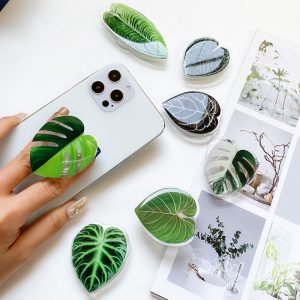
Grips & Ring Holders in Green. Designed for everyday carry and backed by our 30-day happiness guarantee.
How do you handle charging around a toddler?
Cables are the dangerous part of any screen-time setup, because a cable in a small hand is a chew toy and a cable across a high chair is a strangulation risk. Keep chargers out of reach during use, charge outside the room where you can, and never leave a cable plugged in and looped where a child can reach it. A short, sturdy cable is easier to route out of the way than a long one, and a wireless charging pad on a high shelf removes the connector entirely. Charge before the session rather than during it where possible, and unplug everything afterwards. If you are using a power bank for a long car journey, put it in the boot or a sealed compartment out of reach. Our guide to a starter kit of phone accessories covers the same ground for older children.
How do you clean up after a session, and what does it cost?
Wipe the phone and the case after every session, and take the case off for a proper wash once a week if it is silicone. Check the charging port with the phone powered down and use a wooden pick to lift out any lint or crumbs, since a blocked port stops a cable seating properly. Saliva in a speaker grille is worth catching early, so dry the surface with a cloth and let the phone sit for a few minutes before charging. Budget realistically: a protective case and a screen protector are the two things worth buying properly, a stand is inexpensive and does years of work, and grips are replaceable. Accessories that get chewed or thrown will need replacing, so keep the spend spread out rather than loading it onto one expensive purchase.
Frequently asked questions
- How much screen time is right for a toddler? Guidance varies by age and changes over time, so it is worth checking current pediatric recommendations and setting your own family rules. Accessories cannot answer this question, but they can make whatever you decide safer and calmer.
- Is a glass or plastic screen protector better for a toddler? Glass resists scratches better and wipes clean more easily, while a thicker film is more forgiving if the phone is sat on. Either works if the case has a raised lip to keep the phone off surfaces.
- Can a toddler damage a phone by chewing it? Yes, mostly through moisture getting into the ports and speaker grilles rather than through bite marks. Wipe the phone dry after every session and keep it out of reach during naps if chewing is frequent.
- Should I use a waterproof case? It helps against drinks and bath-adjacent accidents, but check that a waterproof case still allows touch through the screen and sound through the speaker. A simpler full-cover case is usually the more practical everyday choice.
- Is a grip or a stand better? Use a stand whenever the phone is not being carried, because a stationary phone cannot be dropped. A grip is for the times your child wants to hold it, and it is inexpensive enough to replace often.


