Set up a new phone in the right order and you avoid most of the fiddly problems people hit on day one. Charge it enough to switch on, fit protection before the phone leaves the house, move your data across while the old phone is still working, then sign in to your accounts. Wiping the old phone is the last step, never the first. The order matters because a data transfer needs both devices alive, and because a bare screen is at its most vulnerable in the first hour. Get the sequence right and the whole process takes far less time than fixing it afterwards.
- Charge the new phone to a workable level, then fit a screen protector and a case before you leave the house.
- Move your data from the old phone while it is still switched on and still signed in to your accounts.
- Sign in to accounts, then check calls, messages, mobile data and Wi-Fi before you trust the new phone.
- Wipe the old phone only after you have confirmed that everything arrived on the new one.
What should you do before you switch the new phone on?
Before you press the power button, decide where the phone is going to live for the next hour. Sit at a table with clear space, the old phone beside you and the new phone’s charger within reach. Unbox the new phone and check that everything you expect is in the box: the phone, a cable, any pin tool and the paperwork. Read the serial number and the IMEI off the box or from the phone itself and keep them somewhere you can find later, because you will need them for insurance or a repair. Then charge the new phone until it has comfortably more than a quarter of a battery, so it cannot die in the middle of a transfer. Keep the old phone plugged in too if you can. Keep both cables untangled and within reach.
Should you fit a screen protector before or after setup?
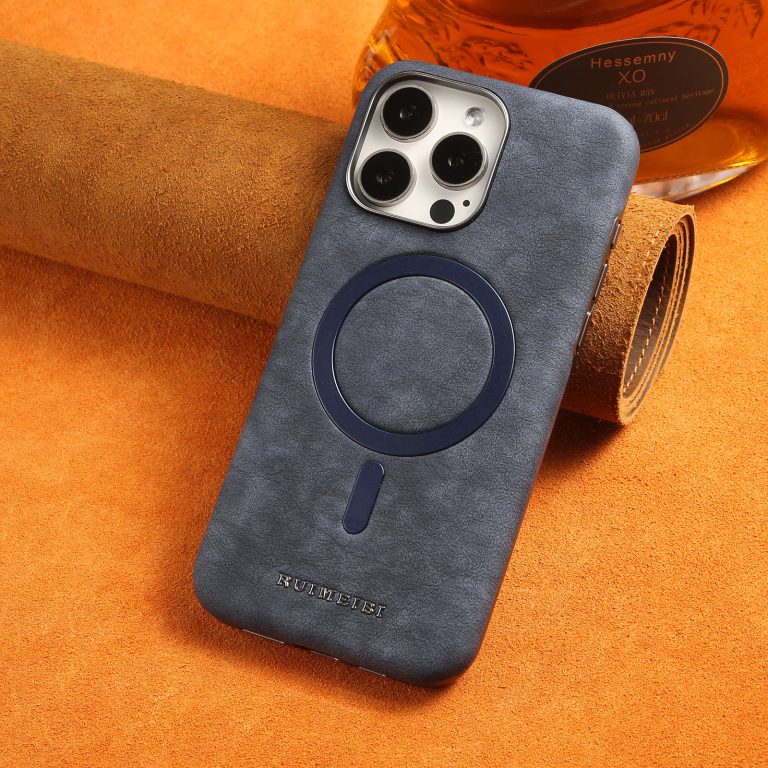
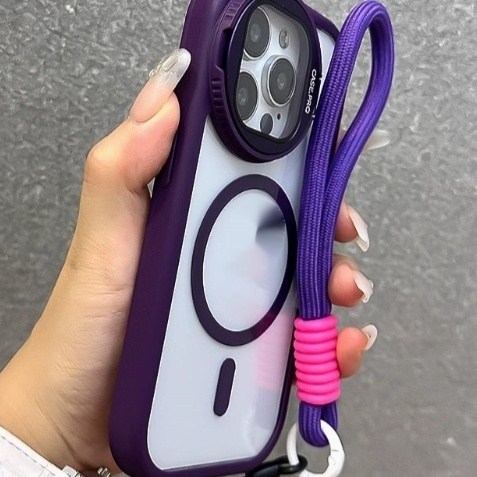
Fit protection first. A new phone spends its riskiest hour being handled, passed around and set down on unfamiliar surfaces, and a bare display is the easiest thing to mark. Clean the screen, fit the protector and let the adhesive settle while the phone charges. Then fit the case. Doing it in that order means a raised case lip cannot push the edge of the film up while you slide the case on. If you are not confident about dust, work in a steamy bathroom with the door shut so the air is settled. Once the protector is on, the rest of the setup is far more relaxed, because you are no longer handling a bare screen over a hard table.
When should you transfer your data?
Move your data while the old phone is still switched on, still signed in and still connected to Wi-Fi. Both phones need to be awake for a direct transfer, and the old one needs its account details to hand over photos, messages and app data. Plug both into power if you can, because a large transfer drains batteries quickly. Keep them close together and do not lock or move either one until the progress bar finishes. If you are moving between different platforms, expect some apps to need signing in again and some message history not to come across at all. Check that your photos and contacts arrived before you go any further. If something is missing, the old phone is still there to copy it from.
What order should you sign in to accounts?
Sign in to the phone’s own account first, because it controls backups, app downloads and find-my-device. Then add your email accounts, since contacts and calendars sync from there. After that, sign in to your messaging apps, because some of them only restore history once you are on the same account as before. Banking and payment apps come last, and most of them will ask you to re-verify on the new device, which is normal. Turn on two-factor authentication as you go rather than promising to do it later. If an app refuses to sign in, check that the date and time are correct on the phone before you assume something is wrong with the account itself. If it still refuses, reset the password from a computer and try once more.
When should you charge the new phone for the first time?
There is no need to drain a modern phone before its first charge, and no benefit in charging it for a fixed number of hours. Charge it when it needs charging, ideally before it drops below about a fifth, and unplug it when it is full. The first full charge is a good moment to check that the charger and cable you plan to use actually work well with the phone: if the phone says it is charging slowly, that is worth sorting out now. Heat is the thing to avoid, so do not charge a new phone under a pillow or on a radiator. Our guide to what actually changes charging speed explains how the brick, the cable and the phone share the job between them.
What should you check before you wipe the old phone?
Before you wipe the old phone, prove that the new one has everything. Open the gallery and scroll to the oldest photos. Check contacts, messages, notes and any voice recordings. Sign in to the apps you use daily and confirm they show your data, not a blank new account. Make sure the new phone can make a call and send a message on mobile data with Wi-Fi switched off. Then remove the old device from your accounts and turn off find-my-device on it, because a wipe will not complete while an account lock is active. Only after that should you erase it. If you still use both phones, our tips on using a phone one-handed help when you are holding both at once. Doing both at once is how settings get missed.
Frequently asked questions
- Do I need the old phone to set up the new one? Not always, but you need it switched on and signed in to move photos, messages and app data across in one go. A switched-off phone cannot hand anything over.
- Can I set up a new phone without Wi-Fi? You can, but most transfers and app downloads are far slower on mobile data and some will refuse to run at all. Use Wi-Fi for the first setup if you can.
- Should I update the phone before transferring data? Yes. Install the system update first so the transfer tool matches the current software on both devices. Do it before you move anything across, not after.
- What if the transfer stops halfway? Keep both phones awake and on power, then restart the transfer. Files already copied are usually skipped the second time. Do not lock either screen while it runs.
- How long should I keep the old phone after switching? Keep it switched off but charged for a couple of weeks, in case something did not come across the first time. After that, wipe it and pass it on or recycle it.