Using a phone one-handed is mostly about grip and reach, not hand size. You hold the phone lower and further onto your fingers, let the bottom corner rest against your palm, and tilt it slightly instead of stretching your thumb to the far top corner. Software helps too: a one-handed keyboard and a reachability setting bring the top of the screen down to you. If you have to strain, you are holding it wrong rather than attempting something impossible. A few small changes to grip and settings make one-handed use genuinely comfortable.
- Let the phone rest on your fingers and palm, with the bottom corner tucked in, rather than pinching it.
- Tilt the top of the phone slightly towards you to shorten the reach to the far corner.
- Turn on the one-handed keyboard and any reachability or screen-shift setting your phone offers.
- Use a grip, a strap or a ring if you carry the phone for long stretches or over hard ground.
Why is one-handed use harder on a large phone?
A phone is a lever, and the longer it is the more it wants to rotate out of your hand. On a small phone your thumb can cover most of the display without your grip changing. On a large one the top far corner sits outside the arc your thumb can reach, so you either shuffle the phone in your hand or stretch for it. Both cost you control. Weight matters too: a heavier phone needs more grip force to hold at the same angle, and grip force fades over a few minutes. Cases with smooth backs and glass on both sides make it worse, because there is less friction to work with. Adding friction is easier than adding hand strength. Reducing reach and reducing force solve most of the problem.
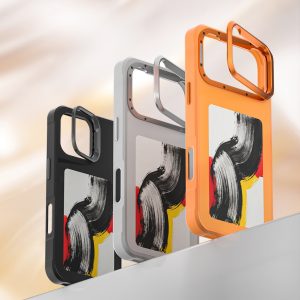
How do you hold a phone one-handed without dropping it?
Rest the phone along your fingers rather than gripping it like a bar of soap. The bottom edge should sit in the crook of your little finger, with your palm supporting the back and your thumb free to move across the screen. Your fingers spread slightly behind the phone for stability. Keep the phone closer to your body, because the further out you hold it, the harder your hand works. Add a case with a textured or slightly rubbery back, since friction does more for grip than squeezing harder. And do not hold the phone over hard ground while walking if you can avoid it. A screen protector and a fresh protector when the old one wears reduce the cost of a slip.
Which settings make a phone easier to use one-handed?
Most phones hide two or three genuinely useful options. The first is a one-handed keyboard, which shifts the keys to one side of the screen. The second is a reachability gesture that slides the top of the interface down within thumb range, usually triggered by a swipe down near the bottom edge. The third is a display setting that shows the same content at a larger scale but pulls controls closer to the centre. Turn off gestures that require a long reach across the screen, and move frequently used apps to the bottom half of the home screen. A shorter, simpler home screen does more for one-handed use than any accessory you can buy. Group the apps you use most into the bottom row so your thumb never has to travel far.
How do you reach the top of the screen one-handed?
Stop trying to reach the top corner with your thumb. Instead, tilt the phone slightly towards you and rotate it a few degrees so the far top corner comes nearer. A small shift of the phone in your hand is safer than a full stretch, because stretching moves your grip and that is when phones fall. For anything in the top bar, use the reachability gesture so the interface comes down to you. Where an app offers a bottom search bar or a bottom tab row, use it rather than the top menu. If an app puts its only back control in the top left, a back gesture from the screen edge is usually available and much easier to reach. Learn one gesture well and you will stop reaching for the top corner altogether.
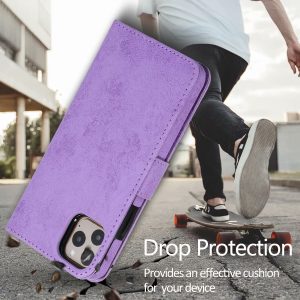
What accessories help with one-handed use?
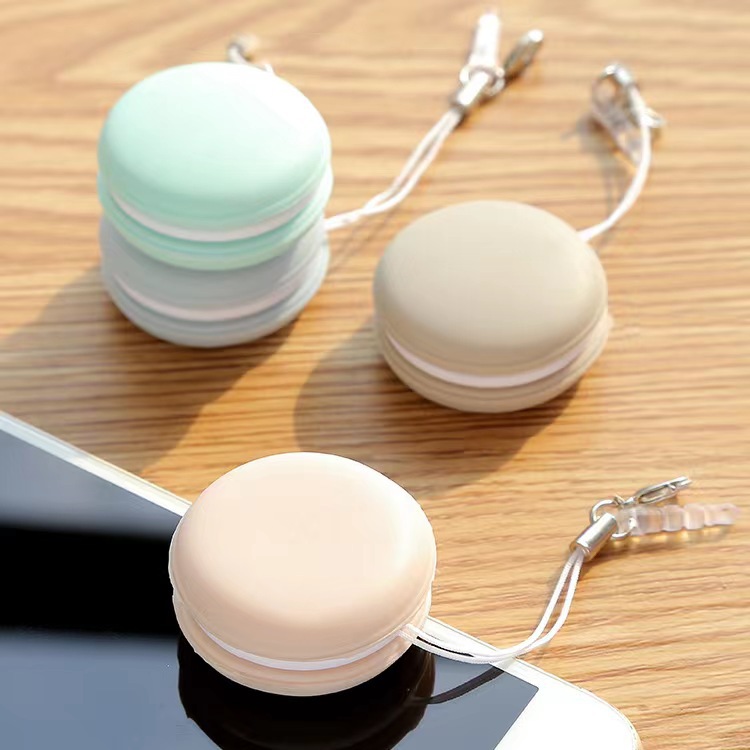
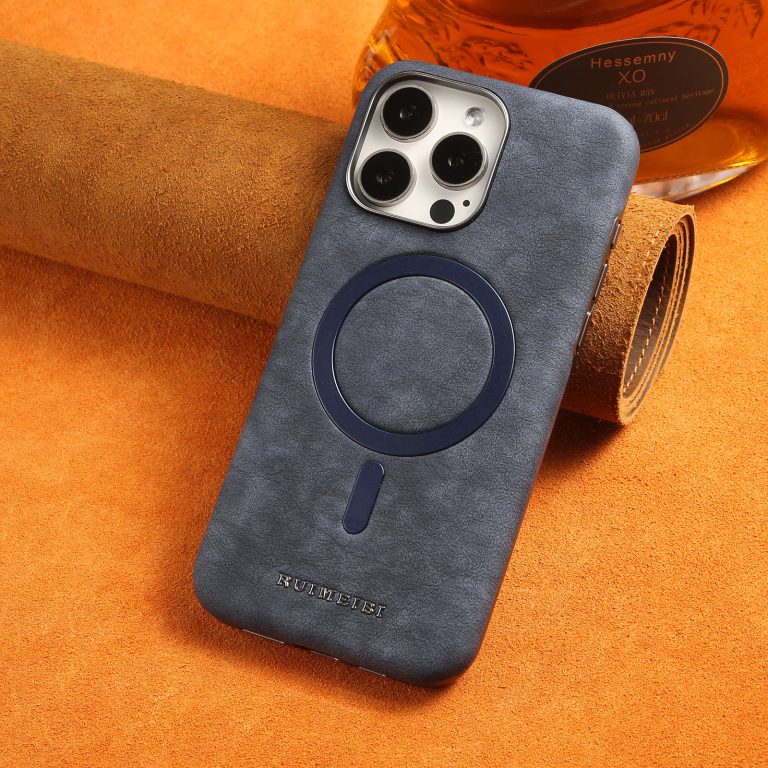
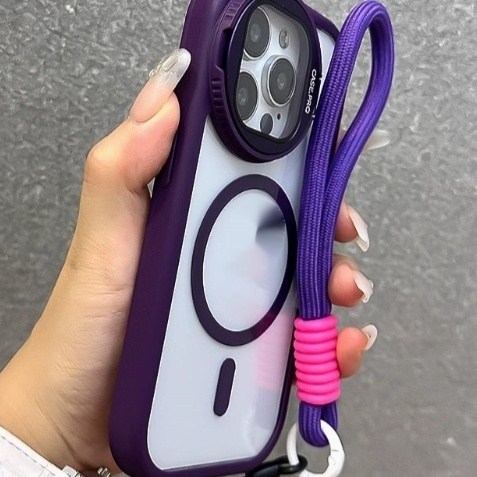
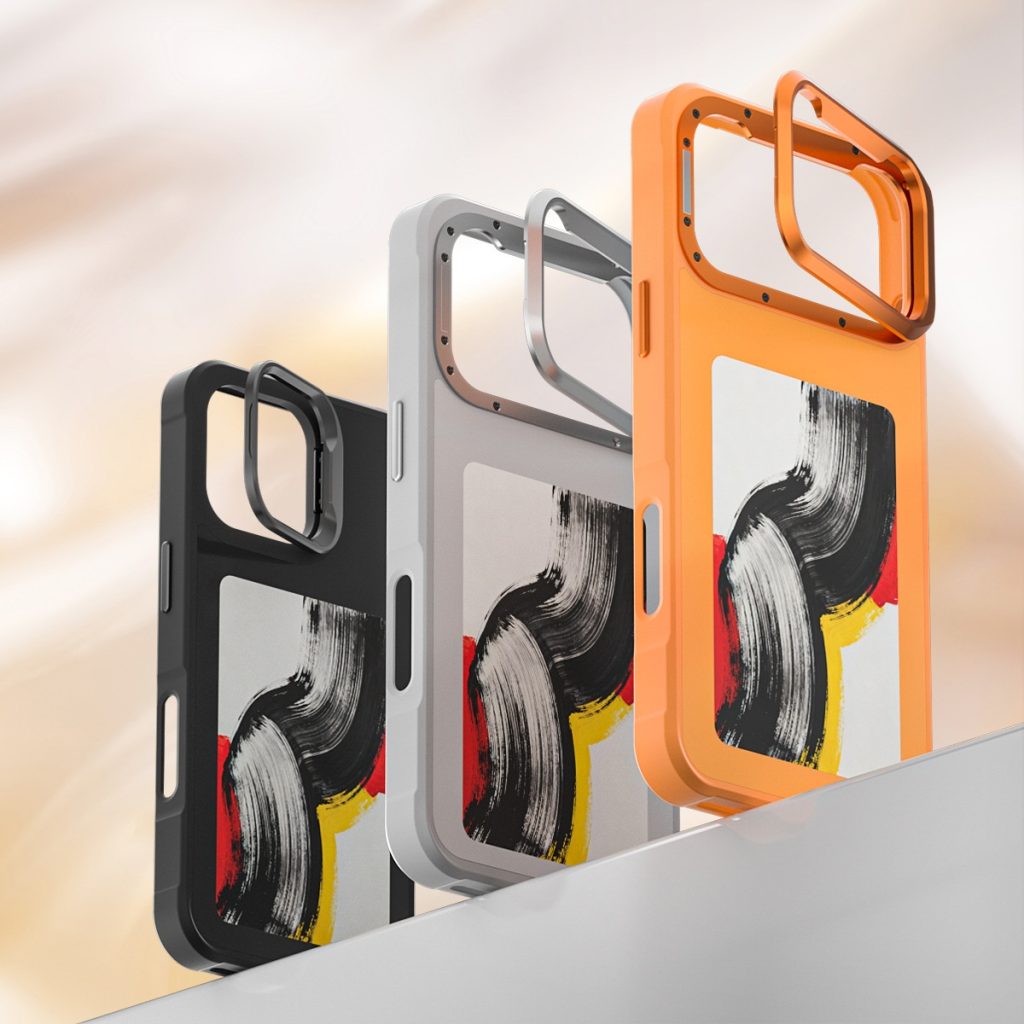
A grip or a ring on the back of the case is the cheapest fix for one-handed use. It gives your fingers something to hook onto, which means your hand can relax while the phone stays put. A strap that runs across the back of the case does the same and can also be used to hang the phone. Pop-out grips work well for holding, but they add thickness and can interfere with wireless charging. A thinner case also helps, because it moves less weight away from your hand. If you photograph a lot, a small finger loop attached to the case keeps the camera steady and stops the phone tipping forward. Whichever you choose, check it does not cover the camera. Our guide on whether you need a camera lens protector explains what sits over the lens.
How do you type one-handed accurately?
Turn on the one-handed keyboard and then slow down slightly. Accuracy comes from using the predictive text bar rather than hitting every letter perfectly, so keep suggestions switched on and accept them. Use swipe typing if you find it comfortable, because a single continuous gesture uses less thumb travel than tapping each key individually. Hold the phone so your thumb moves in a small arc near the lower half of the screen, and let the other fingers support the back. If you are walking, stop before you type: no setting makes typing while moving safe. For long messages, it is quicker to dictate than to fight a one-handed keyboard on a large display. Keep the keyboard height low as well, so your thumb does not have to reach up the screen.
Frequently asked questions
- Can I use a large phone one-handed at all? Yes, with the bottom corner resting on your fingers and the phone tilted slightly towards you to shorten the reach to the top. Reduce the reach before you reduce your grip.
- Do pop sockets damage a case? The adhesive can leave a mark when removed, especially on soft silicone backs. Test the position before you commit to it. A ring on the case is easier to remove than a stuck grip.
- Does a thinner case make one-handed use easier? Usually, because it moves less weight away from your palm and reduces the lever effect on your fingers and thumb. Check the case does not make the buttons hard to press.
- Why does my thumb ache after scrolling? You are likely stretching rather than tilting the phone. Bring it closer to your body and rest it on your fingers instead. Take a short break and open and close your hand.
- Is one-handed use bad for my hand? Long sessions of stretching can strain the thumb and wrist, so take breaks and swap hands regularly through the day. Stop if you feel tingling that does not settle.