
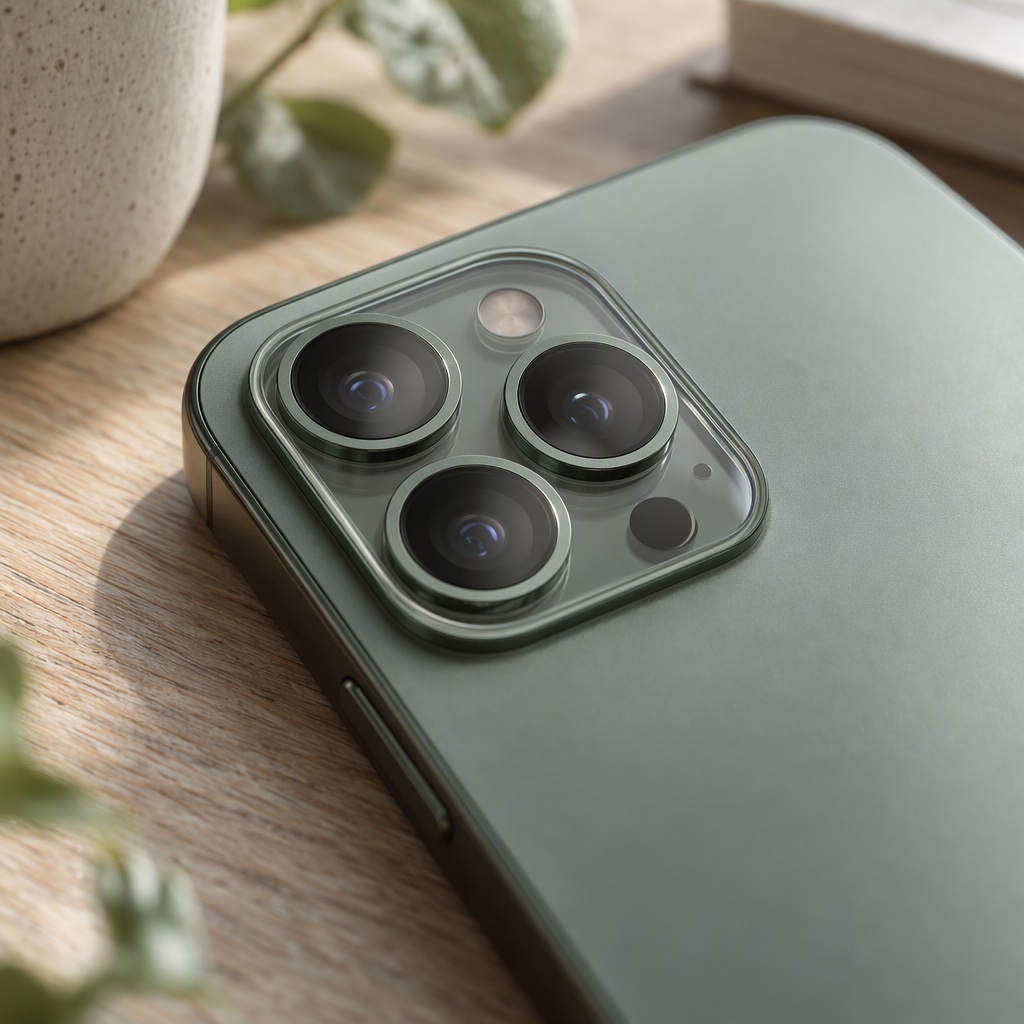
Bright sunlight is the most common condition for a phone photo and one of the hardest to get right. The light is harsh, shadows are deep, and the screen on the back of the phone becomes almost impossible to read, so you are composing half blind. The result is often a photo with a blown-out sky, dark faces, and colors that look flat. None of this is a reason to give up on a sunny day. With a few simple changes to how you shade the lens, judge the exposure, and time your shots, you can take pictures that look as good as the day feels.
- Keep the lens clean, since sun shows every smudge as flare and haze.
- Shade the screen so you can actually see what you are framing.
- Tap the brightest area and lower the brightness to protect highlights.
- Shoot earlier or later in the day for softer, more flattering light.
Why does bright sun ruin phone photos?
Direct sun creates contrast that no camera handles easily. The scene can be far brighter in one place than another, so the phone has to choose what to expose for, and something always suffers. Expose for the bright sky and the faces go dark; expose for the faces and the sky turns white. The light is also hard, which means sharp shadows and harsh highlights on skin, and midday sun comes from overhead, which casts shadows into eye sockets and under noses. On top of that, sunlight reveals every fingerprint and speck on the lens, turning them into flare and a soft haze across the whole frame. Understanding these problems is the first step to working around them, and most of the solutions are simple habits rather than complicated settings.
How do you stop the screen washing out?
The screen is your viewfinder, and in bright sun it is often unreadable. Turn the brightness right up so you can see what you are framing, even though this uses battery. Angle the phone so the screen faces away from the sun, and use your body or a hand to cast shade over it. A screen hood or shade can make a real difference, and a matte screen protector cuts reflections compared with a glossy one. If you still cannot see, shoot a few frames and check them later in the shade rather than guessing at the composition. Getting the exposure roughly right matters more than perfect framing, since you can straighten and crop afterward but you cannot recover a blown-out sky.
What can you use to shade the lens?
Flare and haze come from light hitting the front of the lens, and the fix is simple: shade it. Hold your free hand just above the lens, angled so it blocks the sun without appearing in the frame, and watch for the difference on the screen. A lens hood does the same job more reliably, and even a small one helps. A clean lens matters just as much, because a fingerprint scatters light across the whole image, so carry a soft cloth and wipe before you shoot. A glass lens protector keeps the surface scratch-free and easier to clean, which matters when you are wiping it constantly on a bright day. Small habits like these remove most of the haze that makes sunny photos look washed out, and they cost nothing but a moment of care before each shot.
How do you expose for a harsh scene?
Take control of the exposure rather than leaving it to the phone. Tap on the brightest part of the scene, such as the sky or a white wall, so the camera protects the highlights, then drag the brightness slider down slightly until the brightest areas keep their detail. This often makes the shadows darker, which you can lift later if you edit. If the range is simply too wide, decide what matters most: a bright, well-exposed sky with a silhouetted foreground, or a well-lit subject with a blown-out background. For people, expose for the face and let the background do what it will. Many phones have an HDR setting that balances a harsh scene, so leave it on in bright conditions. If you are unsure, take one frame exposed for the sky and one for the ground, then choose the better one later, which costs nothing and gives you a safety net.
When is the best time to shoot?
The easiest improvement is to avoid the middle of the day. Early morning and late afternoon give softer, warmer light with gentler shadows, and the sun is lower, so it comes from the side rather than straight overhead. This is kinder to skin and makes the scene look less flat. If you have to shoot at midday, look for shade, since a subject standing in the shadow of a building or a tree is far easier to expose than one in full sun. Cloudy-bright days, where the sun is diffused by a thin layer of cloud, are also excellent, because the light is even without being dull. Planning your photos around the light rather than the schedule is the single biggest upgrade you can make, and it often means simply waiting an hour instead of shooting at once.
What about people and skin tones?
People are the hardest subject in harsh sun. Direct overhead light puts deep shadows in the eye sockets and under the chin, which can look unflattering, so move your subject into open shade or turn them so the sun is behind or to the side rather than straight on their face. If the sun is behind them, expose for the face and accept a brighter background, or use the phone’s HDR to balance it. Ask them to look away from the sun to avoid squinting, and take several shots to catch a natural expression. A light-colored surface nearby can bounce a little soft light back into the shadows, which lifts the face without adding harshness. Shooting in the shade and letting the background stay bright often gives the most flattering result, because the light on the face is soft while the scene behind still looks sunny. For more on cutting glare, see how to reduce screen glare outdoors, and for broader technique read how to take better photos with your phone.
Frequently asked questions
- Why do my sunny photos look washed out? Harsh light and a dirty lens cause haze and flare. Clean the lens and shade it with your hand or a hood.
- Should I turn on HDR? Yes, in bright, high-contrast scenes HDR helps balance the sky and the shadows.
- How do I see the screen in sunlight? Turn the brightness up, angle the screen away from the sun, and shade it with your hand or a hood.
- What is the best time of day to shoot? Early morning and late afternoon give softer, warmer light and gentler shadows than midday.
- How long does delivery take? Standard tracked delivery takes ten to twenty business days, orders over thirty-five dollars ship free, and there is a thirty-day returns window.


