
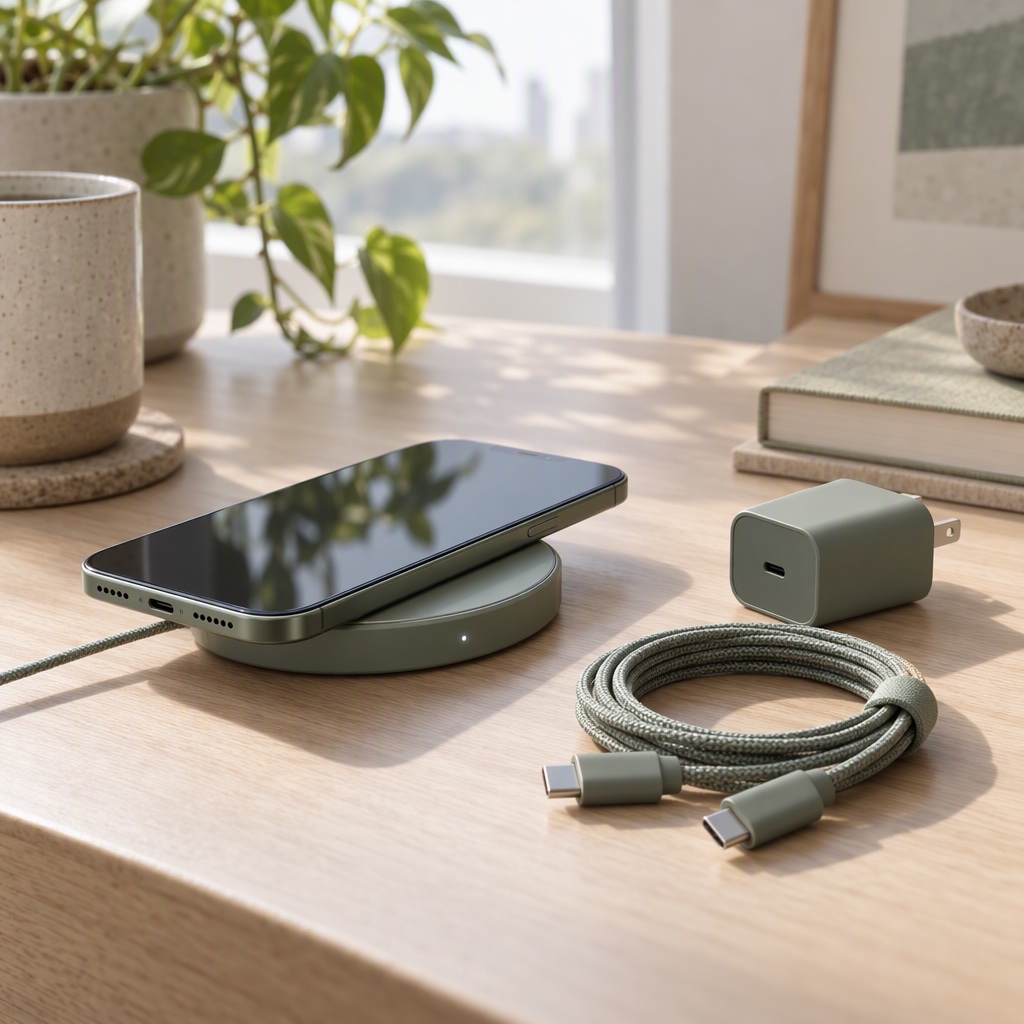
Cables tangle in a bag because they are long, flexible, and free to move, so every time you shift the bag they loop around each other and around whatever else is inside. The fix is not to buy magic cables but to take away the freedom to move: coil each cable, hold the coil, and give it its own place. A cable that is neatly coiled and restrained cannot knot itself, no matter how much the bag is jostled. This takes a few seconds when you pack and saves minutes of untangling later, and it also protects the cables from the sharp bends that shorten their life. A little order in your bag pays off every single day.
- Cables tangle because they are loose and free to move in the bag.
- Coil each cable and hold the coil with a reusable tie or strap.
- Give each cable its own pouch or compartment so they stay apart.
- Shorter cables tangle less and are easier to manage on the go.
Why do cables tangle so easily in a bag?
A cable in a loose bag is a flexible loop with nothing to hold its shape, so the small movements of everyday carrying cause it to twist and wrap around anything nearby. The longer and thinner the cable, the more it can loop, and the more loops it makes, the more likely it is to knot. Cables also tangle with each other, so two loose cables in one pocket quickly become one messy bundle. The connector ends catch on fabric and on other cables, which locks the tangle in place. Understanding this makes the solution obvious: reduce the length that is free to move, stop the cable from changing shape, and keep cables separated. Do those three things and tangling largely stops. It is a matter of restraint rather than luck, and it takes only seconds to set up.
Cables & Adapters — cable. Designed for everyday carry and backed by our 30-day happiness guarantee.
What is the simplest way to stop cables tangling?
The simplest method is the loose coil and tie. Hold the cable between your thumb and fingers, loop it into a neat circle a few times, then hold the coil with a reusable tie, a strap, or a small clip. Keep the loops generous rather than tight, because sharp bends damage the internal wires. The tie stops the coil from unrolling, and a coiled cable has no free length to wrap around anything else. This one habit solves most tangling on its own. If you dislike fiddling with ties, a cable with a built-in strap or a short cable with a compact shape works just as well. The principle is always the same: a cable that holds its shape cannot knot itself. It is the single most effective change you can make.
Do shorter cables tangle less?
Yes. A shorter cable has less length to loop, so it is far less likely to knot and much easier to manage. A compact cable in a pocket stays put, and a short cable on a desk does not drape across everything. For a bag, short is almost always better, especially for charging from a power bank where the phone and bank sit close together. The one place you need length is reaching from a wall socket to a bedside table, so it is worth carrying one medium cable for that and keeping the rest short. Choosing the right length for each job is a big part of staying untangled, and our article on how to choose a charging cable length explains how to match length to use. Fewer long cables means fewer tangles.
How do pouches and organizers help?
A pouch or organizer gives each cable its own space, so cables cannot wrap around one another even if the bag is shaken. A simple zip pouch works well: put the coiled cables in, close it, and they stay separated from everything else. If you carry several cables, an organizer with individual slots or elastic loops keeps each one in place and lets you see what you have at a glance. The extra structure also protects the cables from being crushed by heavier items. You do not need anything elaborate; even a small pouch dedicated to cables makes a noticeable difference. The point is to stop cables from sharing an open space with each other and with the rest of your bag. Separation is the quiet hero of a tidy bag.

Cables & Adapters — cable. Designed for everyday carry and backed by our 30-day happiness guarantee.
What about cables you use every day?
For cables you use constantly, the goal is a place they return to. A cable that lives loose on a desk or in a pocket all day will tangle regardless of how neatly you started. Give each everyday cable a home: a spot on the desk, a clip on the edge, or a small pouch in the bag. When you are done, coil it and put it back rather than dropping it. This keeps it ready and untangled, and it also reduces the wear that comes from constant handling. A daily cable also benefits from being short, since you rarely need much length for a quick top-up. The habit of putting a cable away each time takes seconds and saves the daily frustration of untangling the same cable over and over. If your cables live mostly at a desk rather than in a bag, the same ideas apply, and our article on cable management on a home desk shows how to keep a workspace tidy. A little routine beats any gadget here.
How do you keep a travel cable kit tidy?
A travel kit works best when it is small and fixed. Decide which cables you actually need, then keep only those, each coiled and tied, in one pouch. Fewer cables means fewer chances to tangle and less to search through. Label them if you carry several similar ones, so you grab the right cable first time. Include a small adapter or two so you are not tempted to add more cables to cover different ports. Keep the pouch in the same pocket of your bag every trip, so it is always where you expect it. When you get home, recharge and re-coil everything before putting it away. A fixed, tidy kit is far easier to maintain than a growing pile of cables, and it makes packing for a trip much faster too. Standard tracked delivery takes ten to twenty business days, orders over thirty-five dollars ship free, and there is a thirty-day returns window.
Frequently asked questions
- Why do my cables always tangle in my bag? Loose cables have free length to loop around each other and anything nearby. Coiling and tying them removes that freedom.
- What is the best way to stop cables tangling? Coil each cable loosely, hold the coil with a reusable tie, and keep cables in their own pouch or compartment.
- Do shorter cables tangle less? Yes. Less length means fewer loops and less chance of knotting, which makes short cables ideal for bags and power banks.
- Should I use a cable organizer? A simple pouch helps, and a slotted organizer helps more if you carry several cables. Both keep cables separated and protected.
- How long does delivery take? Standard tracked delivery takes ten to twenty business days, and orders over thirty-five dollars ship free with a thirty-day returns window.


