
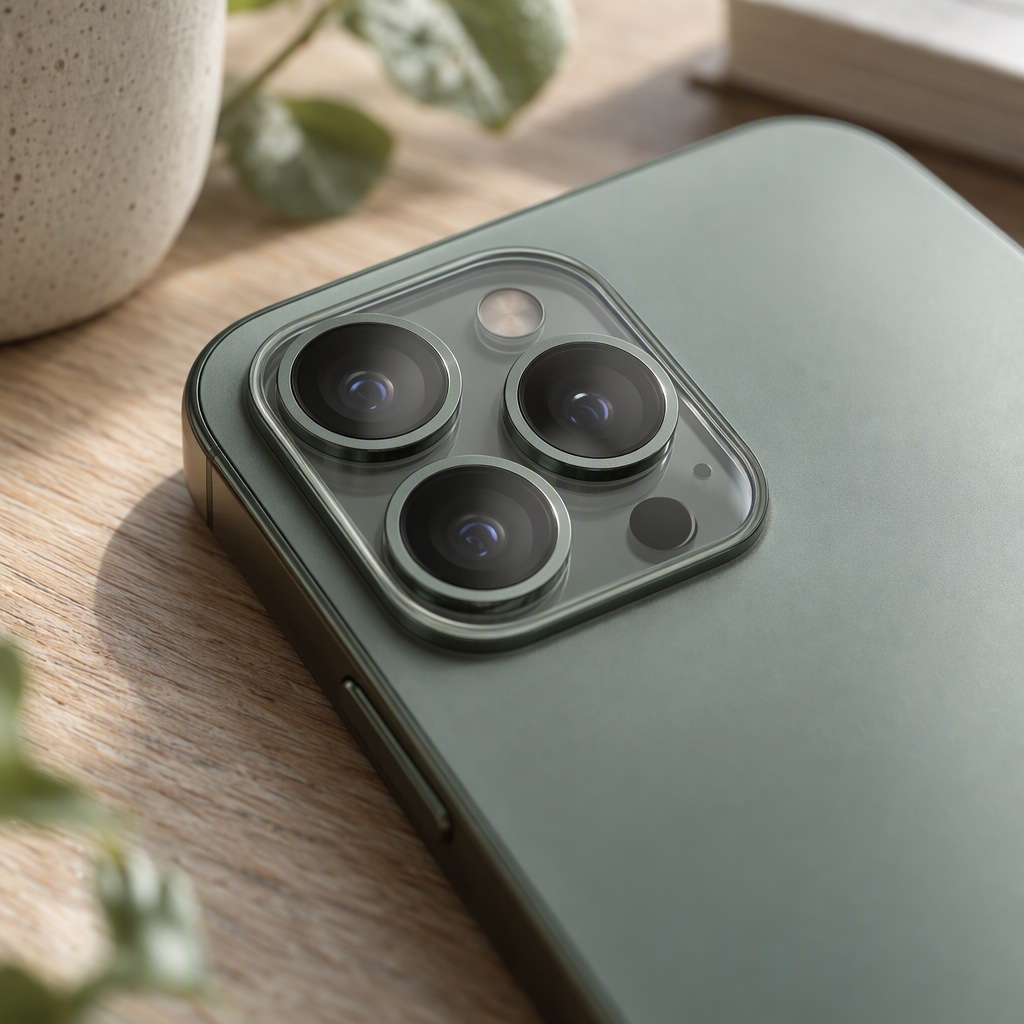
In a video conference, the holder does more than keep your phone upright. It decides your camera angle, how much of the room is visible behind you, and how steady you look for the whole meeting. A phone propped on a stack of books often ends up pointing at the ceiling or framing a messy corner, while a proper holder puts the camera at eye level and keeps the background under control. The right holder is a small purchase that quietly improves every call you take, and it rarely costs much at all.
- Get the camera to eye level so you are not looking down or up.
- Turn the phone toward a tidy wall rather than the whole room.
- Choose a stable stand for long meetings, not a flimsy one.
- Leave room for a charger, since video calls drain the battery fast.
Why does the holder matter for a video conference background?
The holder sets the camera’s height and direction, and both shape what your colleagues see behind you. A phone lying flat or propped too low points the lens at your chin and the ceiling, which looks unflattering and reveals an odd slice of the room. A holder that lifts the phone to eye level gives a natural angle and lets you aim the camera deliberately, so you can frame a plain wall instead of a doorway or a window. It also keeps the phone steady, so you are not adjusting it mid-sentence. In short, the holder is the difference between a call that looks considered and one that looks improvised. It is the cheapest upgrade to how you come across on camera, and it takes seconds to set up each morning.
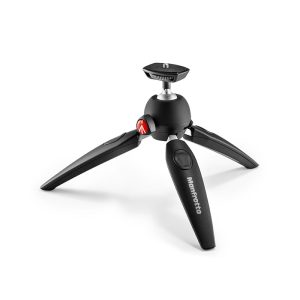
Mounts & Stands — holder. Designed for everyday carry and backed by our 30-day happiness guarantee.
What height should a phone sit at for a video call?
Aim for the camera to be level with your eyes, or just slightly above. That angle makes you look natural and avoids the unflattering view from below that a phone resting on a desk creates. If the holder cannot reach eye level on the desk, raise it on a stable box or use a taller stand rather than tilting the phone upward, because tilting distorts the image and can make the background look slanted. Sitting back from the phone also helps, since a little distance flatters most faces and gives the camera a wider, calmer view. A stand with adjustable height makes this easy to set once and keep for every call, so you are not rebuilding the setup each time you join a meeting.
How do you place a holder so the background looks good?
Point the phone at the tidiest wall you have, ideally one that is plain or lightly decorated. A blank wall, a shelf with a few books, or a plain curtain all work well, while a doorway, a busy kitchen, or a window with bright light behind you does not. The simpler the background, the more the attention stays on you. Avoid sitting with a bright window behind you, because the camera will darken your face to compensate. If the room is small, a stand that lets you angle the phone slightly can frame a corner neatly. You can also move the holder rather than the furniture: shifting it a foot to the side often replaces a cluttered view with a clean one. Take a quick test photo before the call to check what the camera actually sees, since it often differs from what your eye expects.
What kind of holder works best for long meetings?
Stability is the priority for a call that runs an hour or more. A lightweight folding stand is fine for a quick chat, but a sturdier stand with a wider base holds the phone firmly and does not wobble when you gesture or bump the desk. A tripod-style stand gives you more height and a very stable base, and it can be angled precisely. Whichever you choose, make sure it holds the phone at the angle you set rather than sagging under its weight, and check that it does not block the charging port, since long calls drain the battery quickly. A stand with a little weight at the base will feel far more secure than the lightest option, and you will notice the difference on a long call. If you also use the phone as a webcam on a computer, our guide to using your phone as a webcam covers that setup.

Mounts & Stands — holder. Designed for everyday carry and backed by our 30-day happiness guarantee.
How do you keep the holder from slipping during a call?
Place it on a hard, flat surface rather than a soft mat, because soft surfaces let the base shift. Wipe the desk and the base clean, since dust and oil reduce grip. If the stand still slides, a small rubber pad or a strip of non-slip material underneath makes a big difference. Route the charging cable so it is not pulling on the phone, because a taut cable can drag the whole setup sideways when you move. Keep the stand away from the edge of the desk and away from where people walk past. Finally, check that the phone’s weight is centered over the base; a top-heavy phone on a small stand will tip at the slightest nudge, which is the most common reason a call suddenly shows the ceiling.
What should you look for before buying a holder?
Check the height range, because you want the camera at eye level while you sit. Look at the base width and weight, since these decide stability. Confirm that the holder fits your phone with its case on, because a thick case can make a snug holder too tight, and check that the grip does not press the side buttons. Make sure the charging port stays accessible for long calls. If you move between rooms, a folding design that packs flat is handy, while a desk that stays put can take a heavier stand. Our guide to phone holders for a video call covers more setups, and it is worth reading before you decide between a small folding stand and a taller tripod.
Frequently asked questions
- Do I need a tripod for a video call? Not always. A sturdy desk stand is enough for most calls. A tripod helps if you want extra height or a very stable base for long meetings.
- Why does my video call look unflattering? The camera angle is usually the cause. A phone sitting low points up at you, so raise it to eye level and sit a little further back for a natural view.
- Can I charge my phone while it is in a holder? Usually yes, if the holder leaves the port clear. Long video calls drain the battery, so keeping it plugged in is a good habit.
- Should the light be in front of me or behind me? In front, or to the side. A bright window behind you makes the camera darken your face, so face the light rather than the window.
- Will a holder fit my phone with a case on? Most do, but a thick case can be tight. Check the holder’s maximum width, and look for grips that do not press the side buttons.


