
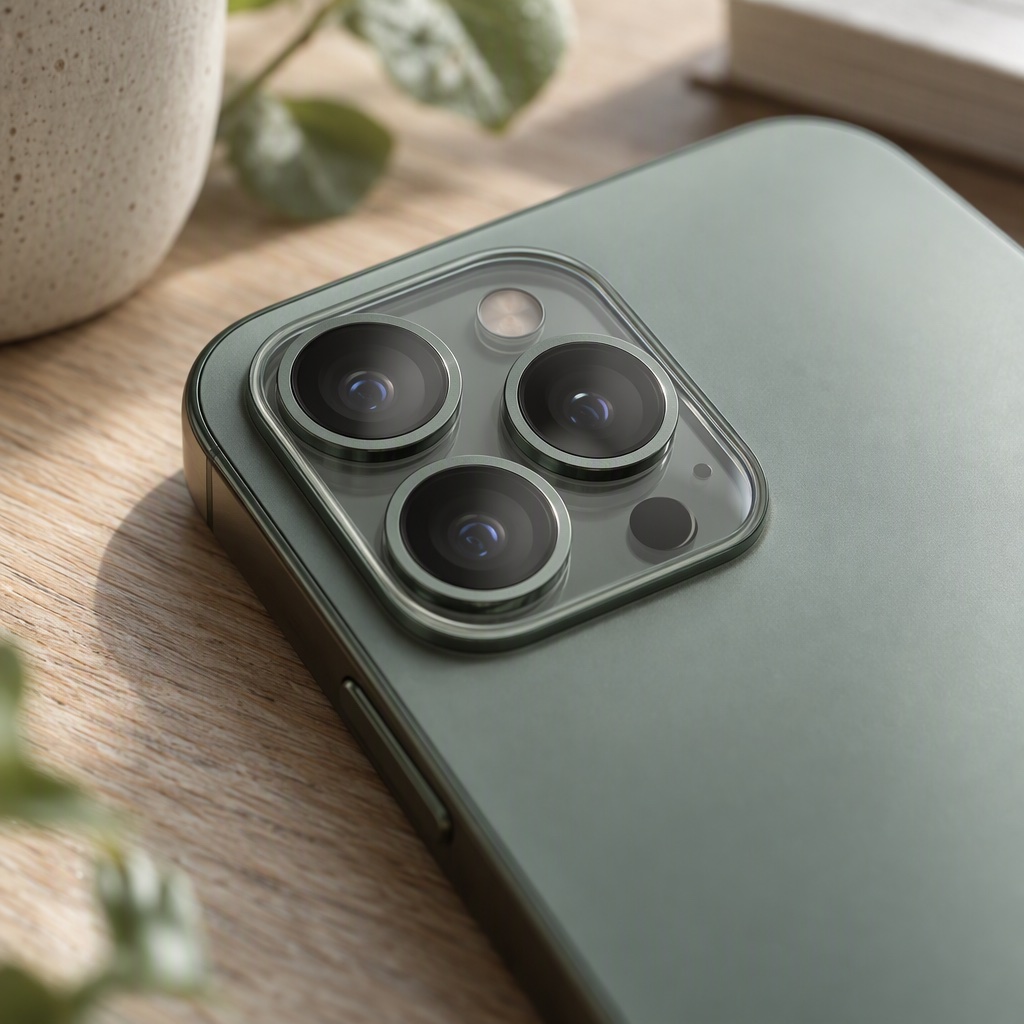
Scanning asks for the opposite of what most cases are designed to do. A case built for drop protection is thick, has raised edges, and usually adds a lip around the camera — all of which are good on a table and awkward when the phone has to sit flat and square above a page. For scanning, you want a case that rests without rocking, does not intrude on the frame, and is easy to take off if needed. None of that makes a protective case a bad choice. It simply means that if you scan documents often, the case is part of the equipment rather than an afterthought, and it is worth choosing with that in mind.
- Scanning needs a case that sits flat and square — raised camera rings and stands tilt the phone and warp the page.
- A slim case with a flat back and a wide camera opening scans better than a bulky protective one.
- Anything on the back of the case, such as a ring, a card slot, or a kickstand, can lift one corner and show up in the shot.
- For long sessions, a stand matters more than the case — it keeps every page the same size and angle.
What does scanning ask of a phone case?
Scanning asks for the opposite of what most cases are designed to do. A case built for drop protection is thick, has raised edges, and often adds a lip around the camera — all of which are good on a table and awkward when the phone is propped over a page. For scanning, you want a case that sits flat and square, does not interfere with the lens, and does not add a curve or a wobble that shows up in the photo. You also want something easy to take off and put back, because the simplest scanning setup may involve removing the case entirely. None of this means a protective case is wrong. It means the case is part of the equipment if you scan often.
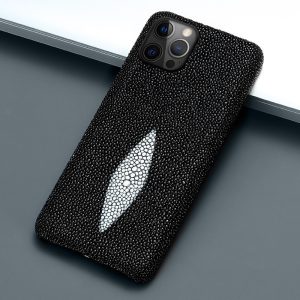
iPhone Cases — case. Designed for everyday carry and backed by our 30-day happiness guarantee.
Why does a flat back matter?
Because a case that rocks or tilts changes the angle of the lens, and the angle is what determines whether the page looks rectangular or trapezoidal. A case with a raised camera ring can lift the phone off a flat surface on one side, so the lens sits at a slight angle even when the phone looks level. A case with a curved back or a built-in stand does the same thing. What you want for scanning is a case whose back is flat and whose camera opening sits flush, so the phone can rest on a table or a stand without any rocking. That is why a slim leather or hard-shell case often scans better than a heavy protective one. If the phone wobbles when you press the shutter, the case is usually the reason.
What camera cutouts should you look for?
The camera opening matters more than any other part of a case when you are scanning. It needs to be wide enough that it does not appear at the edge of the frame, deep enough that the lens is not shadowed, and positioned so no part of the case intrudes into the shot when the phone is square to a page. A case with a thick rim around the camera can cast a soft shadow across the top of a document under some lighting, which is subtle and annoying to fix later. A case with a very narrow opening can clip the corners of the frame, especially on phones with several lenses spread across a wide area. Take one test photo of a full sheet of paper before you scan a hundred pages with that case on.
How do you keep a case out of the way of the shot?
Two approaches work. The first is to use a case that is slim enough not to interfere at all, so you never have to think about it. The second is to accept that the case comes off for a scanning session and plan for that — a case that is easy to remove and refit without straining the phone is worth having if you scan regularly. Either way, avoid anything that adds a stand, a grip, or a card slot on the back during scanning, because those change the profile of the phone and can tilt it. If you use a ring or a grip, consider whether it can be removed, since a ring sitting under the lens will appear in every close shot.
iPhone Cases — case. Designed for everyday carry and backed by our 30-day happiness guarantee.
Which cases cause problems with scanning?
The cases that cause the most trouble are the ones that add bulk or asymmetry to the back. A thick armored case with a pronounced camera lip can shadow the top of a page. A case with a built-in kickstand, a card slot, or a magnetic ring can lift one corner and tilt the phone. A wallet case that folds is difficult to keep square, since the folded cover sits under one side. A clamshell case with a front cover can be awkward if the cover will not lie flat behind the phone. None of these is a problem for ordinary photography, where you are holding the phone anyway. They only matter when the phone has to sit flat and square, which is exactly what scanning requires.
What is the best setup for scanning many pages?
For a long scanning session, the case matters less than the stand. A stand that holds the phone at a fixed height above a flat surface is the single biggest improvement you can make, because it removes the tilt variable and keeps every page the same size in the frame. Set the stand up once, put the phone in it with the case on if the case is slim, and slide each page underneath. Use the main camera rather than the wide lens, and keep the lighting even. If your case has a raised camera ring, test whether it sits flat in the stand; if not, take the case off for the session. Consistency is the goal. Keep the same lighting for the whole batch, since mixed light makes a stack of pages look uneven. For the wider topic, read how to protect a phone camera lens and how to take better photos with your phone.
Frequently asked questions
- Do I need a special case for scanning? No, but a slim case with a flat back and a wide camera opening works better than a bulky one with a raised camera lip.
- Can I scan with a case on? Yes, if the case does not tilt the phone or intrude into the frame. Test with one page before committing to a long session.
- Why does my scan look tilted? The phone is not square to the page, often because the case has a raised camera ring or a stand that lifts one side.
- Is a wallet case bad for scanning? It is awkward, because the folded cover sits under one side and tilts the phone. Take it off for a scanning session.
- What is the most important accessory for scanning? A stand that holds the phone at a fixed height and angle. It removes tilt and keeps every page consistent.


