
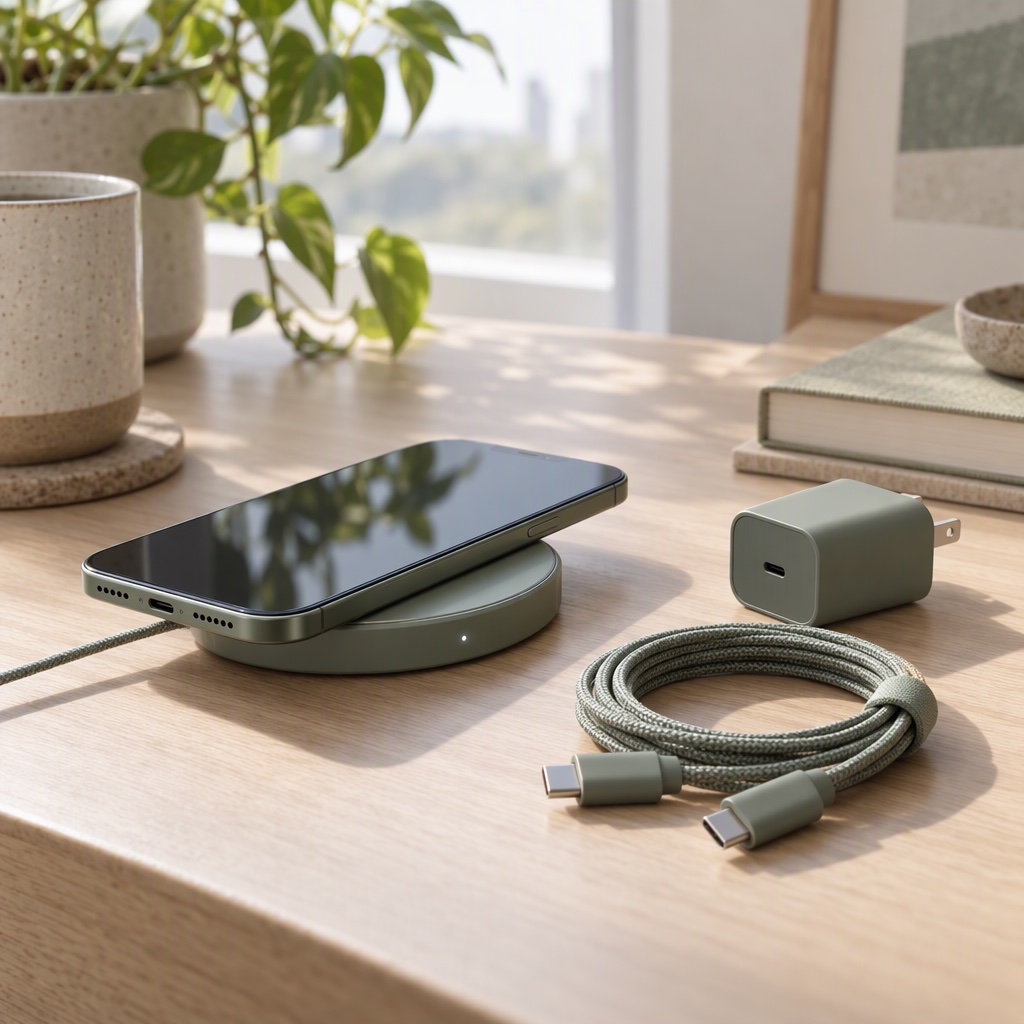
A battery that suddenly drains faster is usually not a dying battery. Far more often it is a screen that never sleeps, an app running in the background, a weak signal, or a charger that is not doing its job. Working through a short checklist finds the cause in a few minutes, and most of the fixes are free.
- Check which apps used the most battery in the last 24 hours before you change anything else.
- Screen brightness, always-on displays, and background location are the usual culprits.
- A weak signal makes the phone work harder, so airplane mode helps in dead zones.
- A worn or mismatched cable can charge slower than the phone drains, which looks like a battery fault.
How do you find out what is draining the battery?
Start with the battery screen in your settings, which lists how much power each app used and how much of that was in the background. The list is the single most useful diagnostic you have, and it usually answers the question immediately. An app you barely used sitting near the top, with a large share of background activity, is your culprit. Look at the time since the last full charge too, since a phone that has been unplugged for twelve hours tells a different story than one that came off the charger an hour ago. Also check the screen-on time, because a bright screen left awake by a misfiring app drains power faster than almost anything else. Screenshots of this list are handy if you need help diagnosing it.
Which settings drain a battery fastest?
The display is the biggest consumer on almost every phone, so start there. Full brightness, a long screen timeout, and an always-on display all add up, especially outdoors where the screen fights the sun. Background location is the next big one: an app that tracks your location constantly will keep the phone and its radios busy all day. Push notifications from chatty apps wake the screen and the network repeatedly. Personal hotspots, Bluetooth left on with nothing connected, and constant syncing of photos all contribute. None of these settings is wrong on its own, but together they can cut hours from a charge. Turn off what you do not need, set the screen to dim or time out sooner, and restrict background activity for apps that do not need it.
Can a bad signal really drain a battery?
Yes, and it is one of the most overlooked causes. When the signal is weak, the phone increases its transmit power and keeps searching for a better connection, which uses far more energy than a strong, steady signal. That is why a phone can lose power quickly in a basement, a rural area, or an old building with thick walls. If you are somewhere with no usable signal, turning on airplane mode stops the search and can noticeably slow the drain. Wi-Fi calling is another option in places with poor cellular coverage but good internet, since it moves the call onto a network the phone can hold more efficiently. If your battery only drains fast in one particular place, the signal is almost certainly the reason.
Could the problem be your charger or cable?
It can look exactly like a battery fault. A worn cable, a damaged connector, or a charger that does not deliver enough power will charge the phone slowly, and if you are using the phone at the same time, the battery may fall even while plugged in. Check the cable ends for fraying or bent contacts, and try a different cable and plug to see whether charging speed changes. Lint in the charging port is another common cause, since it stops the cable seating properly and can make charging intermittent. A soft brush or a wooden toothpick can clear it safely. If you want a step-by-step method, our guide on cleaning a charging port covers it without risking damage.

Cables & Adapters — cable. Designed for everyday carry and backed by our 30-day happiness guarantee.
When is it actually the battery’s fault?
Sometimes the battery really is the problem. The clearest sign is a battery that reports a healthy percentage and then drops sharply, or a phone that shuts down unexpectedly while still showing charge. If the phone has been used for several years, or if the battery has gone through many charge cycles, it may simply be worn out and holding less energy than it used to. Heat is the other factor, since a battery that has spent a lot of time hot, whether from gaming, direct sun, or charging under a pillow, ages faster. If the battery screen shows unusual behavior or the phone has become unreliable in cold weather as well, a battery replacement is worth considering. Our guide on making a phone battery last longer covers the habits that slow this down.
What daily habits keep battery drain low?
Small habits add up more than any single setting. Charge in short top-ups during the day rather than always running the battery to empty, and avoid leaving the phone plugged in on a hot surface. Keep the screen at a sensible brightness and let it time out quickly. Close the apps that are genuinely misbehaving rather than clearing everything, since modern phones manage memory well and force-closing apps can cost more power than it saves. Keep the phone out of direct sun, especially in a car, because heat is the biggest long-term threat to battery life. If you use a power bank, keep it charged so it is ready when you need it. None of this is complicated, and the payoff is a phone that lasts a full day again.
Frequently asked questions
- Why is my battery draining fast all of a sudden? A recent app update, a new app, or a change in where you use the phone are the most common causes. Check the battery screen for the last 24 hours, and look for an app with heavy background use.
- Does closing apps save battery? Usually not. Modern phones handle background apps efficiently, and force-closing them can make the phone work harder to reopen them. Only close an app that the battery screen shows is misbehaving.
- Does cold weather drain a battery faster? Yes. Cold slows the battery’s chemistry, so it reports less available power and the percentage can fall quickly. It often recovers once the phone warms up indoors, so it is rarely a sign of permanent damage.
- Should I replace my battery or buy a new phone? If the phone is otherwise in good shape and still receives updates, replacing the battery is usually the cheaper and more sensible option. If the phone is slow or no longer updated, a replacement may not be worth it.
- Does fast charging damage a battery? Fast charging is designed to be safe, and the phone manages the process. Heat is the real issue, so avoid fast charging under a pillow or in direct sun, and take the case off if the phone feels warm.


