
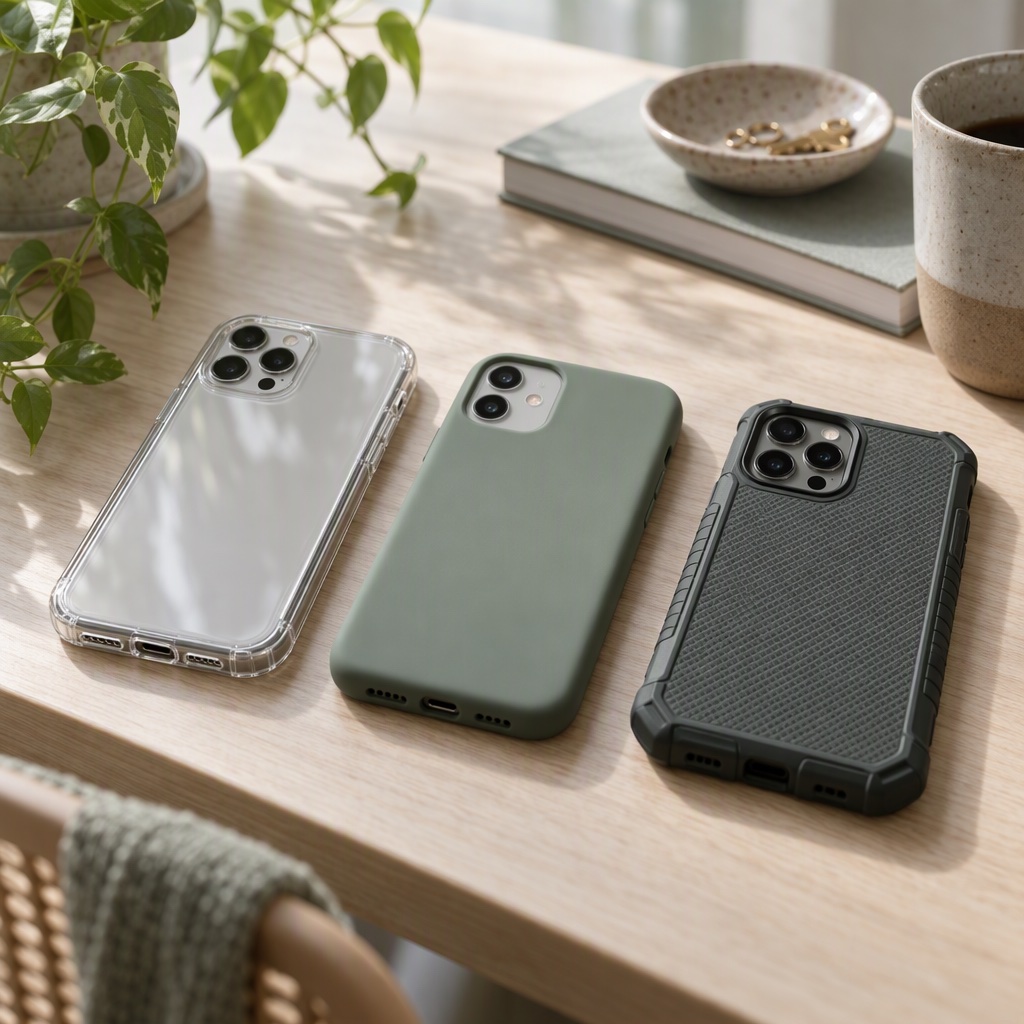
Autumn changes what your phone deals with every day: cooler mornings, damp afternoons, more time spent in pockets and bags, and fewer chances to charge in daylight. None of it is dramatic on its own, but together it nudges a few habits. Fall asks you to think about moisture, temperature swings, and battery behavior more than you did in summer, and the adjustments are small enough to keep up with.
- Wipe your phone and case dry more often; drizzle and condensation do more long-term damage than a single splash.
- Expect battery life to dip in the cold, and keep the phone out of freezing car consoles and windowsills.
- Check your case and screen protector for wear before the wet season really starts.
- Keep a small care kit handy: a microfiber cloth, a soft brush, and a port-safe cleaning tool.
What actually changes for your phone in autumn?
The biggest shift is moisture. Summer sweat is salty and dries quickly, while autumn brings drizzle, fog, and condensation that sits on surfaces for hours. Every time you move between a warm room and cold outdoor air, a thin layer of water can form inside a case, around a port, and along the seams of a screen protector. Temperature swings matter too. A phone left on a cold car seat or in a thin jacket pocket all day will feel sluggish, and its battery percentage may fall faster than usual. None of this means your phone is fragile. It means fall rewards a few small habits, like drying the phone before it goes back in your pocket and giving it a few minutes to reach room temperature before you charge it.

iPhone Cases — case. Designed for everyday carry and backed by our 30-day happiness guarantee.
Does cold weather damage a phone battery?
Battery chemistry slows down when it is cold. That is normal and temporary: a phone that reads 40 percent on a frosty morning may recover much of that once it warms up indoors. The real risk is not the cold itself but the combination of cold and heavy use, like filming video or navigating with the screen at full brightness while the phone sits in a cold mount. If the battery meter plunges outdoors and climbs again inside, that is expected behavior, not a failing battery. What you can control is where the phone lives. Avoid leaving it on a windowsill, in a glovebox, or anywhere it will sit below freezing for hours, and let it warm gradually rather than holding it against a heater.
How should you handle a phone that gets wet?
Water is the obvious autumn hazard, but the response matters more than the event. If your phone gets rained on, power it off if you can, dry the outside with a soft cloth, and let it sit in a dry, room-temperature spot with good airflow. If you are unsure what your phone can handle, it is worth understanding waterproof versus water-resistant protection before the weather tests it. Do not put it in rice, because dust and starch can work into ports and do more harm than good. Skip hair dryers and ovens, since heat pushes moisture deeper and can damage seals and adhesives. Shake gently, tap the phone against your palm to move water out of the openings, and give it several hours before charging. If the screen fogs, treat it as a repair question rather than a drying one.
Why does your phone need more cleaning in fall?
Fall means more grit. Wet leaves, muddy sidewalks, and damp pockets carry fine particles that get into case seams, speaker grilles, and charging ports. That buildup is what makes a phone feel gritty or causes a cable to fit loosely, and it is one of the most common reasons a charger stops connecting properly. A five-minute weekly routine is enough. Take the case off, wipe the inside with a dry microfiber cloth, and use a soft brush or a wooden toothpick to lift debris from the port and speaker openings. Never push a metal pin into a port, and never spray liquid directly onto the phone. If you use a screen protector, check the edges for lifted corners where moisture and dust collect, and replace the protector once it starts to peel.
Should you change your charging habits?
Cooler air changes how people charge. Phones tend to sit on desks more and in pockets less, so they spend longer on a charger, which is generally fine. The habits worth keeping are simple: charge on a hard, ventilated surface rather than under a pillow or blanket, and take the case off during fast charging if the phone feels warm. Cold batteries accept charge more slowly, so a phone that has been outside all day may not hit its usual speed until it warms up. If you use a wireless charger, make sure the phone is centered and the case is not so thick that it blocks the coil. Misalignment is the most common cause of slow wireless charging, and it is easy to fix.
What should you check before winter arrives?
Before the first hard frost, spend ten minutes on a quick audit. Check the case for cracks at the corners and stretching around the buttons, and replace it if the fit has gone loose. Look at the charging port for lint and the cable ends for fraying. Confirm your screen protector is still flat and clear. If you rely on a car mount, make sure the suction cup or vent clip still holds in cold air, because adhesive and rubber stiffen when temperatures drop. Finally, note where you keep a charger. A spare cable in a bag or a small power bank in a coat pocket solves most cold-weather charging problems before they start, and both are cheap insurance. A little preparation now also pairs well with choosing a case for cold weather.
Frequently asked questions
- Is it safe to use my phone in the rain? If your phone is rated water-resistant, brief exposure to rain is usually fine, but those ratings fade with age and after any drop or repair. Treat every phone as water-sensitive in heavy rain, keep it in an inner pocket, and dry it thoroughly before you plug anything in.
- Why does my battery drop faster when it is cold? Cold slows the chemical reaction inside the battery, so the phone reports less available power than it really has. The percentage often recovers once the phone warms indoors. It is a temporary effect, not usually a sign that the battery needs replacing.
- Should I put my phone in rice if it gets wet? No. Rice does not pull meaningful moisture out of a phone, and the dust and starch can clog ports and speakers. Airflow at room temperature does a better job, and a soft cloth plus patience is all you really need.
- How often should I clean my phone in fall? A quick wipe every day and a deeper clean once a week covers most situations. Take the case off for the deeper clean, brush the ports, and check the screen protector edges, which is where dust and damp collect first.
- Can I charge my phone right after it has been outside? It is better to wait. Let a cold phone sit at room temperature for a while so condensation can dry and the battery can warm. Charging a cold, damp phone can be slow and, in the worst case, works moisture toward the port.


