
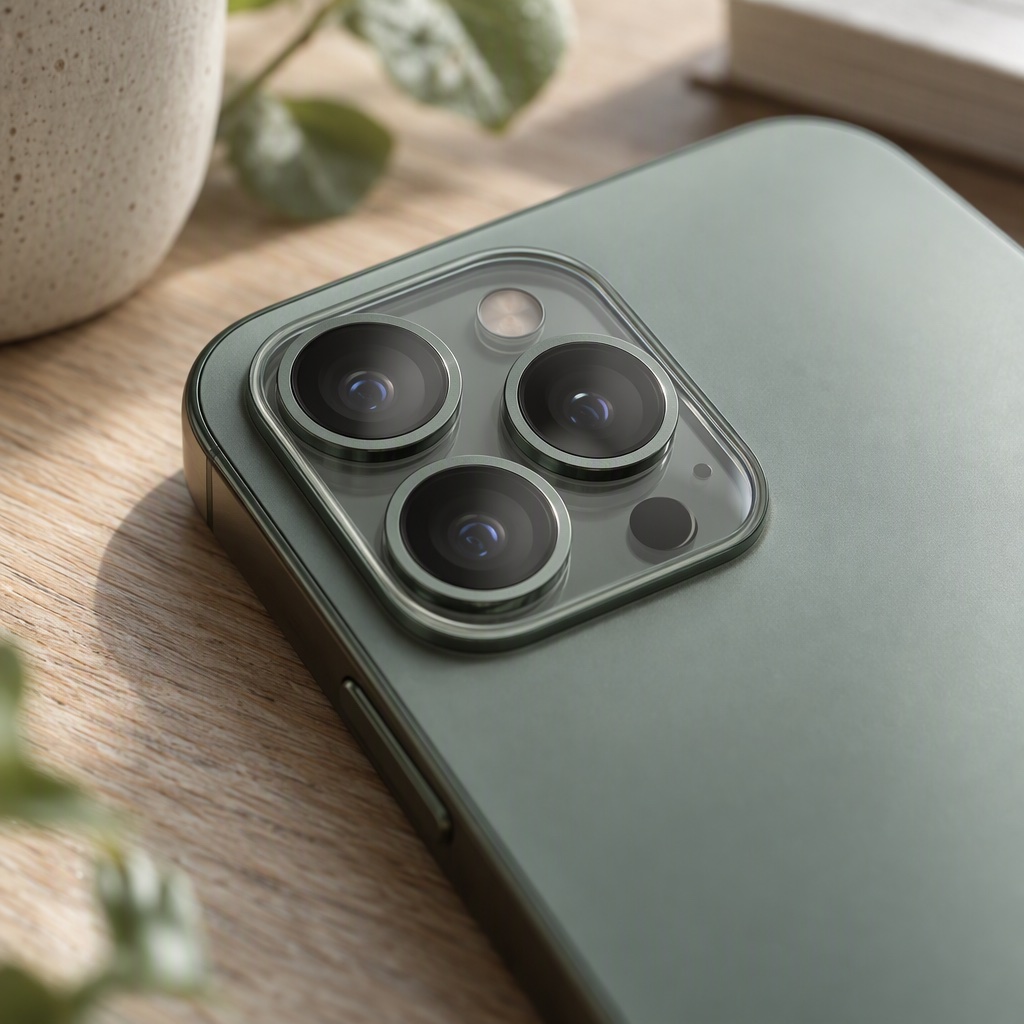
A hike gives you views that deserve better than a hurried snapshot. The light changes fast, the ground is uneven, and your hands are often full of water bottle or walking pole. The good news is that a phone can take excellent trail photos once you know a few habits: hold it steady, work with the light you have, and use the right accessories so the phone is not fighting you. You do not need to carry a lot. A small tripod, a cloth, and a plan for protecting the phone will cover most of what a day on the trail throws at you. This guide covers the practical side of shooting as you walk.
- Keep the phone steady and use both hands when you can.
- Shoot in the softer light of morning or late afternoon.
- A small tripod or selfie-stick tripod helps for landscapes and group shots.
- Protect the phone from dust, rain, and knocks as you walk.
How do you take sharp photos while hiking?
Sharpness starts with stillness. Plant your feet, tuck your elbows in, and hold the phone with both hands rather than one. Tap the screen where you want the focus and let the camera settle before you press the shutter. In low light, brace the phone against a rock, a fence post, or your pack to cut movement. If you are breathing hard from a climb, pause and take a slow breath before you shoot, because a racing pulse shows up as blur. Use the volume button as a shutter release if it feels steadier than tapping the screen. For long views, a wide shot often looks better than a zoomed one, because digital zoom softens detail. A little patience at the moment of capture saves a lot of disappointment later, and it costs nothing but a second or two.

Mounts & Stands — holder. Designed for everyday carry and backed by our 30-day happiness guarantee.
How do you use light to your advantage?
Trail light is usually best early and late, when the sun is low and the shadows are soft. Midday sun is harsh and flattens the landscape, so if you are walking then, look for shade or shoot into a scene that handles strong light well. Keep the sun behind you or to the side rather than directly ahead, since shooting into the sun washes out color and can flare the lens. Tap on the brightest part of the scene to stop the highlights blowing out, then adjust the exposure if the image looks dark. Cloud cover can be a gift, because it spreads light evenly and suits woodland and detail shots. Watch how the light changes as clouds move, and be ready to shoot when a gap opens. The same view can look completely different an hour later.
What gear makes hiking photos easier?
You need less than you think. A compact selfie-stick tripod is the single most useful item, because it doubles as a monopod for steadier shots and a stand for group photos or timers. A small cleaning cloth keeps the lens free of dust and fingerprints, which is a constant problem on a trail. A protective case and a lens protector guard against the scrapes that come with rocks and branches. If rain is possible, a pouch or a light cover keeps the phone usable. A power bank is worth packing for longer days, since navigation and photos drain a battery quickly. A grip or strap makes the phone harder to drop when your hands are muddy or tired. Together these small items cover steadiness, protection, and power, which is most of what trail photography needs. For more ideas, see our guide to phone accessories for a hike.
How do you steady a phone without a tripod?
When you have no stand, your body is the tripod. Tuck your elbows against your ribs, lean against something solid, and use a two-second delay so the press of your finger does not shake the phone. Resting the phone on a rock or a log works well if you frame carefully and keep a hand on it for safety. A walking pole planted firmly gives you a stable base to lean into. If you are taking a group shot, use the timer and prop the phone against your pack or a stone. Bracing the phone against your knee while kneeling is another steady option. For long exposures in low light, a small flexible tripod is worth the weight. Steady beats fancy every time, and it costs nothing to practice, so make it a habit on every walk.
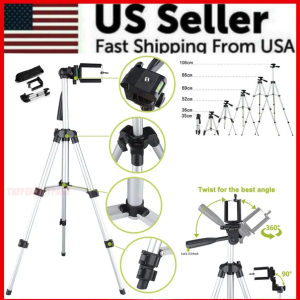
Screen & Lens Protection — camera lens. Designed for everyday carry and backed by our 30-day happiness guarantee.
How do you protect the phone while shooting on a trail?
Trail conditions are hard on phones: dust, grit, moisture, and the occasional bump. A case with a raised lip around the screen and camera helps against scratches when you set the phone down. A lens protector guards the camera glass, which is easy to scratch on rock. Keep the phone in a pocket or pouch when you are not using it, rather than swinging it by a strap where it can hit branches. If it rains, a pouch or a light waterproof cover keeps the phone dry enough to keep shooting. Wipe the lens with a soft cloth before important shots, because a smudge ruins more photos than bad settings do. Avoid leaving the phone in direct sun for long, since heat stresses the battery and can dim the screen. A few simple habits keep the phone working all day.
How do you shoot wide landscapes and close details?
For wide views, hold the phone level so vertical lines stay straight, and use the wide lens rather than stepping back into a bush. Include something in the foreground, such as a rock or a path, to give the scene depth. Turn on a grid overlay to keep the horizon straight, since a tilted horizon is the most common landscape mistake. For close details like flowers or rock textures, move the phone in close rather than zooming, and tap to focus on the part you care about. Keep the background simple so the detail stands out. Shoot several frames and pick the best later, because nature does not hold still. When you get home, a little cropping and straightening finishes the job, so take a few extra frames while you are there. For more technique, our guide to taking better photos with your phone covers the basics in depth.
Frequently asked questions
- Should I use a tripod on a hike? A compact selfie-stick tripod is worth it for landscapes, group shots, and low light, and it doubles as a monopod.
- How do I stop the lens getting dirty? Keep a small cloth in your pocket and wipe the lens before important shots.
- Is it safe to use my phone in the rain? Only if you protect it. Use a pouch or cover, and dry the phone afterward.
- Why are my hiking photos blurry? Usually movement. Brace the phone, hold it with both hands, and use the timer in low light.
- What is the best time to shoot on a trail? Early morning and late afternoon, when the light is soft and the shadows are longer.


