
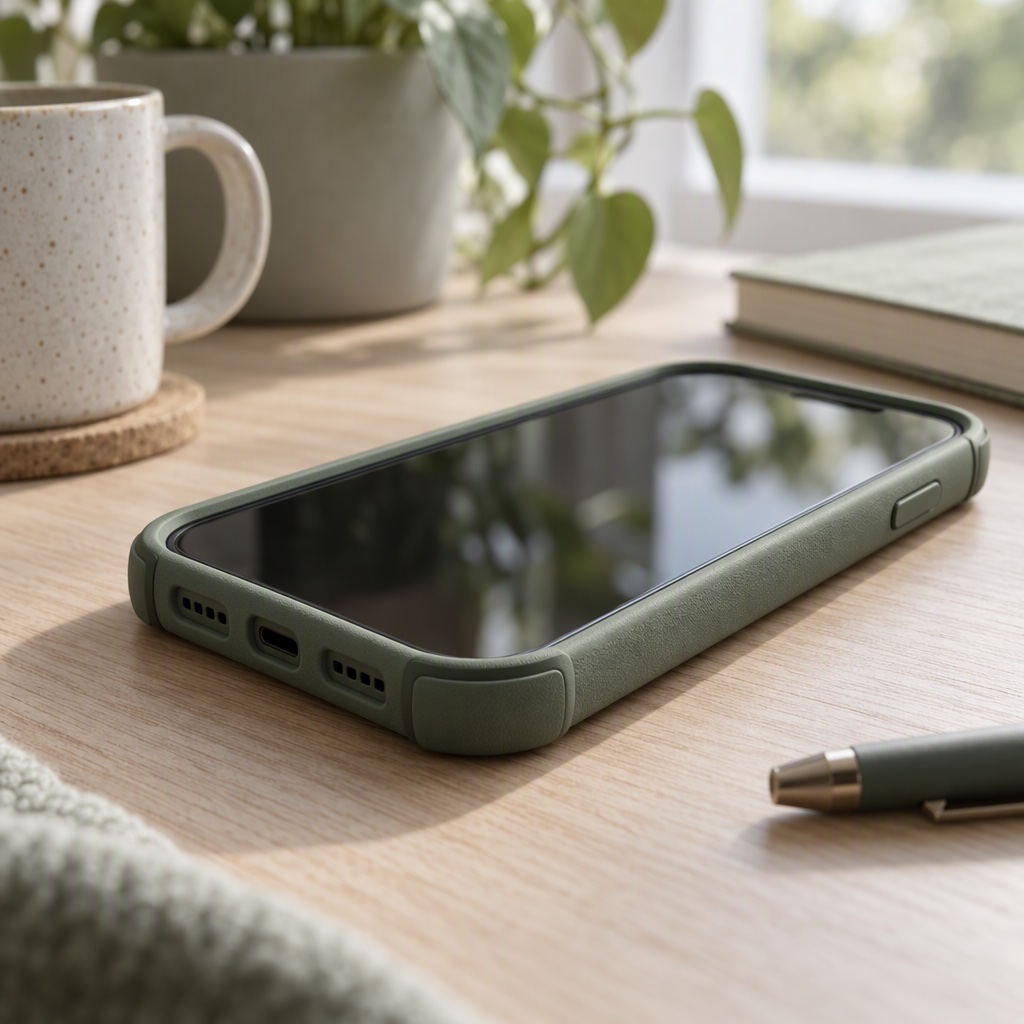
Sand is a phone case’s quiet enemy. It is fine enough to work into every seam and opening, abrasive enough to scratch glass, and it tends to arrive exactly when you are relaxed and not paying attention. Once grit is inside a case, it grinds against the phone every time you press a button or set it down, and it can block the charging port or the camera. Keeping sand out is mostly about choosing the right case and building a few small habits. You do not need to avoid the beach; you just need to give the phone a little protection and a clean-up routine.
- Choose a case that covers the ports, speakers, and camera.
- A full-cover design gives sand fewer ways in than an open shell.
- Rinse and dry the case after every beach day.
- Never open the case where sand is blowing around.
How does sand get into a phone case?
Sand gets in through the same gaps that let in air. Any opening on a case, such as a port cutout, a speaker slot, or a camera hole, is a doorway for fine grains. Sand also creeps in around the edges where the case meets the phone, especially if the fit is loose. Once a few grains are inside, the movement of the phone presses them against the surface, and more sand follows. Wind, damp hands, and the simple act of putting the phone down on a towel all speed this up. The finer the sand, the more easily it travels, which is why beach sand is so good at finding its way in. Understanding the routes in makes it clear why coverage matters so much. The fewer openings a case has, the fewer chances sand has to get inside and start grinding. A case that fits tightly leaves grit nowhere to settle.

iPhone Cases — case. Designed for everyday carry and backed by our 30-day happiness guarantee.
Which case design keeps sand out best?
A full-cover case with sealed or covered ports gives sand the fewest ways in. Look for a design that covers the charging port, the speaker grilles, and the camera, and that fits snugly rather than loosely. A raised lip around the screen and camera also keeps glass off the sand when the phone is face down. A soft or open shell with large cutouts is the worst choice for the beach, because sand pours straight in. If you use a slim everyday case, choose one with tight tolerances and small openings rather than large ones. The tighter the fit, the less room there is for grit to gather and grind. Our guide to protecting a phone at the beach covers the wider picture. Check the fit when the case is new, because a loose case lets in grit from day one.
How do you seal the openings?
You cannot make an ordinary case airtight, but you can reduce the openings. Use a case with covered ports rather than open cutouts, and keep the covers closed whenever you are not charging. If your case has flaps, check that they seat properly, since a flap that does not close fully is no better than an open hole. A waterproof pouch seals completely and is the strongest option if sand is your main worry. Avoid leaving the phone face down on the sand, where grit collects around the edges and the screen. When you are not using the phone, keep it in a bag or a pocket rather than loose on a towel. Small habits like these close most of the gaps that sand exploits. A pouch is the simplest upgrade if you want to stop worrying about grit altogether. The goal is not a perfect seal but fewer places for sand to enter.
What do you do if sand gets in?
If sand gets inside the case, deal with it before it does damage. Do not press the phone or shake it hard, which drives grains further in. Take the phone somewhere sheltered and out of the wind, then remove the case carefully. Brush the phone and the case with a soft, dry cloth or a clean brush rather than blowing on them, since your breath adds moisture. Never wipe the screen or lens with a sandy cloth, which can drag grit across the glass and scratch it. If sand reached the charging port, use a soft brush and gentle puffs of air, and do not push anything into the port. Once clean, refit the case and keep the phone covered. Our article on cleaning a phone case properly covers the routine. Deal with sand as soon as you notice it, because grit left in place does more damage over time.

iPhone Cases in Transparent. Designed for everyday carry and backed by our 30-day happiness guarantee.
How do you clean a sandy case?
Rinse the case with fresh water after every beach day, since this removes salt as well as sand. Take the phone out first, then wash the case on its own, using your hands to work water into the seams and corners. Do not use soap unless the maker says it is safe, and avoid harsh cleaners that can damage coatings or seals. Dry the case fully with a soft cloth and let it air dry before you put the phone back in, because trapped moisture can fog a screen cover or corrode metal parts. Check the ports and speaker openings for any remaining grit, and use a soft brush if needed. A quick rinse-and-dry after each beach visit keeps the case clean and ready for the next day. A soft brush is the best tool for the seams, where grit tends to settle. Rinse the case away from the phone so you never risk splashing the device.
How do you use a phone on the beach without trouble?
Keep the phone off the sand whenever you can. Use a bag, a pouch, or a pocket, and set the phone on a clean towel or a hard surface rather than directly on the beach. If you take photos, hold the phone with both hands and keep it away from the ground, since dropping it in sand is the fastest way to scratch the screen. Avoid applying sunscreen right before you handle the phone, because greasy hands collect grit. When you are done, check the case and the ports before you put the phone away, and give everything a rinse when you get back. With a covered case and a few habits, sand becomes a minor nuisance rather than a threat to your phone. A little care at the beach saves a lot of cleaning and worry once you are home.
Frequently asked questions
- Can sand scratch a phone screen? Yes. Fine grains are abrasive, so never wipe a sandy screen. Brush grit away first, then clean with a soft cloth.
- Do waterproof cases keep sand out? Sealed cases keep out far more sand than open shells, especially around ports and the camera.
- How do I clean sand from the charging port? Use a soft brush and gentle puffs of air. Never push anything into the port.
- Should I rinse my phone case after the beach? Yes, rinse it with fresh water to remove salt and grit, then dry it fully before refitting.
- Is it bad to open my case at the beach? It is best avoided. Open it somewhere sheltered and out of the wind to keep sand from getting inside.


