
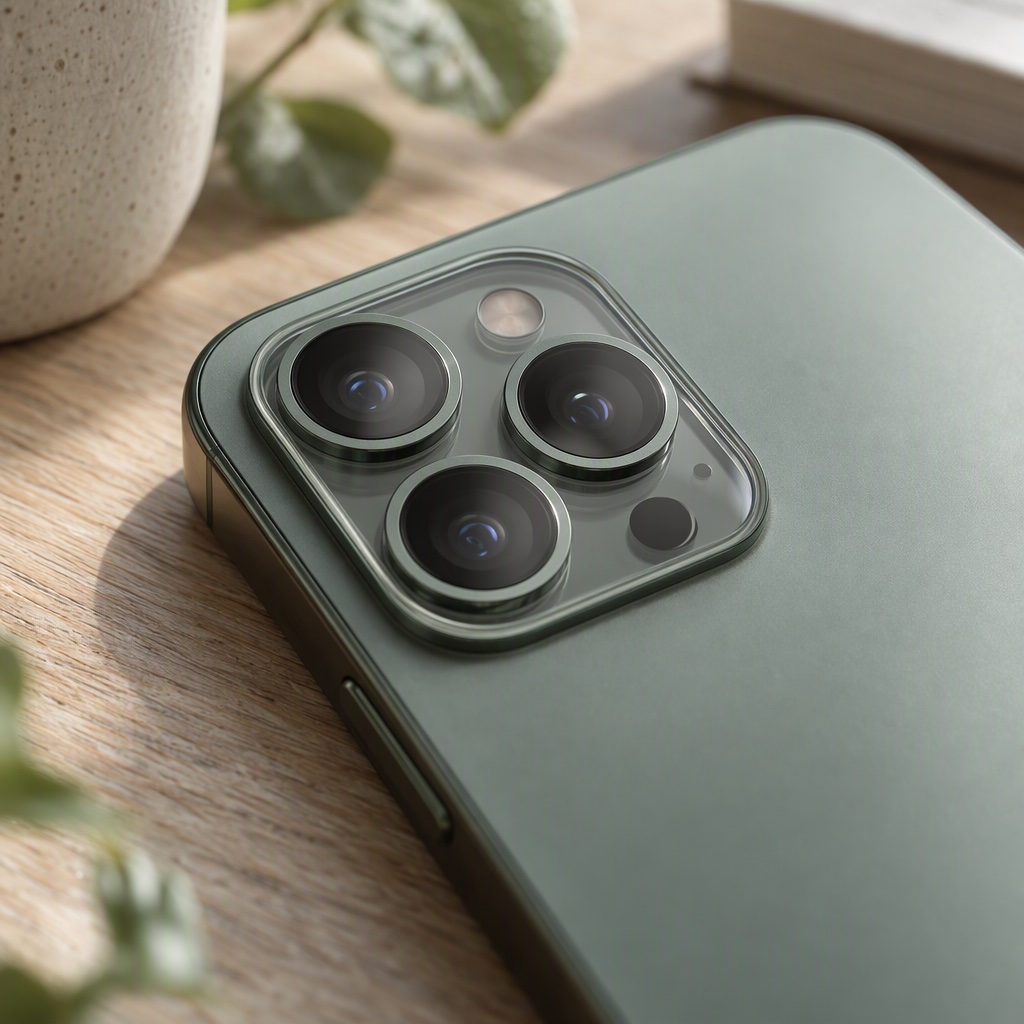
Blossom season is short, crowded, and full of light that changes by the hour, which is why so many photos of it look either washed out or disappointingly flat. The flowers are small, the branches are high, and the background is often a mess of other people. None of that is a reason to give up on your phone. With a few habits, a clean lens, and a little patience about timing, you can come home with blossom photos that look calm and deliberate rather than rushed and busy. The trick is to slow down and think about one flower at a time, rather than trying to capture the whole tree in a single frame.
- Shoot in soft light rather than harsh midday sun.
- Get close and tap to focus on a single cluster, not the whole tree.
- Watch the background and move until it is clean and uncluttered.
- Keep the lens clean, since blossom photos punish any smudge.
What makes blossom photos so tricky?
Blossom is difficult for three reasons. First, the subject is small and often high, so you are either shooting up at the sky or reaching awkwardly into a branch. Second, the background is usually busy, with other trees, buildings, and crowds competing for attention. Third, the light is often too strong; a bright midday sun makes pale petals blow out into white patches and leaves the shadows harsh. Add wind, which moves the branches and blurs fine detail, and you have a subject that rewards patience and punishes hurry. Understanding these problems is most of the solution, because each one has a simple answer: choose softer light, simplify the background, and steady yourself before you press the shutter. Once you know what to avoid, the rest is straightforward.
Which camera setting works best for flowers?
Start with the main camera and keep the settings simple. Tap on the flower you want sharp, which locks focus and sets exposure for that spot rather than for the whole scene. If your camera app has a portrait mode, it can blur the background and make a single cluster stand out, but use it carefully, because it sometimes mistakes petals for hair and leaves a ragged edge. A macro mode, if your phone has one, lets you get very close for detail shots of a single bloom. Avoid the wide-angle lens unless you want to show a whole avenue of trees, since it distorts close subjects and makes flowers look stretched. Turn off the flash, which flattens petals and creates hard reflections. If the light is dim under the branches, take several shots in a row and choose the sharpest afterward.
How do you get close without losing sharpness?
Getting close is the single biggest improvement most people can make to their blossom photos, but it has to be done with care. Move in slowly until the flower fills a good part of the frame, then tap to focus and check that the edges of the petals are crisp. If the camera refuses to focus, you are probably too close, so step back slightly and try again. Keep your elbows tucked in against your body for stability, because at close range even a small movement shows. Take a breath and hold it as you press the shutter rather than jabbing at the screen. If there is a breeze, shoot between gusts and take a few frames, since fine detail is easily lost to motion. A steady hand and a little patience beat any setting.
How do you use light and background?
Light and background do more for a blossom photo than any accessory. The best light is soft and even, which usually means early morning, late afternoon, or a lightly overcast day. Harsh midday sun makes pale petals blow out and casts hard shadows, so if you are shooting then, look for flowers in shade or use your own body to block the sun. Backlighting, with the sun behind the flower, can make petals glow, which suits blossom particularly well, though you may need to tap on the flower to stop the phone exposing for the bright sky. The background matters just as much: move until the area behind the flower is plain, such as distant foliage or open sky, rather than a car park or a crowd. A clean background is what makes a single bloom look intentional.

Mounts & Stands — holder. Designed for everyday carry and backed by our 30-day happiness guarantee.
How do you shoot blossom in a crowd?
Blossom season brings crowds, and crowds bring awkward backgrounds and bumped arms. The simplest fix is to shoot upward. Point the camera up into the branches so the sky becomes the background, which removes people from the frame entirely and often gives a cleaner, calmer image. Another approach is to get low and shoot along a branch, using a shallow depth of field to blur the crowd behind. If you want a photo of yourself or friends among the flowers, a small tripod or a selfie stick lets you frame the shot and step back into it, which is far easier than trying to guess the framing at arm’s length. Our guide to phone tripods explains which sizes work well on a walk. Patience helps too: wait for a gap in the crowd rather than fighting it.
How do you keep your photos looking natural?
Blossom photos look best when they are not over-processed. It is tempting to push the colors and the contrast, but heavy editing turns delicate pinks into flat, artificial tones and can introduce noise into pale petals. If you edit at all, make small adjustments to brightness and shadows rather than big changes to saturation. Resist the urge to apply a strong filter to every shot; a clean, natural image usually ages better than one that follows a trend. Shooting in good light in the first place means you need to edit less. If you want to build better habits from the ground up, read how to take better photos with your phone, which covers the basics that carry over to every subject. Standard delivery takes ten to twenty business days, orders over thirty-five dollars ship free, and there is a thirty-day returns window.
Frequently asked questions
- What is the best time of day to photograph blossom? Early morning or late afternoon, when the light is soft and even. Overcast days also work well, because they remove harsh shadows.
- Should I use portrait mode for flowers? It can work, but check the edges. Portrait mode sometimes blurs petals awkwardly, so compare it with a standard shot before you choose.
- How close can I get to a flower with my phone? Until the camera stops focusing. If it will not lock on, step back slightly, and use macro mode if your phone has one.
- How do I avoid crowds in blossom photos? Shoot upward into the branches so the sky becomes the background, or get low and use a shallow depth of field to blur people out.
- How long does delivery take? Standard tracked delivery takes ten to twenty business days, and orders over thirty-five dollars ship free with a thirty-day returns window.


