
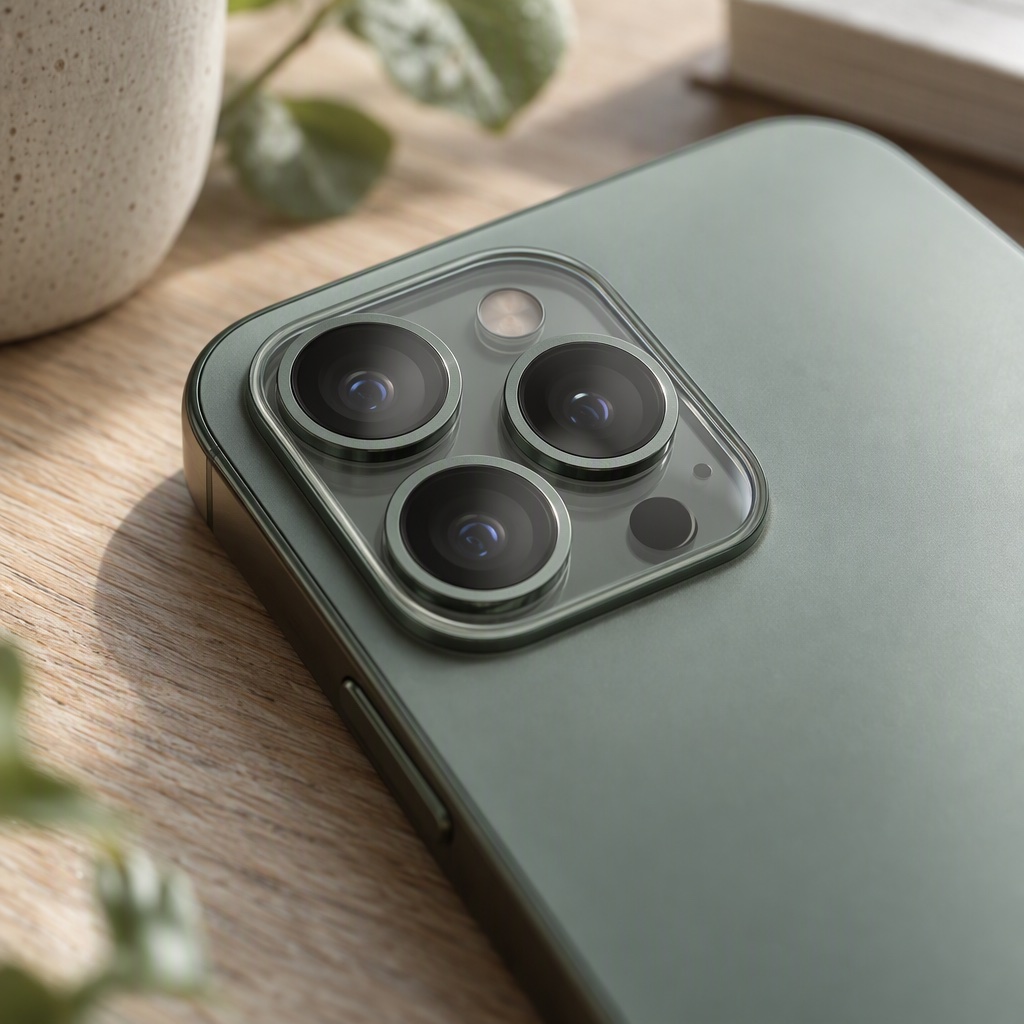
Stadium photos are one of the hardest things to get right with a phone. You are far from the action, the light is often harsh or dim, the crowd is moving, and you cannot walk closer. The good news is that most of the problems have simple fixes: a steadier hold, a smarter camera setting, and a little patience about when to press the shutter. You will not match a professional sports photographer, but you can come home with clear, memorable shots of the day rather than a camera roll of blurry green rectangles.
- Get as close as your seat allows and use the optical zoom, not the digital one.
- Brace the phone against a rail or your elbows for a steady shot.
- Tap the subject to lock focus before you take the photo.
- Check venue rules on selfie sticks, tripods, and large lenses before you go.
Why are stadium photos so hard to get right?
The main problem is distance. From most seats, the action is far enough away that the phone’s standard lens captures a wide scene with tiny figures in the middle. Digital zoom then tries to fill the frame by cropping and enlarging, which softens detail and adds noise. Lighting compounds the issue: a stadium can be in bright sun at one end and deep shadow at the other, and evening games are lit by strong floodlights that confuse automatic settings. Add a moving crowd that bumps your arm at the wrong moment, and it is easy to see why so many stadium photos disappoint. Understanding that distance, light, and movement are the three enemies makes it easier to plan around each one before the game starts, rather than fighting them from your seat.

Mounts & Stands — holder. Designed for everyday carry and backed by our 30-day happiness guarantee.
Which camera setting should you use?
Start by turning off the flash, which cannot reach the field and only wastes battery. Use the phone’s main camera rather than a wide-angle mode, since the standard lens gives the best balance of reach and detail. If your phone has an optical zoom lens, switch to it for action rather than pinching to zoom, because optical zoom keeps the full resolution while digital zoom does not. For fast action, a sports or action mode, if your camera has one, raises the shutter speed so moving figures stay sharp. If the light is dim, expect some blur and take several shots in a row so you have a choice later. Lock the focus by tapping the subject, then hold that setting for the sequence rather than letting the camera hunt between frames, which is a common cause of missed moments.
How do you handle zoom without losing quality?
Zoom is where most stadium photos fall apart. The rule of thumb is simple: use the optical zoom range your phone actually offers, and stop when the camera switches to digital enlargement. On many phones the optical limit is a specific factor, and anything beyond it is being cropped, which is why the image looks soft and grainy. If you need more reach than the optical zoom gives, accept a wider shot and crop it yourself later, because you control the crop better than the camera’s automatic zoom does. Another option is to shoot the scene rather than the individual player, capturing the atmosphere, the crowd, and the pitch as a whole. A slightly wide, sharp photo is usually more satisfying than a heavily zoomed, soft one, and it will look better when you view it later on a larger screen.
How do you keep the phone steady in a crowd?
Steadiness is the difference between a sharp photo and a smear. In a crowd, your arms are the weakest link, so give them support. Rest the phone on the seat in front, brace your elbows on your knees, or lean against a rail if you can reach one. Take a breath and hold it for a moment as you press the shutter rather than jabbing at the screen. If you are shooting a video, keep both hands on the phone and move slowly rather than swinging it around, since a slow, steady pan always looks better than a hurried one. A small tripod or a selfie stick can help with a group photo before the match, but many venues restrict them inside, so check the rules first. Our guide to phone tripods explains the options if you want more stability, and which sizes travel well.
How do you deal with tricky stadium lighting?
Stadium lighting changes fast and can fool automatic exposure. When the sun is bright, the phone tends to expose for the whole scene and leave the pitch looking washed out; tapping on the brightest area can help bring the highlights back. Under floodlights, the contrast between lit areas and shadow is extreme, so a photo that looks fine in one part of the frame can be very dark in another. If your camera app has a manual brightness slider, drag it down slightly to protect the highlights and up slightly in the gloom. Wiping the lens before each burst matters too, because a smudge that is invisible indoors scatters bright light outdoors. Small adjustments like these make a bigger difference than any filter applied afterward, and they cost nothing but a moment of attention.
What should you check before you go?
Before you travel, check the venue’s rules on photography, because many stadiums restrict selfie sticks, tripods, and professional-looking lenses, and it is frustrating to be turned away at the gate. Charge the phone fully and bring a power bank, since a long match with the screen on will drain a battery quickly. Clean the lens and fit a protector if you want to guard against scratches from a crowded pocket. Test your camera settings at home so you are not learning them in the dark. If you want to improve the basics first, read how to take better photos with your phone. Standard delivery takes ten to twenty business days, orders over thirty-five dollars ship free, and there is a thirty-day returns window.
Frequently asked questions
- Can I bring a selfie stick into a stadium? Many venues ban them, along with tripods and large lenses. Check the specific rules for your stadium before you travel, or plan to leave them behind.
- Should I use digital zoom at a stadium? Use it sparingly. Beyond the optical zoom limit the image is being cropped, which softens detail. Shoot wider and crop later for a better result.
- Why do my stadium photos look blurry? Usually because of movement and low light. Brace the phone, tap to focus, and take several shots in a row so you have a sharper option to choose from.
- Does a lens protector affect photo quality? A clean, good-quality protector has little visible effect. A scratched or smeared one will soften every photo, so keep it clean and replace it when worn.
- How do I keep my phone charged through a match? Start full and carry a compact power bank with a short cable. Lowering screen brightness also stretches the battery noticeably.


