
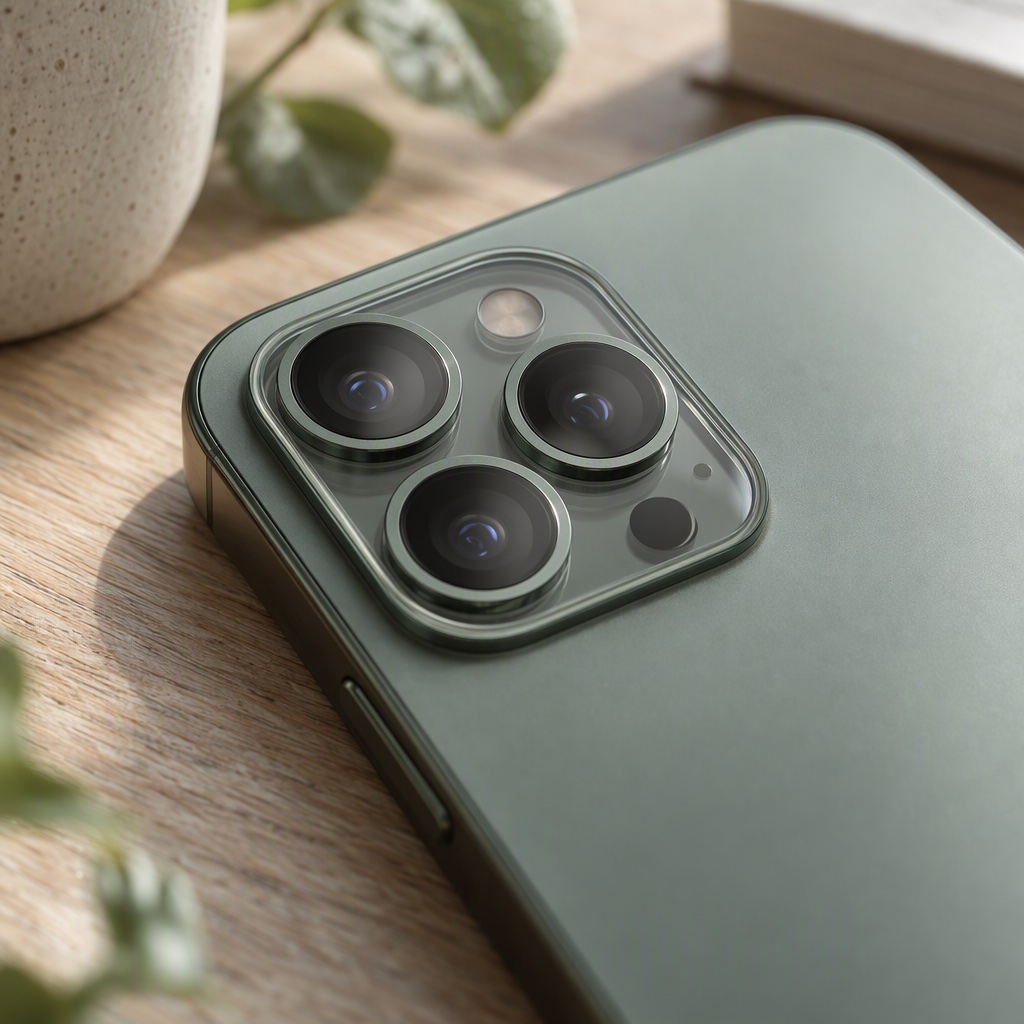
Shaky handheld video is rarely the phone’s fault. It is usually the way the phone is held, how the person is standing, and how far their arms are stretched from their body. Small changes to your grip and posture make a surprisingly large difference, and a couple of inexpensive accessories can smooth things out further. Whether you are filming a birthday, a product, or a walk-through, learning to hold the phone properly is the fastest route to footage that looks calm and deliberate rather than jittery and distracting.
- Keep your elbows close to your body rather than stretched out.
- Hold with two hands and support the phone’s weight properly.
- Turn your whole body to pan, not just your wrists.
- For long clips, use a grip, a stand, or a tripod.
Why does hand-holding make video look shaky?
Every small movement of your hands is magnified by the camera, and the further the phone is from your body, the more those movements travel. Holding the phone at arm’s length turns your shoulders into a lever, so a tiny wobble becomes a big swing on screen. Breathing adds a slow rise and fall, and your heartbeat can show up in close shots. Walking multiplies all of it. Video also makes movement more obvious than a still photo does, because the eye tracks the whole frame over time and notices every drift. The fix is to shorten the distance between the phone and a stable base — your body — and to reduce the number of joints that can move. That single idea explains almost every tip below, and it is worth remembering next time a clip comes out shaky.

Mounts & Stands — holder. Designed for everyday carry and backed by our 30-day happiness guarantee.
How do you hold a phone with two hands for a steadier shot?
Use both hands and keep them close together, gripping the phone so your thumbs and fingers create a stable frame. Do not hold it at the very bottom corners where it can pivot; support it closer to the middle so it cannot rock. If you are filming in landscape, rotate your hands so your forearms line up behind the phone rather than splaying outward. Press your elbows lightly against your ribs to create a tripod of sorts with your body. When you press the record button, use a gentle touch, because a hard tap sends a visible jolt through the first second of the clip. Start recording a moment before the action you want, so that jolt is not in the part you keep. These adjustments take a minute to learn and become automatic with practice, and they cost nothing at all.
How does your body position affect stability?
Stand with your feet slightly apart and your weight balanced, rather than shifting from foot to foot. Breathe slowly and steadily, and pause your breathing briefly during the most important moments rather than holding it for long stretches. If you can lean against a wall, a doorway, or a piece of furniture, do so, because the extra contact steadies everything and is far more effective than trying to hold perfectly still. A solid surface behind you does most of the work for free. To pan across a scene, rotate your whole body from the waist rather than swiveling your wrists, which keeps the motion smooth and level. To move closer, step with your legs instead of extending your arms. If you must walk while filming, bend your knees a little and take slow, even steps to reduce the bounce. The steadier your body, the steadier the picture, so treat yourself as the camera’s foundation.
What accessories help stabilize handheld video?
A few simple accessories do most of the work. A ring or grip attached to the back of the phone gives your fingers a secure anchor and stops the phone from shifting in your hand, which is the single biggest cause of small shakes. A handheld stick extends your reach for a wider shot while keeping your arms closer to your body, and many double as a tripod when you set them down. For anything longer than a few minutes, a small tripod or a selfie-stick tripod removes the shake entirely. A grip is the lightest and cheapest option for everyday filming, while a tripod is the better choice when you can set the phone down. Many people keep both and choose depending on the shot. Our guide to whether phone grips are worth it covers the grip side in more detail.
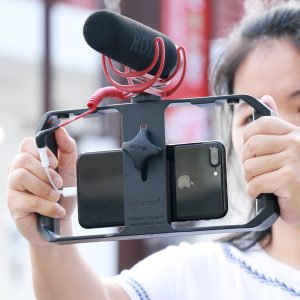
Grips & Ring Holders — holder. Designed for everyday carry and backed by our 30-day happiness guarantee.
When should you stop holding and use a stand instead?
The moment the clip runs longer than a minute or two, a stand beats your hands. Holding a phone steady for a long take is tiring, and tired arms wobble more, not less. If you are filming yourself, presenting something, or capturing a fixed scene, set the phone on a tripod or stand and step back. A selfie-stick tripod gives you height and a stable base, and it can be angled precisely, which is ideal for filming at a table or standing in front of a subject. A stand also frees your hands and lets you check the framing before you start. Once you have a stand, you will use it more than you expect. For travel and events, our guide to phone tripods for beginners explains what to look for.
What camera settings help smooth out handheld video?
Most phones offer some form of image stabilization, so make sure it is on; it counters small hand movements and is a big help. If your phone has a choice of frame rates, a higher one can make motion look smoother, though it uses more storage. Avoid digital zoom, because it magnifies every wobble along with the subject; move closer instead, or accept a wider shot. Lock the exposure and focus before you start so the image does not flicker as lighting changes. Finally, film short clips rather than one long take, since you can always trim, and a brief clip is easier to keep steady than a five-minute one. Short takes also make editing simpler when you put them together later.
Frequently asked questions
- Do I need a gimbal for smooth video? No. Good posture, a two-handed grip, and a cheap grip or tripod get you most of the way. A gimbal helps with movement shots but is not necessary for most filming.
- Why is my video shaky even when I hold still? It is usually the arms being stretched out or the phone being held at the bottom edge. Bring your elbows in, support the middle of the phone, and lean against something solid.
- Is it better to film in landscape or portrait? For most viewing on a phone, portrait is fine, while landscape suits wider scenes and video calls. Whichever you choose, keep it consistent and hold with both hands.
- Does image stabilization always help? Usually yes for handheld clips. It smooths small movements, though it cannot fix a very unsteady hand or a fast pan, so combine it with good technique.
- How long can I hold a phone steady? A minute or two at most before fatigue sets in. For longer clips, use a stand or tripod so the footage stays stable from start to finish.


