
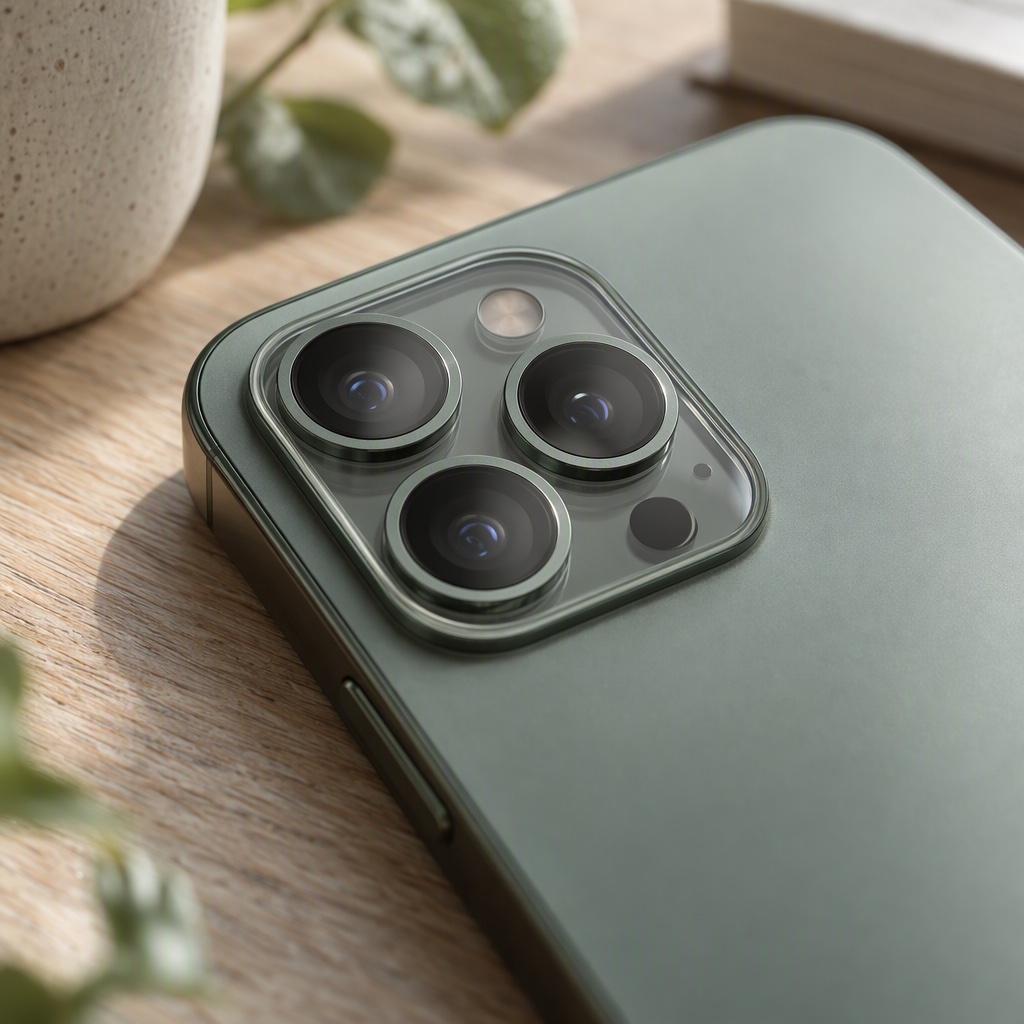
Sharp photos of a moving pet come down to three things: light, stability, and timing. You cannot slow a wagging tail, but you can set your phone up so that motion blur becomes the exception rather than the rule. The accessories that help most are simple — something that improves your grip, and a stand for the calm moments when the pet settles down. Everything else is technique you can practice this afternoon in your own living room.
- Shoot in bright, even light — near a window or outdoors in open shade — so the phone can use a faster shutter and freeze the motion.
- Hold the phone firmly with a ring or finger grip, and take a short burst of shots instead of pressing once and hoping.
- Tap the screen on the pet’s eyes to lock focus, then pan smoothly to follow the movement.
- Wipe the lens before every session, because a smudged lens turns a sharp photo soft and hazy.
How should you hold the phone for a moving subject?
A ring holder or finger strap gives your fingers somewhere to lock in, which matters when you are panning sideways across a room. Hold the phone with both hands for fast subjects: one hand grips, the other steadies the bottom edge, and your elbows stay tucked against your sides. That braced position removes most of your own movement from the shot, and your own movement is usually what ruins pet photos rather than the pet’s. Then use burst mode while you follow the action — hold the shutter down and let the phone fire several frames in a second, then keep the best one afterwards. If your hands are naturally shaky, kneel on one knee or lean against a wall. Any support you can find lowers the odds of a blurry frame, and practice makes the motion feel ordinary after a few sessions.
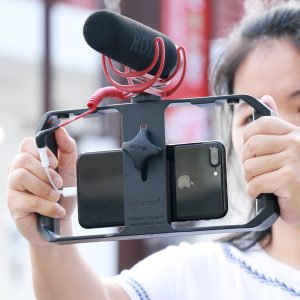
Grips & Ring Holders — holder. Designed for everyday carry and backed by our 30-day happiness guarantee.
Why is light the first thing to fix when photographing pets?
Light decides whether your photo is sharp or smeared indoors. When the scene is bright, the phone automatically uses a faster shutter speed, which freezes motion. When the scene is dim, the phone holds the shutter open longer, and any movement — the pet’s or yours — blurs. That is why the biggest upgrade for pet photos is simply choosing where to stand. Open shade on a bright day is ideal, because even light fills the coat without harsh shadows cutting across the fur. Indoors, set up near the largest window and turn on room lights so you are not relying on one soft source. Skip the flash: it startles most pets, flattens the texture of the coat, and often produces bright reflective eyes that look nothing like the real animal.
What camera habits help most with pets?
You do not need a manual mode to get good pet photos. Tap and hold on the animal until the focus locks — many phones show an indicator once the exposure is locked too — so the picture does not jump when the background changes. Keep digital zoom switched off: cropping the photo afterwards looks better than the phone’s live zoom, which is softer and noisier. Use the main rear camera rather than a specialty low-light mode, which often works more slowly and suits still scenes better than moving ones. Automatic HDR can struggle with movement, sometimes blending the pet in two places at once. A reliable fallback is recording a short video and pulling a sharp still frame from the footage later, which works surprisingly often for fast action.
When is a tripod or stand worth using for pet photos?
The moment the pet goes still — a nap, a yawn, a long investigating sniff — a stand earns its keep. Set it up low, at the pet’s eye level, which is far more flattering than shooting down at them from standing height. A compact desktop stand works on a shelf or a low table. A tall selfie-stick style tripod lets you frame a full-length portrait of a big dog without bending over, and it holds the phone perfectly still for the slightly longer exposures that dim rooms demand. It also keeps the phone off the floor, where an enthusiastic tail can knock it over mid-session. For posed shots and eye-level angles, the stand is what turns a casual snapshot into a portrait you would actually frame and hang.

Mounts & Stands — holder. Designed for everyday carry and backed by our 30-day happiness guarantee.
How do you catch a pet mid-action without blur?
Predict the arc. Dogs tend to run the same lap, and cats pounce from the same corner of the couch, so watch for two laps, then start the burst just before the peak of the third. Start early and hold through the action — the best frame is usually one or two after you think you have it. Pan with the subject in one smooth, continuous motion rather than stabbing at the shutter, and follow through after you think the shot is finished. Frame looser than feels natural so there is room for the movement, then crop tighter afterwards if you want a tighter composition. And remember that most pet action repeats itself: if you miss the perfect jump, it will come around again in another minute or two.
Which accessories actually make a difference?
Three accessories earn their place in a pet-photo kit. First, a grip — a ring or finger holder that steadies your one-handed hold and doubles as a stand for quick portraits. Second, a stand or tripod for the calm, posed moments and for the eye-level angles that make animals look their best. Third, a lens cleaning cloth, because pet photography happens very close to noses and paws, and a single print across the glass shows up in every shot you take. A case with a raised camera lip is worth having too, so a knocked-over phone in the excitement still lands safely on its corners. For technique that carries over to everything you shoot, read how to take better photos with your phone and phone tripods: a beginner’s guide.
Frequently asked questions
- Can you take sharp pet photos at night? You can try, but the results will be softer, because indoor light is usually too dim for a fast shutter. Move the pet into a lit room, steady the phone against a stand, and expect a moodier, slightly grainy image rather than a crisp one.
- Do pets react to the shutter sound? Some do, especially to rapid bursts. If your pet flinches, work from farther away, silence the shutter where your phone allows it, or shoot while they are busy with a toy or a meal.
- Is burst mode a waste of storage? It fills storage quickly, but it is also the cheapest way to catch one perfect frame out of twenty. Cull the duds right after the session and you will keep only the keepers worth keeping.
- Why are my photos blurry even with a steady hand? It is almost always the light. Move closer to a window, add a room lamp, or shoot outdoors in open shade before you blame your own technique or the phone.
- Does a scratched lens ruin pet photos? Scratches scatter light and show up as haze, especially against bright fur. A replacement lens protector keeps the glass clearer for longer and is one of the cheapest upgrades you can make.


