
A phone tripod is the difference between watchable cooking footage and a wobbly, half-cropped clip. It holds the camera still at a height you choose, keeps your hands free for chopping and stirring, and lets you lock off a shot and walk into frame. In a kitchen the problems are specific — steam, grease, heat, and a worktop that is already covered — so a little planning about position and cleaning goes a long way.
- Put the camera above the counter, angled down, so hands and pan stay visible.
- A tripod frees both hands and keeps the framing identical shot to shot.
- Keep the phone out of the steam and away from splattering oil.
- Wipe the lens and the case before you start, not after the third take.
What makes cooking videos different from other phone filming?
Almost everything is happening horizontally. Food sits on a counter, hands move across it, and the interesting action is close to a surface, which is exactly the angle a phone held at chest height cannot see. There is also steam rising, oil spitting, and a constant risk of getting the phone dirty. Add the fact that you are working with both hands and often with wet or floured fingers, and you have a situation where you cannot also hold a camera. A tripod solves the framing and the hands problem in one move, and it lets you repeat the same angle across several steps so the final edit does not jump around. Our beginner’s guide to phone tripods covers the gear side in more depth. A weighted base or a short tabletop model works better than a tall travel tripod on a kitchen counter, because it cannot topple.

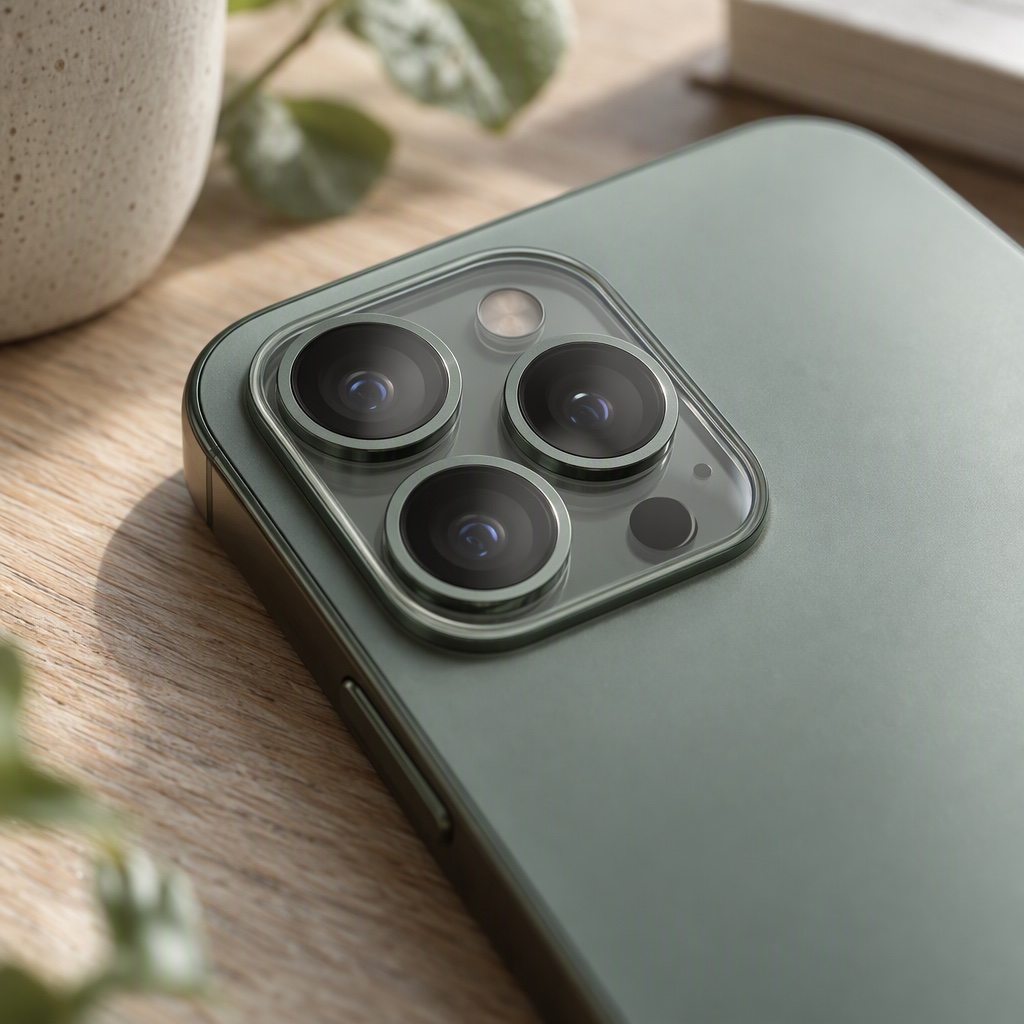
Mounts & Stands — holder. Designed for everyday carry and backed by our 30-day happiness guarantee.
What tripod height do you need in a kitchen?
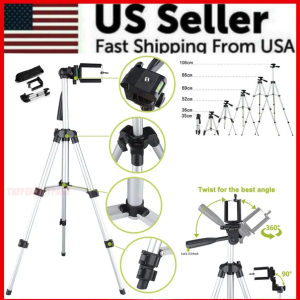
You want the camera above the work, looking down. Standing a tripod beside the counter and extending it so the lens sits roughly thirty to fifty centimetres above the worktop gives a clear view of the board, the pan, and your hands. A floor-standing tripod is ideal because it takes up no counter space, which in most kitchens is the scarcest resource there is. A selfie-stick style tripod that extends high and collapses small is a practical compromise, since it stores in a drawer between shoots. If you also film at table height, look for something that goes low as well as high, because a top-down dinner shot needs a completely different position from a chopping shot. For a general overview of the options, our guide to phone tripods for beginners covers the same ideas without the kitchen specifics. Make sure the clamp grips the case, not the bare phone, because food handling means you will be wiping the phone down constantly.
Where should you position the phone relative to the counter?
Directly over the action, angled down at about forty-five degrees, is the workhorse shot for most cooking videos. It shows the pan, the food, and your hands at the same time, and it does not distort faces or hands the way a very low angle does. Set the tripod to one side rather than directly in front of you, so you are not reaching across the lens to stir. Leave enough room that your arm can move freely without hitting the tripod, and check the frame while standing in your normal working position, not while crouching down. A second, tighter angle from over your shoulder is useful for detail shots, but one well-chosen wide position will carry most of the video. Position the tripod so the light from a window falls across the work surface rather than straight into the lens.
Screen & Lens Protection — camera lens. Designed for everyday carry and backed by our 30-day happiness guarantee.
How do you protect the phone from steam, grease, and splatter?
Steam fogs a lens within seconds, and oil settles as a film that smears every frame after it arrives. Keep the phone out of the direct path of rising steam, which usually means slightly to the side and above rather than squarely over the pot. Give yourself enough distance that spitting oil does not reach the lens, and if you must film a hot pan closely, pause the shot and step back rather than pushing through. A case without a raised lip around the camera is easier to wipe clean, though you lose some protection, so many people keep an old case purely for filming days. Keep a cloth beside the tripod and wipe the lens and the case before each take rather than discovering the problem in the edit. Lock the head firmly before you start, since a slow drift over a five-minute recipe video is very obvious when you play it back.
How do you keep your hands in frame without blocking the lens?
Think about where your body goes. If the camera is directly over the board, your head and shoulders will block it whenever you lean in, so pull the tripod back and raise it until the whole workspace plus a margin for your hands is visible. Frame slightly wider than you think you need; it is far easier to crop later than to fix a shot where your elbow leaves the top of the frame. Practise the movement once before you hit record, moving through the chop and the stir at the speed you will actually use. If you film alone, use a voice command or a timer so you are not walking back to the phone to stop recording, and consider a remote shutter if you record a lot. Wipe the clamp after every session, because a film of cooking oil on the pads is what eventually lets the phone slip.
What about sound while filming in a kitchen?
Kitchens are loud: extractor fans, taps, sizzling pans, and hard surfaces that bounce sound around. The sizzle is part of the appeal, but a fan running constantly will drown out your voice, so turn it off while you record if you can. Move the tripod away from the tap and the hob, and try to keep a soft surface, such as a curtain or a rug, somewhere in the room if the echo is bad. Film a few seconds of clean room sound at the start so you have it for the edit, and speak clearly toward the phone rather than down at the board. If you plan to do a lot of cooking videos, a small clip-on microphone is a more useful upgrade than a better camera, and general tips from taking better photos with your phone still apply to lighting and framing.
Frequently asked questions
- Can I use a phone tripod over a hot stove? Keep the phone well clear of heat and steam. A tripod beside the worktop is safer than one directly over a hob, and no phone tripod is built to sit in a jet of steam for twenty minutes.
- How do I stop the lens fogging up?Give the phone a minute to warm to room temperature if it has come in cold, keep it out of the direct steam path, and wipe the lens with a dry cloth before each take rather than mid-shot.
- Do I need a stabilizer or gimbal as well? No. A gimbal is for moving shots, and cooking videos are mostly locked-off overhead angles. A tripod is the right tool and a gimbal is extra weight and extra setup for no benefit here.
- What is the easiest way to start and stop recording without touching the phone? A timer or a voice command works well, and a simple remote shutter is inexpensive and reliable. Either way you avoid a wobble at the start and end of every clip.
- Should I film vertically or horizontally? Horizontal is the safer default because it suits most platforms and gives you room to crop. Vertical works if you are shooting specifically for a phone-first audience, but decide before you set the tripod rather than after.


