
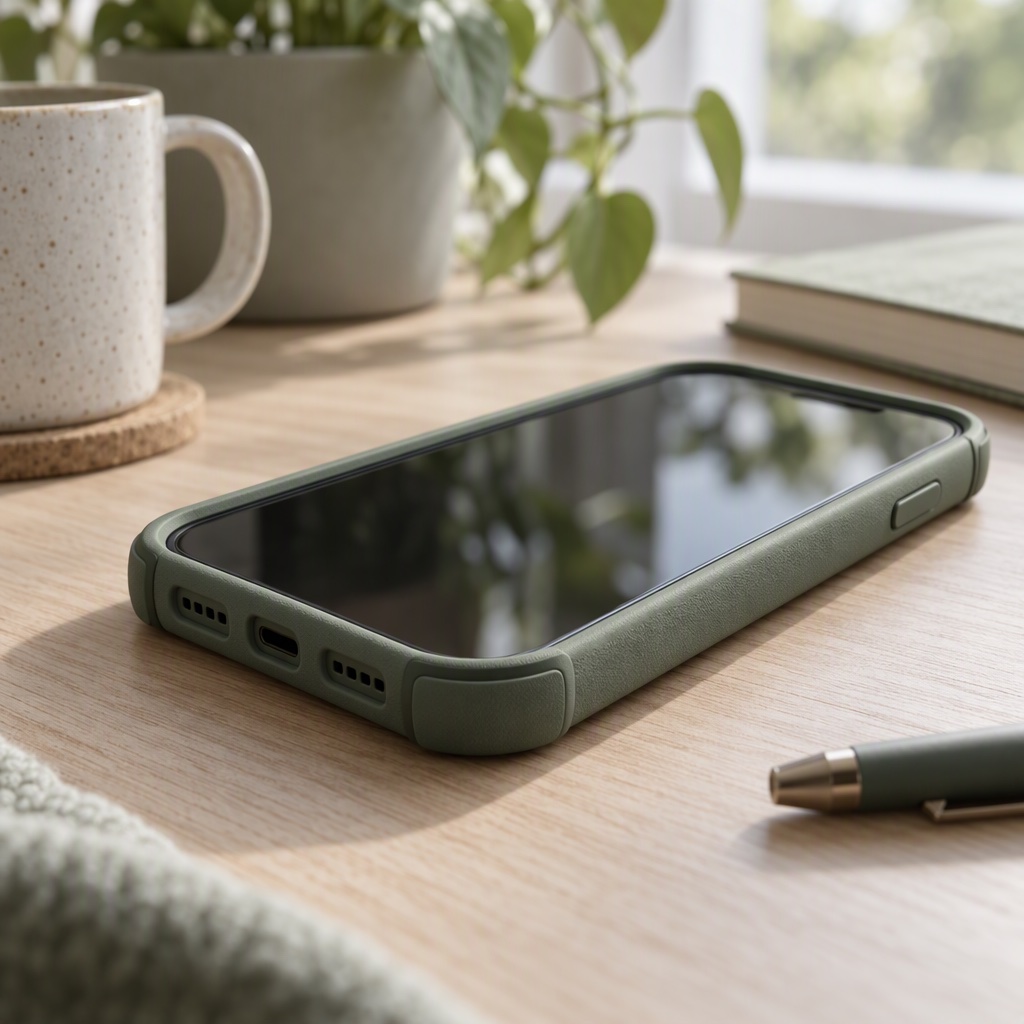
You cannot fully test a screen protector until it is on the phone, but you can check almost everything before you peel anything. Confirm the exact model, compare the cutouts to your phone, and think carefully about your case — because the case, not the protector, causes most fit problems. Buy from a store with a returns policy so a wrong fit is fixable, and follow the same checks every time and fit becomes predictable.
- Match the exact phone model, not just the screen size or the year.
- Decide between full coverage and a flat panel before ordering; they fit differently.
- Check the case: tight lips can lift the protector’s edges.
- Line up the speaker, camera, and button cutouts before you stick it down.
What should I check before ordering?
Four things, in order. First, the exact model number from your phone’s settings, not the name you remember from the shop. Second, the coverage type: a full-coverage protector wraps the curved edges of the glass, while a flat panel stops short of them — they are not interchangeable, and the wrong choice usually means lifting edges. Third, the thickness, which matters if your case has a raised lip. Fourth, whether the listing mentions case compatibility at all, because a listing that ignores it is usually guessing. Ordering the wrong one is also a two-week delay in most cases, because standard shipping takes ten to twenty business days. If you are still weighing the options, our screen protector buying guide compares glass, film, and hybrid types. Check that the cutout for the speaker and the microphone lines up, because a misaligned hole muffles calls more than you would expect.
How do I confirm my screen size and shape?
The model number tells you everything, which is why it beats measuring. Two phones with the same diagonal size can have different corner radii, different speaker grille positions, and different camera layouts, and a protector cut for the wrong one will look almost right until you try to align it. If you only have the phone in front of you, check the settings for the model information, or look at the original box or a receipt. Measuring the diagonal with a ruler is a decent cross-check but not precise enough on its own, because corner shape and cutout placement are what actually decide the fit. Hold the protector up to a bright light and confirm there are no creases, because a fold will trap air and cannot be smoothed out.
Why does my case lift the edge of the protector?
Because the case is stronger than the adhesive. A case with a raised lip runs slightly over the edge of the screen, and every time you flex or remove the case, that lip pushes against the protector’s edge until the adhesive gives up and a corner lifts. The usual fixes are choosing a thinner protector, choosing a case with a shallower lip, or choosing a case that lists protector compatibility. Full-coverage protectors help here, because their adhesive reaches further around the curve and resists the sideways push better than a flat panel does. Our guide to choosing a screen protector for a case goes through the pairings in detail. A protector that is a fraction too large will lift at one corner and collect dust underneath, which is the most common early failure.
Which cutouts should I compare?
Hold the protector against the phone in good light and check four things before removing any backing. The speaker grille at the top must line up with the actual speaker, not just look close. The front camera cutout must sit exactly over the lens, or your photos will develop a soft corner. Any sensor dots near the earpiece must match, because a covered proximity sensor means the screen stays on during calls. And button cutouts, if the design has them, should match the physical buttons without needing force. If two of those four are off, the protector is for a different model, whatever the listing said. Measure the existing protector before removing it if you are unsure, and note which orientation the notch sits in.
Can I test it without committing?
Yes, and you should. Once the screen is perfectly clean and dust-free, lay the protector on without peeling the backing fully, and check the alignment against those four cutouts. You can lift and reposition a protector once or twice before the adhesive grabs, so use that window deliberately rather than rushing. The hinge method helps: tape one edge down, lift the rest like a lid, peel the backing off, then lower it slowly and squeegee out bubbles from the centre outward. You only get one clean reposition, so use that window deliberately rather than rushing. If you buy a pack, open one and test the fit before you need it, rather than discovering the problem on the night you are installing it.
What if it turns out to be the wrong fit?
Most fit mistakes are fixable if you notice them in the first hour. A protector that has only just been applied can usually be lifted and re-seated once, and dust under it can sometimes be teased out with a piece of tape. Beyond that, a protector that lifts at an edge within days is telling you it is the wrong product for your case, and no amount of pressing will fix it. Keep the packaging, check the returns window, and swap it rather than living with a lifting corner that will collect pocket lint for months.
Frequently asked questions
- Will a protector listed for a similar model work? Rarely as well as you hope. Corner radius and camera cutouts differ between models, and a nearly-right protector usually lifts at the edges within weeks. Match the model exactly and the problem disappears. Sellers who list compatibility with twenty phones are usually describing none of them well.
- Are glass protectors thicker than film? Generally yes, and that thickness matters under a case with a raised lip. If yours lifts, either a thinner film or a case designed with protectors in mind is the fix — switching brands rarely is. Measure the lip on your case with a ruler before ordering glass.
- Do privacy filters fit differently? They are usually thicker and darker, which makes case compatibility more likely to be a problem. Check the case lip and any listing notes about case compatibility more carefully than you would for a standard protector, and remember they darken the screen, which matters at night.
- Can I put a protector on a cracked screen? It can stop cracks spreading and keep glass splinters off your fingers, which makes it a reasonable stopgap. Expect the surface to look uneven, and treat it as a temporary measure before a proper repair. If the glass is loose, a snug case matters more than the protector.
- How do I know if it is aligned before it sticks? Lay it on dry in a bright room and line up the speaker, camera, and sensor cutouts with the phone face-up in front of you. You get one clean reposition, so check carefully before you commit. If you are unsure, a photo of the protector lined up on the phone is easy to check with the seller.


