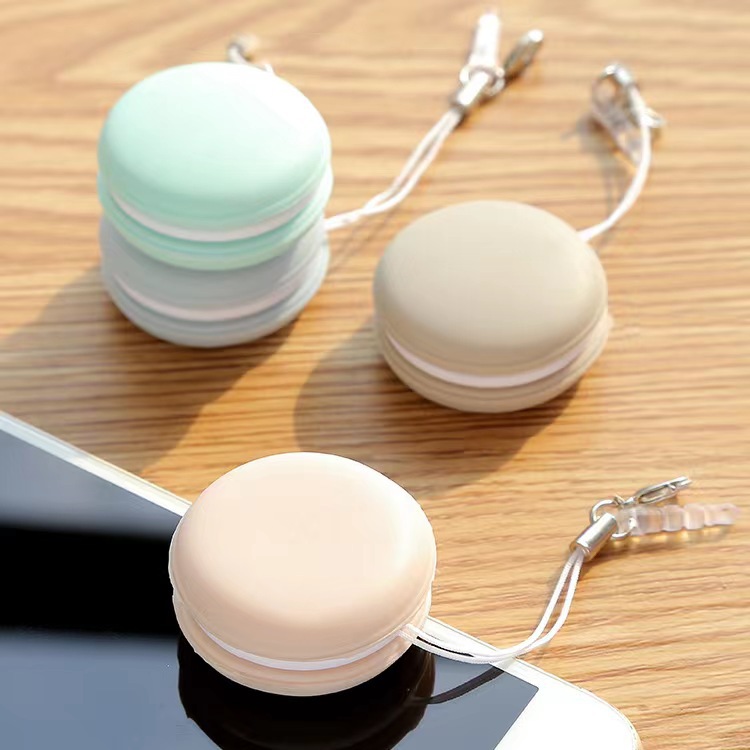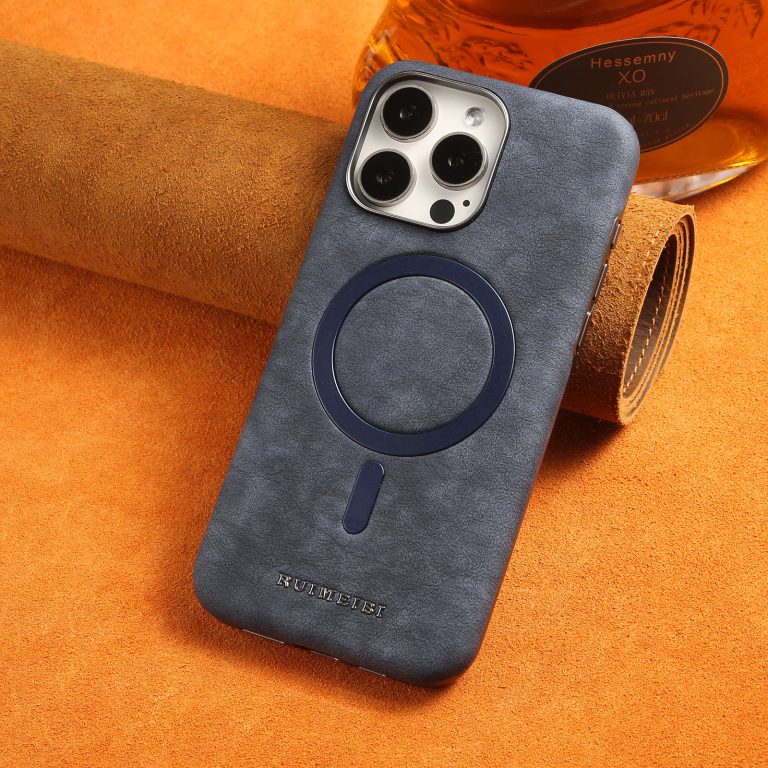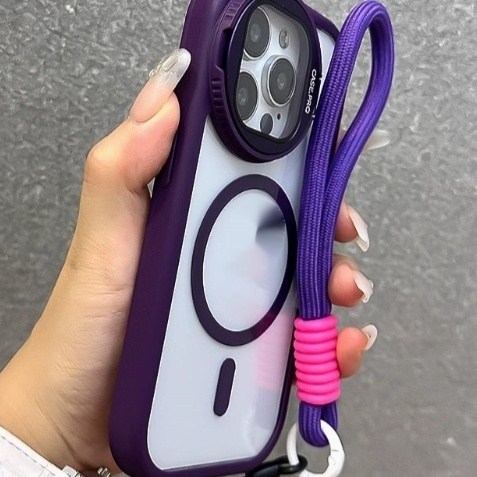

A large phone is comfortable to hold when your hand is relaxed rather than gripping hard. Support the phone from below with your fingers, keep it close to your body, and let your thumb work across the lower half of the screen instead of stretching to the top. A case with some grip, plus a strap or a ring, and a slightly lighter setup all reduce the effort. If your hand aches after a few minutes, the grip is the problem, not the size of the phone. Changing how you hold it fixes more than changing what you hold.
- Support the phone from underneath with your fingers and let your palm carry most of the weight.
- Hold the phone closer to your body so your arm and hand do less work.
- Add grip with a textured case, a strap or a ring rather than squeezing the phone harder.
- Swap hands, put the phone down between tasks and take breaks during long sessions.
Why does a large phone hurt your hand?
Two things cause the ache. The first is leverage: the further the phone’s weight sits from your grip, the more force your fingers need to stop it tipping forward. The second is static load: holding anything at a fixed angle for minutes at a time tires the small muscles in your hand and forearm, even if it is not heavy. Smooth glass backs and glossy cases make it worse because there is almost no friction, so you compensate by gripping harder. Thick cases add weight at the worst place, out at the far end of the lever. The result is a hand that aches and a phone that gets dropped. Both problems shrink when the phone sits closer to your palm. Neither one is caused by the phone being too big for your hand.

What is the correct grip for a large phone?
Hold the phone along your fingers rather than pinching its sides. The bottom edge rests in the crook of your little finger, your middle and ring fingers spread across the back for support, and your palm takes most of the weight. Your thumb stays free to move across the screen. Keep your wrist straight rather than bent back, because a bent wrist reduces how much force you can apply. Bring the phone closer to your chest when you can, and use your other hand for anything that needs precision. Rest the phone on a surface when you are reading for a long time. The strongest grip is the one that needs the least force. Check your grip every few minutes and loosen it whenever you notice you are clamping.
How does a grip or strap change how you hold it?
A grip or a strap changes the job your fingers are doing. Instead of clamping the phone to stop it sliding, your fingers hook through a loop and simply hold. That lets your hand relax while the phone stays secure. A ring or a pop-out grip is the simplest version and works well for one-handed scrolling. A strap that runs across the back of the case is better for photography, because it stops the phone tipping forward when you hold it out. A finger loop on the back is light and barely adds thickness. The trade-offs are bulk and, for pop-out grips, interference with wireless charging. Check that whatever you fit does not cover the camera. A grip that sits low on the case keeps the top of the phone light in your hand.
Does a case make a large phone easier or harder to hold?
It cuts both ways. A case adds grip, which helps, and it adds weight and width, which hurts. A slim case with a textured or matte back is usually the best compromise: you get friction against your fingers without much extra mass. A thick, heavy protective case makes a large phone noticeably harder to hold for long periods, even though it survives drops better. Soft silicone grips well but can drag on fabric when you pull the phone out of a pocket. Clear cases are often the smoothest of all. If your hand aches, try a thinner case before you blame the phone. Our guide to stopping a case from yellowing covers keeping a clear case clean and grippy. If the case still slides in your hand, a thin grip strip on the back is enough.
How do you hold a large phone while walking or lying down?
When you walk, hold the phone close to your body with your fingers underneath, and stop before you read or type. Holding a phone out in front of you while moving puts it over hard ground and makes it far more likely to be dropped. When you lie down, prop the phone on a cushion or your chest rather than holding it above your face, because that position loads the wrist and drops phones onto your face. If you read in bed for a long time, use a stand so your hand is free. A screen protector and a good case reduce the cost of the occasional drop, and our screen protector buying guide explains which type suits how you use the phone.
When should you stop and rest your hand?
Stop when your hand starts to feel tired rather than when it hurts. A dull ache, tingling in the fingers or a sore thumb base are all signs that you have been holding the phone in one position for too long. Put the phone down, open and close your hand a few times, and shake out your wrist. Swap hands regularly during long sessions, and use a stand for anything you are reading rather than holding. If discomfort continues after you stop, or you get numbness or tingling that does not settle, see a qualified health professional. No grip technique is worth persistent pain, so treat an ache as a signal rather than something to push through. Rest is the treatment for a tired hand, and it costs nothing.
Frequently asked questions
- Why does my little finger hurt from holding my phone? It is carrying the phone’s weight as a shelf. Move the bottom edge so your palm and other fingers share the load instead. A grip or ring also takes the pressure off it.
- Do pop sockets really help? Yes, for one-handed holding and scrolling. They add bulk and can block wireless charging on some phones and cases. Check the position clears the charging coil.
- Is a heavy case bad for my hand? A heavy case improves drop protection but increases the load, which matters most during long reading or typing sessions. Weigh both before you commit to a thick case.
- Should I use both hands for a large phone? For typing and precision work, yes. Save one-handed use for quick checks and short bursts of scrolling. Both hands also make typing far more accurate.
- Can a phone stand help? Yes. A stand removes the load entirely for reading, video and video calls, so your hand gets a real rest. Keep one on your desk and one beside the bed.