
A muddy walk is one of the best ways to spend a few hours, and one of the worst things to happen to a phone case. Mud is not just dirt; it holds moisture, it packs into seams and openings, and if it dries in place it can be surprisingly hard to shift. Cleaning a case after a muddy walk is not difficult, but it does need the right order of steps. Rinse before you scrub, dry before you reassemble, and check the phone as well as the case. Do it properly and the case will look almost new; rush it and you risk pushing grit into places you cannot reach.
- Take the case off the phone before you clean anything.
- Rinse with water first, then use mild soap on stubborn mud.
- Clean the seams and openings with a soft brush, not a pin.
- Dry everything fully before putting the case back on.
How do you start cleaning a muddy case?
Start by separating the case from the phone, because cleaning while it is still attached lets water and grit reach the phone itself. Set the phone aside somewhere clean and dry while you work on the case. Then rinse the case with lukewarm water rather than wiping it straight away, since a dry wipe drags grit across the surface and can scratch a soft finish. Rinsing also softens dried mud, which makes the rest of the job much easier. If the mud is thick, let the case soak for a few minutes in a bowl of water. Do not use hot water, which can warp thin plastics and loosen adhesive. Once the worst of the mud has washed away, you are ready to deal with the details. Starting gently saves a lot of effort later.
How do you remove mud from ports, buttons, and seams?
These are the places mud likes to hide, and they need a gentle approach. Use a soft brush, such as a clean toothbrush kept for the purpose, to work mud out of the seams and around the button openings. For the charging port and speaker openings, brush dry and lightly, since pushing a pin or a needle inside can damage the contacts and the mesh. If mud has packed in tightly, a little water and a soft brush will usually loosen it. Work the buttons while the case is damp so any trapped grit escapes and the movement does not seize. Rinse again once the mud is out, so the loosened grit washes away rather than settling back in. Take your time here, because the small openings are where mud causes the most trouble and where a rushed clean does the most harm.
What should you never use on a phone case?
Some cleaners do more harm than the mud. Avoid harsh solvents, acetone, bleach, and abrasive pads, all of which can dull a finish, break down a soft-touch coating, or scratch a clear case. Do not use a metal tool to dig mud out of the openings, since it can scratch the case and damage the phone’s contacts if the case is still on. Avoid very hot water, which can warp thin plastics, and never put a case in a dishwasher, where the heat and the detergent will ruin most materials. For leather or fabric cases, skip the soaking and use a barely damp cloth instead, then let them air dry. A mild soap and lukewarm water handle almost every muddy situation, and they are far kinder to the case than anything stronger. Simple is safer here.
How do you dry a case properly?
Drying is the step people rush, and it is the one that matters most. Shake the excess water out of the case, then pat it dry with a soft cloth. Pay extra attention to the seams, the button openings, and any hinge or port cover, since water lingers in exactly those places. Leave the case to air dry in a warm, well-ventilated spot, and give it longer than feels necessary, because a case can feel dry on the outside while moisture remains inside the openings. Do not use a hair dryer or a radiator, since heat can warp the case and loosen adhesives. Before you put the phone back in, check the inside is completely dry. A case that goes back on damp traps moisture against the phone, which is worse than the mud you started with.
How do you clean the phone itself after a muddy walk?
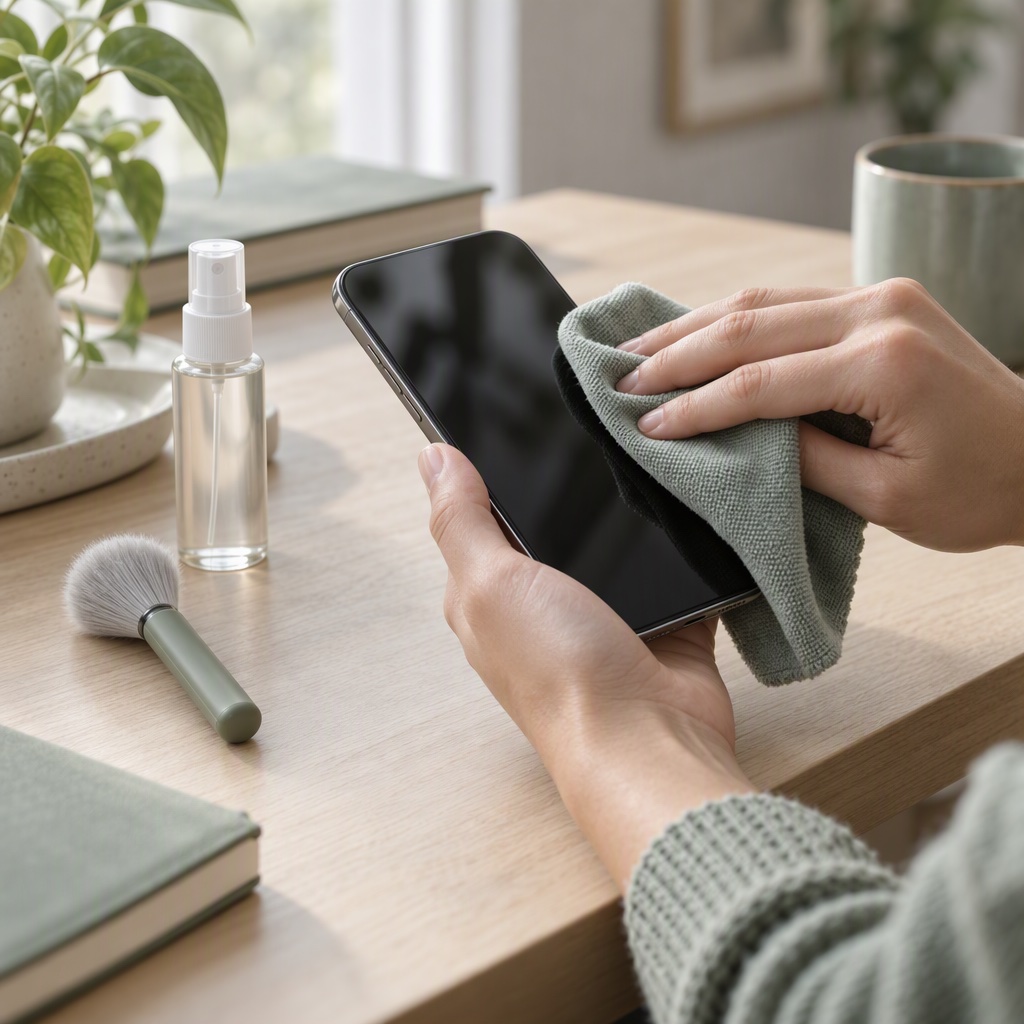
The case protected the phone, but some mud and moisture may still have reached it. Wipe the phone with a soft, slightly damp cloth, and avoid letting water near the charging port, the speaker, or the buttons. If mud has reached an opening, brush it out gently while dry rather than flushing it with water. Clean the screen with a cloth made for the job, since a paper towel can leave fibers and a rough cloth can scratch a coating. Do not use compressed air on the phone, because it can push moisture and grit further in. If the phone got properly wet, keep it switched off and let it dry before you charge it. For more, see our guide to cleaning your phone’s charging port. Take care of the phone as well as the case, and both will last longer.
How do you keep a case clean on future walks?
A little prevention saves a lot of cleaning. Keep the phone in a zipped pocket or a pouch rather than an open one, so mud and grit have less chance to reach it. A case with covered ports keeps the worst of the muck out of the openings, and a finish that wipes clean makes the after-walk job much quicker. If you walk often, clean the case after every muddy outing rather than letting mud dry in place, since dried mud is harder to remove and can stain. Keep a small cloth in your bag for quick wipes on the way home. Choose a case you can rinse without worrying, and the routine becomes a two-minute job. For the full routine, our guide to cleaning a phone case properly is a useful reference.
Frequently asked questions
- Can I wash a phone case with soap? Yes, mild soap and lukewarm water are safe for most cases. Rinse well and dry fully before putting the phone back in.
- How do I get mud out of the charging port opening? Brush it out gently while dry, or loosen it with a little water and a soft brush. Never use a pin or a metal tool.
- Can I put a case in the dishwasher? No. The heat and detergent will warp or damage most cases. Wash it by hand instead.
- How long should a case dry? Longer than it feels like it needs. Air dry it in a ventilated spot and check the openings are dry inside.
- What if my phone got wet too? Keep it switched off, dry the outside, and let it air dry before charging. Avoid heat and do not use rice.


