
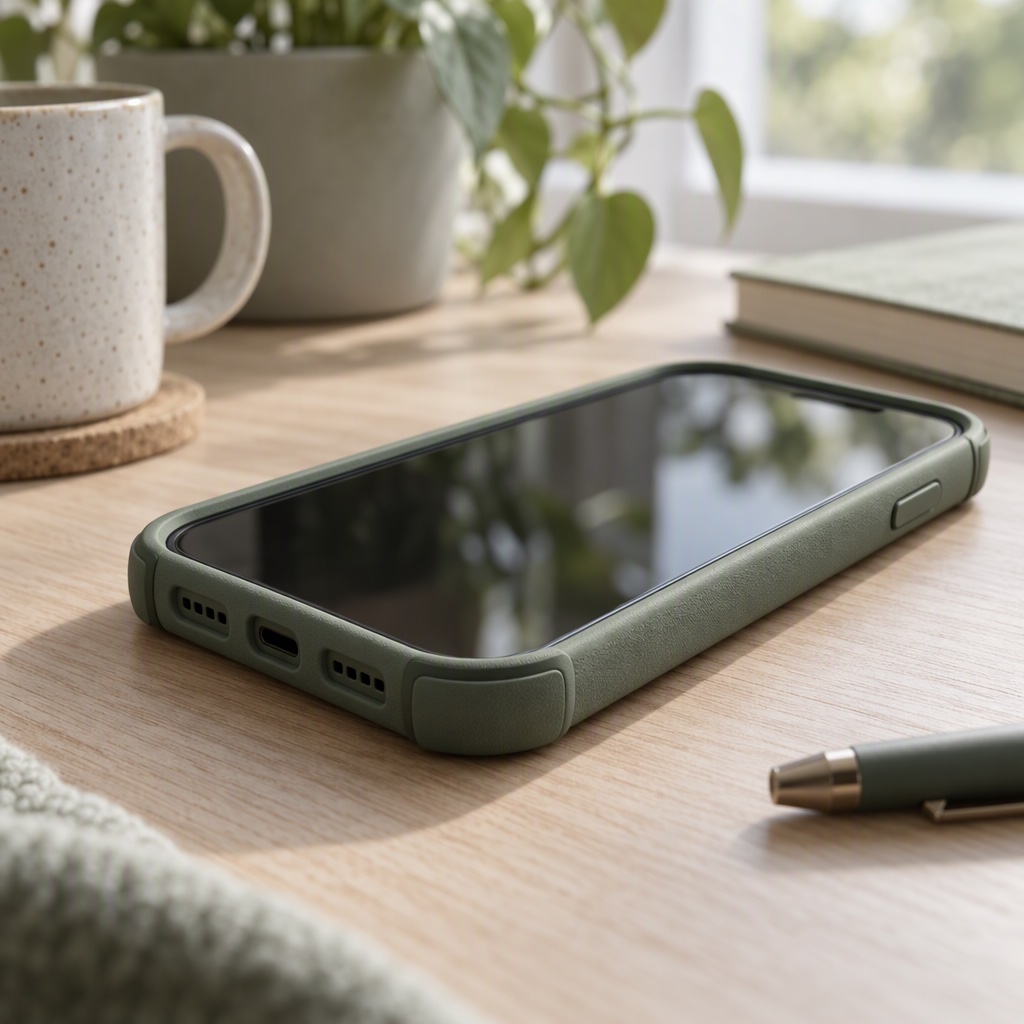
A phone left in the wrong place on a hot day can slow down, dim its screen, or switch itself off until it cools. Most of the problem is not the weather itself but where the phone sits while you are not using it: on a dashboard, under a towel, or in a zipped bag with no airflow. Keeping a phone comfortable in peak heat is mostly about shade, moving air, and giving it a break from charging. None of that needs special equipment, just a little planning for the hours when the sun is strongest.
- Shade and moving air matter more than any accessory you can buy.
- Never leave a phone on a dashboard, a windowsill, or a sunlit car seat.
- A closed bag or a tight pocket traps heat; a loose outer pocket is better.
- If the phone warns you that it is hot, stop charging it and let it cool in the shade.
Why does a hot day put a phone at risk?
A phone is built to work within a comfortable temperature band, and a hot day pushes it toward the top of that band before you have even opened an app. Sunlight adds heat through the glass and the case, while a processor running navigation, video, or a game adds heat from the inside. When the two stack up, the phone protects itself by slowing the processor, dimming the screen, or pausing charging. That is why a phone in direct sun can feel sluggish even when nothing demanding is running. The risk is not only about damage in the moment; heat is harder on a battery over time, and repeated exposure to very high temperatures wears a battery down faster than a single hot afternoon. Treat a hot day as a day to be a little more careful about where the phone rests.
iPhone Cases — case. Designed for everyday carry and backed by our 30-day happiness guarantee.
Where should you put a phone when it is not in use?
The best spot is somewhere shaded with air moving past it. A table under an umbrella, a shelf in the shade, or a pocket on the outside of a bag all let heat escape. Avoid anywhere enclosed and unventilated, such as a closed glovebox, a sealed dry bag, or a tight inner pocket pressed against your body. The surface underneath matters too: setting a phone on a dark, heat-absorbing surface such as a metal table or a black car seat transfers warmth straight into the case. If you are outdoors for hours, move the phone out of the sun the way you would move a drink — the spot that is comfortable at ten in the morning can be in full sun by two in the afternoon. A light-colored case reflects more sunlight than a black one, which helps a little; we look at whether a dark case really gets hotter in the sun in a separate piece.
Is a car glovebox or dashboard ever safe?
No. A car interior in summer can be far hotter than the air outside, and a dashboard or a windscreen mount puts the phone in direct sunlight on top of that. A glovebox is shaded but sealed, so heat builds with nowhere to go. The same is true of the gap between a seat and the center console, where hot air collects. If you must leave the phone in the car, put it in the shade of the footwell, out of the sun, and take it with you when you can. A phone used for navigation should be mounted so it is not baking in direct sun, and a vent mount keeps some air moving over the back of the phone. Our guide to keeping a phone from overheating in a car goes through the mounting options in more detail.
What about a bag or pocket on a hot day?
Bags trap heat, and a phone pressed against your body picks up warmth from two directions at once. A small crossbody pouch worn on the outside of your clothes is cooler than a trouser pocket, because air can reach the fabric and the phone is not sandwiched against you. If you carry a backpack, choose an outer pocket rather than the padded laptop section, and do not stack the phone under a water bottle or a jacket. On the beach, keep the phone in a shaded bag rather than on a towel, because sand and fabric both hold heat. If you are walking for a long time, take the phone out occasionally and let it sit in the shade for a few minutes; a short break in the open air does more good than any accessory.
How do you know a phone is getting too warm?
A phone usually tells you before anything goes wrong. It may dim the screen and refuse to brighten, slow down when you switch apps, or show a temperature warning and pause charging. The back of the phone will feel noticeably hot rather than merely warm, and the frame around the camera is often the hottest spot because the processor sits nearby. Camera use is a common trigger: recording video or shooting in bright sun works the chip hard while the phone absorbs heat from the light. If the phone becomes uncomfortable to hold, treat that as your cue. You do not need an app to measure anything, because your hand and the on-screen warning are reliable enough signals that it is time to move the phone into the shade.
What should you do if the phone is already hot?
Stop charging first, because charging adds heat of its own and a warm phone will often pause it anyway. Move the phone into shade with moving air, take it out of the case if the case is thick, and let it sit rather than holding it in front of a fan or an air-conditioning vent, since a sudden blast of cold air can cause condensation inside. Do not put a phone in a fridge or a cooler, and do not rest it on ice. If the screen has gone dark or the phone has shut down, leave it alone until it returns to normal on its own. Once it has cooled, close the apps that were running hot and avoid resuming heavy use in the same sunny spot.
Frequently asked questions
- Can a case make a phone hotter? A case holds a little warmth in, but the difference is small compared with direct sunlight and heavy use. A thick, dark, or insulated case keeps more heat than a thin one, so removing the case is a reasonable step when a phone is already warm.
- Is it safe to charge a phone in the shade on a hot day? Yes, as long as the phone is not already hot. Charging generates heat, so if the phone is warm to the touch, let it cool first and then charge it in the shade with the case off. Wireless charging runs warmer than a cable.
- Does a phone need to be turned off in extreme heat? You rarely need to switch it off completely. Closing demanding apps, dimming the screen, and moving it out of the sun is usually enough. Turning it off is a sensible last step if it keeps warning you.
- Will heat damage a phone permanently? Short exposure usually just triggers slowdowns that reverse once the phone cools. Repeated exposure to high heat is harder on battery capacity over time, which is why shade and airflow matter even on days when nothing seems wrong.
- Should I keep a phone out of a beach bag? A beach bag in full sun gets hot, especially if it is dark and zipped. Choose a shaded spot under an umbrella, leave the bag open for airflow, and keep the phone out from under towels or wet gear.


