
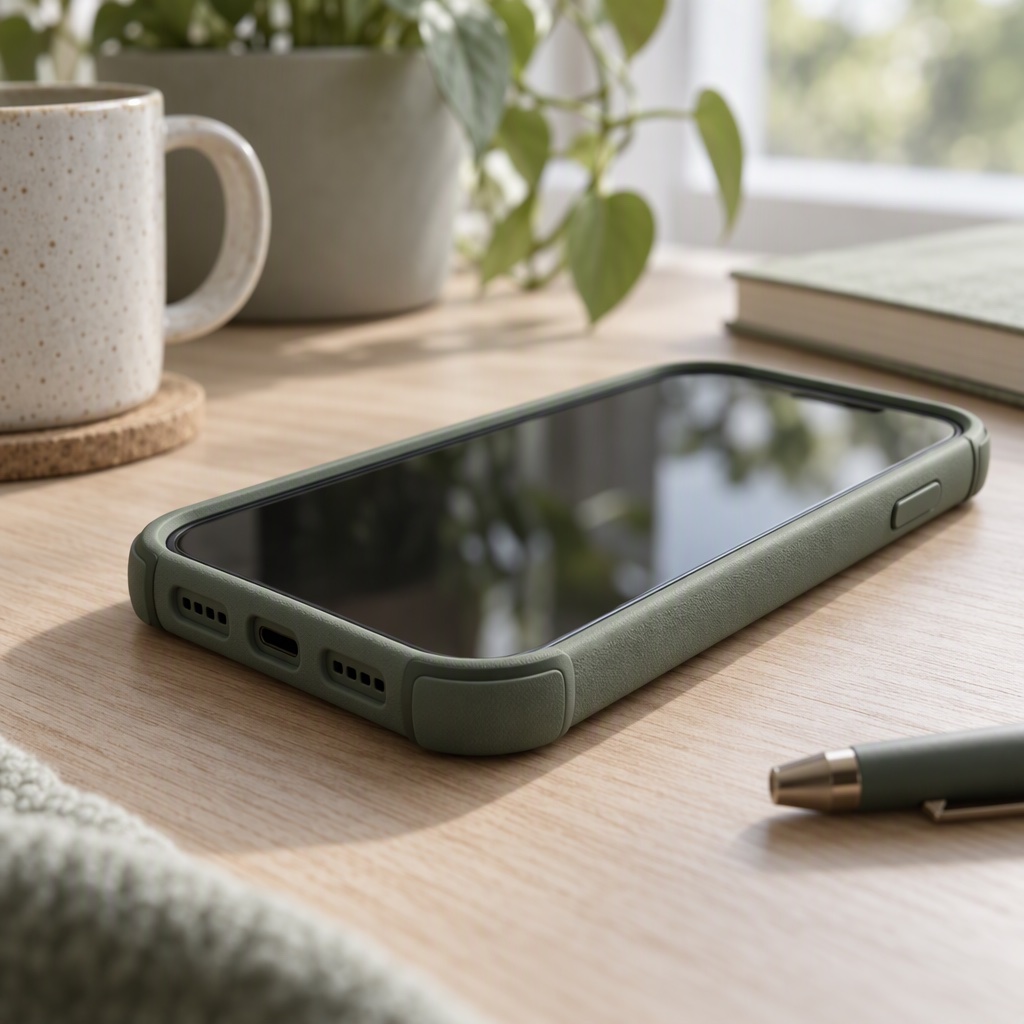
A good screen protector should not noticeably affect touch sensitivity, and most people never feel a difference. The glass or film sits directly on the screen and passes your touch through to the digitizer underneath, which is designed to work through a thin layer. Where problems do appear, they usually come from a cheap or very thick protector, a poor fit, or trapped air and dust rather than from the idea of a protector itself. So the honest answer is that a well-made, correctly fitted protector is transparent to touch in practice, while a poorly chosen or badly installed one can make the screen feel sluggish or unresponsive, and the difference between the two is usually the product and the fit rather than the idea of a protector at all.
- A well-made protector should not noticeably change touch response.
- Thick or cheap protectors are more likely to feel less responsive.
- Trapped air, dust, or a poor fit cause most touch problems.
- If touch feels off, check the fit before blaming the protector itself.
Do screen protectors reduce touch sensitivity?
In normal use, no. A phone’s touchscreen is built to work through the thin layer a protector adds, so a good protector passes your input through without a noticeable delay. The technology does not care whether the glass it senses through is the phone’s own or a protector sitting on top, as long as the layer is thin and consistent. Problems arise when something interrupts that consistency, such as a protector that is much thicker than usual, an uneven surface, or air trapped underneath. In those cases, the touch may feel less accurate or require a firmer press. The takeaway is that touch sensitivity is rarely lost to a protector in general, but it can be lost to a specific bad one. Choose a well-made protector and fit it cleanly, and the screen should feel the same as before, which is exactly what most people find in practice.
Why do some protectors feel less responsive?
A few factors make a protector feel less responsive. Thicker material adds more distance between your finger and the digitizer, which can dull the response. Cheap protectors may use inconsistent material or an uneven adhesive layer, so the surface is not uniform. A protector with a rough or heavily textured finish can also make swipes feel less smooth. Then there is fit: a protector that does not sit flat, or that has air or dust trapped beneath it, can create dead spots where touch does not register well. If you want to understand how material and construction affect this, our article on what a screen protector is made of explains the layers. In most cases, the culprit is the specific protector rather than the concept, which is why swapping a cheap protector for a better one often solves the problem completely.
Does thickness matter for touch?
Thickness matters somewhat. A protector that is thin and consistent lets touch pass through with little effect, while a very thick one adds more material between finger and sensor and can soften the response. This is one reason tempered glass protectors are made in thin sheets rather than chunky slabs. The type of material also plays a part: some films are thinner and more flexible than glass, though they may protect less against impact. There is a trade-off between protection and a near-invisible feel, and the best choice is usually a thin protector from a maker who cares about consistency. In practice, the difference between a reasonable protector and a very thick one is small, but it can be noticeable if you are sensitive to how the screen responds, so it is worth choosing carefully rather than grabbing the first one you see.
Can a poorly fitted protector affect touch?
Yes, and fit is one of the most overlooked causes of touch trouble. If a protector is not aligned properly, its edges may sit over parts of the active screen area, or a bubble may form over a spot you tap often. Trapped dust under the surface can create a raised point that interferes with touch. On a folding phone, the protector has to accommodate the hinge and the flex of the screen, so a protector not made for that design can cause problems along the fold. The good news is that these issues come from installation or the wrong protector, not from protectors as a category, so they are almost always avoidable. A careful fit on a clean screen usually eliminates them, which is why the installation matters as much as the product.
Do screen protectors affect fingerprint or stylus use?
They can, depending on the type. An in-display fingerprint sensor reads through the screen, so a very thick protector or one with an air gap can make it slower or less reliable, though most protectors are designed with this in mind. If fingerprints become unreliable after fitting a protector, a thinner one or a re-fit often restores normal behavior. For stylus use, a smooth protector usually works well, while a heavily textured or matte finish may change how the pen glides and can wear stylus tips faster. Film protectors are sometimes preferred for stylus use because they are thin and smooth. In each case, the protector type matters more than the presence of a protector. Choose one suited to how you use the screen, and these features keep working as expected rather than becoming a daily annoyance.
How do you keep touch response sharp?
Start with a thin, well-made protector and fit it carefully on a clean, dust-free screen so there is no air or grit underneath. Press from the center outward to push out bubbles, and let it settle before heavy use. If touch feels off afterward, check for lifted edges or bubbles before assuming the protector is at fault. Keep the surface clean, since a greasy or dusty layer can make swipes feel uneven. If you use a fingerprint sensor or stylus, choose a protector known to work with them. Our article on how to install a screen protector without bubbles walks through the technique. Standard tracked delivery takes ten to twenty business days, orders over thirty-five dollars ship free, and there is a thirty-day returns window.
Frequently asked questions
- Do screen protectors make touch less sensitive? A good, thin protector should not change touch response noticeably. Problems usually come from thick, cheap, or badly fitted protectors.
- Why does my screen feel less responsive after fitting a protector? Check for trapped air, dust, or lifted edges first. A poor fit is the most common cause, not the protector itself.
- Does protector thickness affect touch? Somewhat. A very thick protector adds more material between finger and sensor, so a thin, consistent one usually feels best.
- Will a protector affect my fingerprint sensor? It can if it is very thick or has an air gap. Most protectors are made to work with in-display sensors, and a thinner one helps if not.
- How long does delivery take? Standard tracked delivery takes ten to twenty business days, and orders over thirty-five dollars ship free with a thirty-day returns window.


