
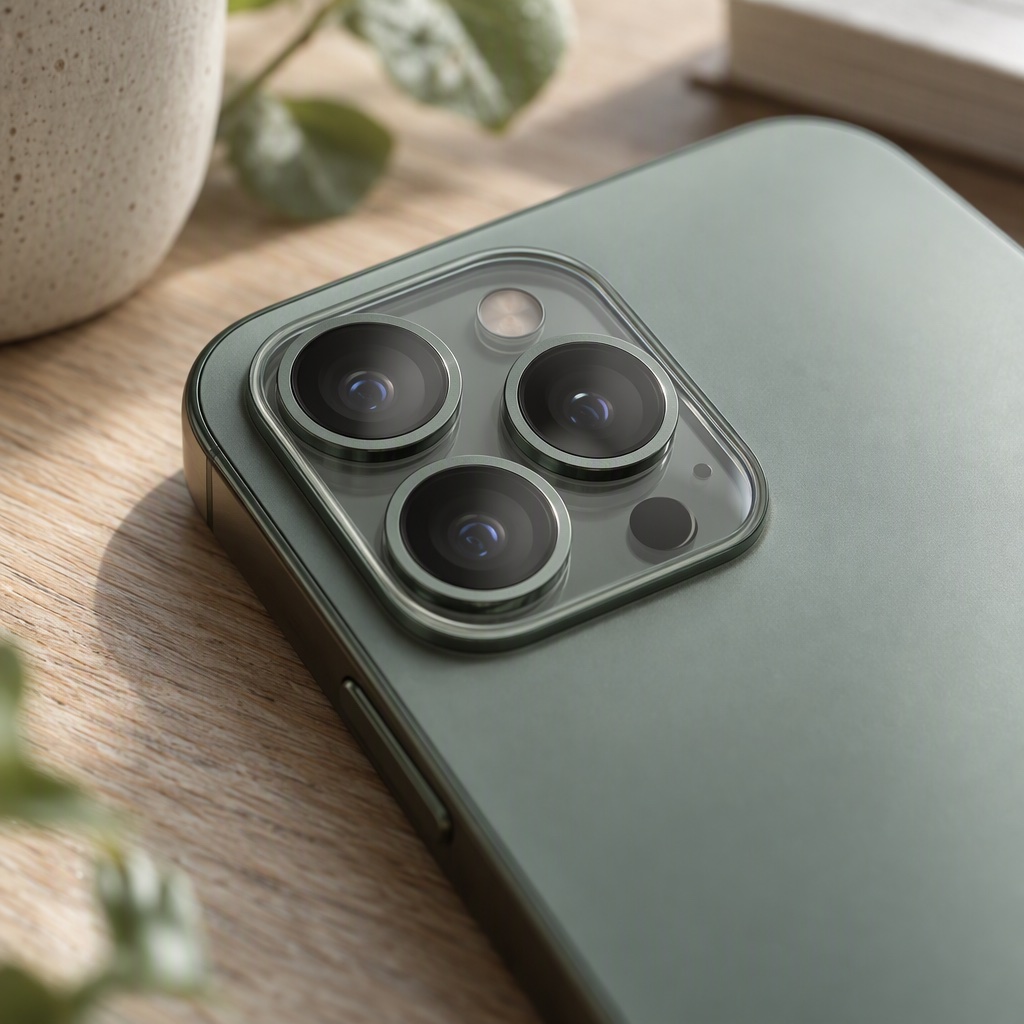
An old phone makes an excellent dedicated camera. It has a decent lens, a big battery and no reason to ring, so it can sit mounted on a tripod, plugged into power, and left recording while your main phone stays in your pocket. The main limits are storage space, battery drain from continuous recording, and the fact that you cannot make calls on it, so plan around those three things and the setup works well.
- Set the phone up in airplane mode with Wi-Fi off so nothing interrupts or drains the battery.
- Leave your SIM out and remove accounts you do not need, so the only job is recording.
- Mount it on a tripod or stand rather than holding it, which is the whole point of a second device.
- Keep it plugged into power for anything longer than a quick shot.
What makes an old phone useful as a camera?
Two or three generations old is the sweet spot: the camera is still capable, the battery holds enough charge for an hour or two of filming, and the loss is affordable if it gets dropped. A newer phone you already own works too, but the real advantage of an old device is that you stop wasting your main phone’s storage and battery on long recordings. Set it up once and it becomes a fixed security angle, a kitchen counter camera for a recipe, a pet-watch cam, or a second angle for a video. The trade-off is that older phones have weaker low-light performance and less storage, and they heat up faster during long recordings. Choose a device whose camera you already like the look of, because you will be living with its colours and noise for a long time.
Screen & Lens Protection — camera lens. Designed for everyday carry and backed by our 30-day happiness guarantee.
How do you set it up without a SIM card?
Start by removing the SIM if you plan to leave the phone at home permanently, and skip adding any accounts you do not strictly need. Put the phone in airplane mode with Wi-Fi switched off, which stops notifications, calls and background syncing from interrupting a recording or draining the battery. Turn on Wi-Fi only when you actually need to move files across, then turn it off again. Update the operating system before you begin, since a half-updated old phone can be unstable during long recordings, and disable automatic app updates so nothing installs mid-shot. If you want to check the camera remotely, a local connection on your home network is the option that works without an account. Signing out of services you are not using also removes the chance of a password prompt appearing over your footage.
Where do the photos and videos go?
Storage is the first thing that will bite you, because video fills an old phone fast and it is easy to lose good footage to a full drive. Move files off the phone after every session, either by cable to a computer or over your local network, and delete the originals once you have confirmed the copy. A phone with a card slot gives you an easy option, since you can shoot straight to the card and swap it when full. Set the recording app to the resolution you actually need rather than the maximum, because a lower setting halves the file size and still looks good on a screen. Turn off any cloud syncing you are not using, since silent uploads eat both storage and battery. A simple habit of clearing the gallery each evening keeps the whole setup predictable.
What accessories help a dedicated camera phone?
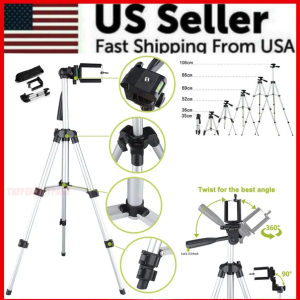
A mount matters most, because a phone propped against a book wobbles and drifts out of frame. A small tripod with a proper phone clamp holds an angle all day and lets you point the lens slightly downward at a work surface. A flexible or gooseneck clamp is useful for wrapping around a shelf or a chair back when there is nowhere flat to stand a tripod. Keep the phone on power for anything longer than twenty minutes, using a long cable that reaches the nearest outlet rather than a power bank on a timer. A compact power bank is the answer where there is no socket, and a lens cloth within reach stops fingerprints spoiling a long take. If you are still deciding what to buy, our guide to phone tripods for beginners covers what to look for.

Mounts & Stands — holder. Designed for everyday carry and backed by our 30-day happiness guarantee.
How do you keep it powered all day?
Continuous camera use drains a battery quickly, and an old battery faster still, so treat mains power as the default rather than the exception. A long cable to a wall outlet solves it permanently, and a cheap cable is fine at low current. Where there is no outlet, a power bank with enough capacity for the session is the alternative; make sure it can deliver power while charging itself if you want to leave it overnight. Heat is the real enemy, because a phone left recording in direct sun on a windowsill will slow down, drop frames and eventually stop to protect itself. Put the phone in the shade, prop it up so air can move behind it, and take it out of its case for long sessions. If you are away from home with it, a power bank plus a slightly lower recording resolution buys you considerably more hours.
What should you check before you rely on it?
Do a full dry run before the day that matters. Record for the length of a real session and check that the storage held, the phone stayed awake, and nothing covered the lens or the microphone. Verify that the mount cannot be knocked loose by a door or a curious pet, and that the cable is out of the way rather than acting as a lever. If the phone will be out of sight, check whether you can glance at it from where you will be, since an unattended camera is only useful if you can check it. Finally, decide what happens to the footage at the end: copy it off, then clear the gallery, so the phone is ready for the next session. A little more on taking better photos with a phone will improve the results from either device.
Frequently asked questions
- Can I use my old phone as a security camera while I am out? Yes, with a local streaming app on your home network, which avoids sending footage anywhere else. Mount it high, keep it on power, and check the angle with the door closed so you know the view is right.
- Does recording video all day damage the phone? Long recordings generate heat, and heat is what ages batteries fastest. Keep the phone shaded, take it out of a thick case, and give it breaks if the surface feels hot to the touch.
- Will the camera quality be good enough? For a fixed angle in decent light, absolutely. In low light, an older phone will look softer and noisier than a current one, so place it where there is a lamp or a window nearby.
- Should I factory reset the old phone first? It is worth doing if you are giving the phone a single permanent job. Wipe it, set it up fresh, add nothing you do not need, and it will run with fewer background processes competing for battery.
- Can I use it as a webcam for my computer instead? Many old phones work well as a webcam with the right app and a cable. Our guide to using a phone as a webcam covers the setup, and a small desk stand keeps the framing steady.


